
Sudoku Games PDF: How to Get Clean Printable Puzzle Sets
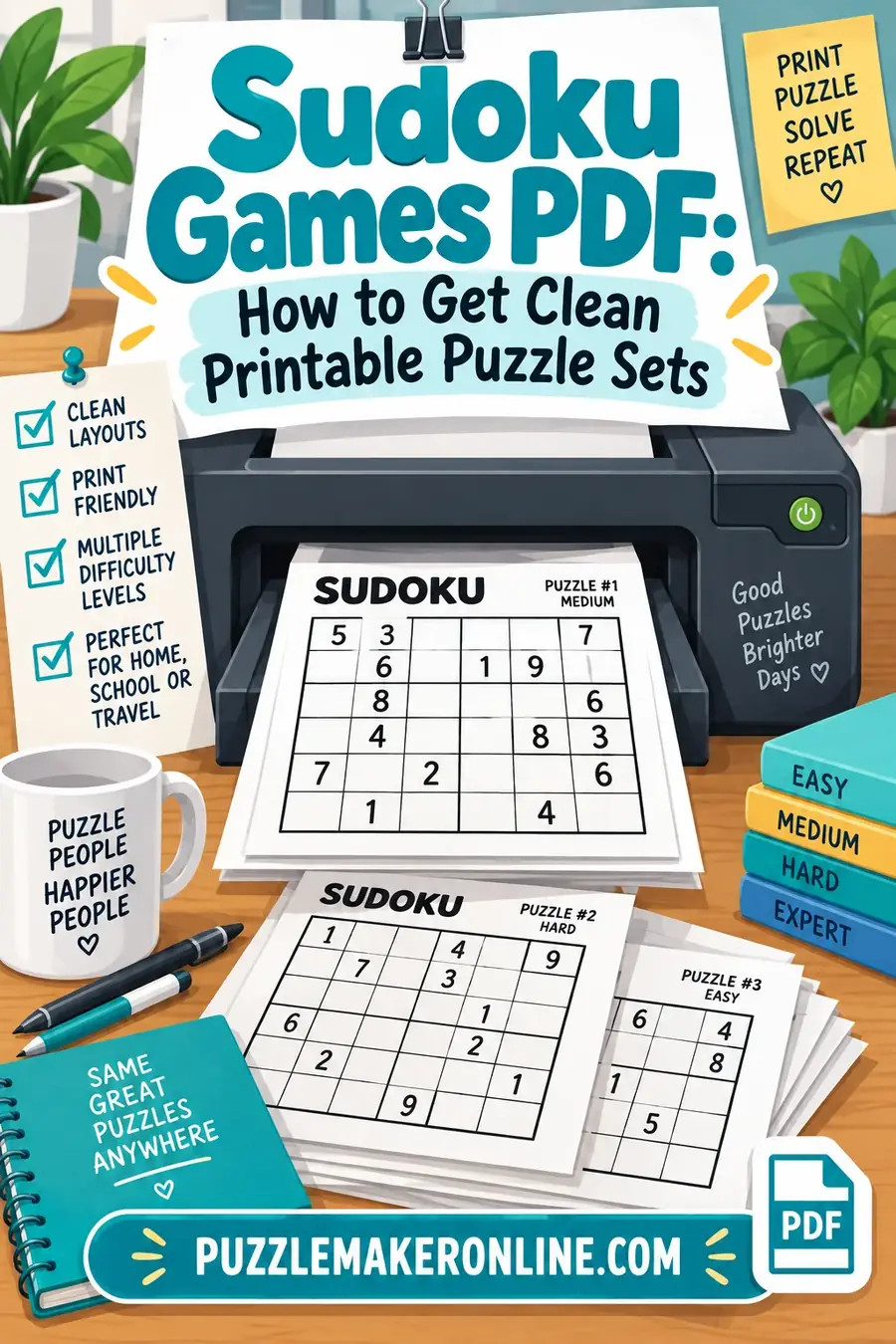
The reason most printable sudoku sheets are frustrating has nothing to do with the puzzles — it's grid size, margins and print settings. A PDF that looks fine on screen routinely comes out with cells too small to write a candidate number in, or a grid cropped at the page edge. Getting a clean printable set is mostly about four decisions made before you hit print.
The Four Things That Decide Print Quality
1. Puzzles per page
This is the biggest single factor, and the trade-off is straightforward:
| Per page | Cell size | Pencil marks | Best for |
|---|---|---|---|
| 1 | Very large | Comfortable | Hard puzzles, older eyes, classroom display |
| 2 | Large | Workable | The usual sweet spot |
| 4 | Small | Cramped | Easy puzzles, saving paper |
| 6+ | Tiny | Not realistic | Reference sheets only |
Two per page is the default worth reaching for. It gives roughly a 3-inch grid, which leaves each cell big enough to fit small candidate numbers in the corners without them becoming unreadable. Four per page works fine if you're printing easy puzzles that won't need marking.
2. Margins and scaling
The most common printing failure is a grid that runs off the edge, and it's almost always caused by the print dialog's scaling setting rather than the PDF itself.
Set scaling to "Actual size" or 100%, not "Fit to page." Fit-to-page re-scales the document to your printer's printable area, which shifts everything slightly and can push a grid border into the non-printable margin. A well-built puzzle PDF already accounts for standard margins.
If you're printing on A4 while the PDF was built for US Letter (or vice versa), that mismatch will also cause cropping — check which one the file uses.
3. Line weight
Grid lines need two weights to be readable: thin lines between cells, heavier lines between the 3x3 boxes. If both are the same weight, the box structure disappears and the puzzle becomes much harder to scan — not because it's a harder puzzle, but because your eye can't group the cells.
If a printed grid looks flat and hard to read, this is usually why.
4. Answer keys
Decide before printing whether you want solutions, and where. Three normal arrangements:
- Answers on a separate final page — the standard for a puzzle booklet
- Answers on the reverse of each sheet — good for classroom use, keeps pairs together
- No answers — fine for casual solving, frustrating for anyone learning
More on getting this right in sudoku printouts with answers.
Printer Settings Worth Checking Once
Print in black and white / grayscale. Sudoku needs no color, and color mode on some printers softens thin black lines.
Turn off "draft" or "economy" mode for the actual puzzle sheets. Draft mode thins the grid lines, which is exactly what you don't want.
Duplex carefully. If you print double-sided, a puzzle on the back of another puzzle is fine — a puzzle on the back of its own answer key is not, since the solution shows through on thin paper.
Paper weight matters more than people expect. Standard 20lb / 80gsm copy paper is fine for pencil, but if solvers press hard or erase repeatedly, 24lb / 90gsm holds up noticeably better.
Building Your Own Set
If you're assembling a booklet rather than printing a single sheet, a few things make it far more usable:
Sort by difficulty, ascending. A booklet that opens with extreme puzzles gets abandoned. Easy through hard in order gives a natural progression.
Number every puzzle. Obvious, and constantly skipped. Without numbers, matching a solved grid to its answer key is guesswork.
Keep one difficulty per section rather than alternating, so a solver can settle into a level.
Print a test page first. One sheet, checked for cropping and line weight, before committing forty pages of paper and ink.
A sudoku puzzle maker that generates print-ready sets handles the grid sizing and line weights for you, and lets you choose difficulty and puzzles per page rather than accepting whatever a random PDF happens to use.
Sizing the Grid Properly
The single most useful number: cell size. Everything else about print quality follows from it.
| Cell size | Grid size | Pencil marks | Suits |
|---|---|---|---|
| Under 0.25 in | Under 2.3 in | Not possible | Reference only |
| 0.3 in | ~2.7 in | Very cramped | Easy puzzles, 4-up |
| 0.4 in | ~3.6 in | Workable | The general default, 2-up |
| 0.5 in | ~4.5 in | Comfortable | Hard puzzles, 1-up |
| 0.7 in+ | ~6.3 in | Very comfortable | Large print, classroom display |
The reason marking needs so much room: a fully pencil-marked cell holds up to nine small digits arranged in a 3x3 pattern inside a single square. At a 0.3-inch cell, each candidate digit is around a tenth of an inch tall — legible in theory, genuinely difficult to read in practice, and impossible to write neatly with anything but a very sharp pencil.
If you know a set will be used for hard puzzles, print one per page. The paper cost is trivial next to the frustration of an unusable grid.
For large-print needs, a single grid filling most of a page gives cells around 0.7 inches, which suits solvers with reduced vision and works well displayed on a wall for group solving.
Why Downloaded PDF Packs Often Disappoint
Free PDF sudoku puzzles circulating online tend to share the same problems: six or nine puzzles crammed onto a page, uniform line weight, no answer key, and difficulty labels that don't correspond to anything consistent. They're built to maximize puzzle count per file rather than to be printed and solved.
The practical test before printing a whole pack: print page one only. If the cells are under about a quarter-inch square, or the box borders don't stand out from the cell borders, the rest of the pack will be equally frustrating.
Building a Booklet Rather Than a Sheet
If you're producing something people will work through over weeks — for a classroom, a care home, a family holiday — a few structural decisions matter more than the print settings.
Sort ascending by difficulty, always. A booklet opening with extreme puzzles gets abandoned on page one. Easy through hard in order gives a natural progression and lets a solver find their level within a few pages.
Group by level, don't alternate. Ten easy, then ten medium, then ten hard. Alternating difficulties means a solver never settles, and the jarring shift from a two-minute solve to a forty-minute one reads as inconsistency rather than variety.
Number every puzzle, visibly. Top corner, large enough to read at a glance. Without numbers, matching a solved grid to its answer key becomes guesswork and the booklet loses most of its usability.
Label the difficulty on each page, not just at the section start. Pages get separated, photocopied and handed around.
Leave margin space for working. Some solvers write candidate lists outside the grid rather than inside cells. A centimeter of white space around the grid costs nothing and is genuinely used.
Put a blank grid at the back. Useful for anyone who wants to copy a puzzle out rather than write in the booklet, which matters for shared or reused sets.
Paper, Ink and Longevity
There is no such thing as dedicated sudoku paper, and there does not need to be — plain copy paper at the right weight beats anything specialty. These are the small choices that determine whether a printed set survives a week or a term.
Weight. Standard 20lb / 80gsm copy paper is adequate for a single pass with a pencil. If puzzles will be erased and rewritten, 24lb / 90gsm resists tearing noticeably better and shows far less ghosting from erased pencil.
Brightness. Higher-brightness paper improves grid-line contrast, which matters more than it sounds on a dense 9x9 grid printed small.
Grayscale, not color. Sudoku needs no color, and color mode on some printers subtly softens thin black lines. Explicitly selecting black-and-white produces crisper grids.
Skip draft mode for the puzzles themselves. Draft thins the lines, which is precisely the wrong trade. Use it for the answer key if you're economizing.
Laminate if the set is reusable. A laminated grid with a dry-erase marker turns a single puzzle into an indefinitely reusable one, which is common practice in classrooms and care settings.
Store flat. Rolled or folded booklets develop creases across the grid that make cells genuinely harder to read.
Printing for Specific Settings
Classrooms. One puzzle per page, large cells, heavy box borders. Print a class set of the same puzzle so everyone works the same grid and you can discuss it collectively afterwards — which is impossible if every child has a different puzzle. Keep a laminated copy for the board.
Care homes and senior groups. Large print is not optional here. Cells of 0.6 inches or more, high-contrast black on white, and one puzzle per page. Avoid gray shading of any kind, which reduces contrast for solvers with reduced vision. Easy and medium difficulties are usually more appropriate than hard, since the goal is enjoyable engagement rather than challenge.
Travel and waiting. Compact matters more than comfortable. Four per page on a folded sheet fits in a pocket, and easy puzzles that don't need pencil marks suit the format.
Puzzle books as gifts. Sort ascending, number everything, include answers at the back, and print on slightly heavier stock. A stapled or bound booklet of forty puzzles is a genuinely good present and takes about twenty minutes to assemble once the PDF is right.
Events and fundraisers. Print two-up on one side only, so sheets can be cut into individual puzzles. Number them for prize verification.
A Quick Pre-Print Checklist
Run through this once before committing paper and ink to a large set:
- Test-print page one. Every problem below is visible on a single sheet.
- Check for cropping. Are all four grid borders fully on the page?
- Check cell size. Can you comfortably write nine small digits in one cell?
- Check line weights. Do the 3x3 boxes stand out clearly from individual cells?
- Check numbering. Is every puzzle numbered, and does the answer key match?
- Check the difficulty labels. Are they on every page, not just section dividers?
- Check the paper size. Was the PDF built for Letter or A4, and does that match your printer?
Six of those seven are invisible until you print, which is why the single test page is the highest-value step in the whole process.
One Last Check
Whatever settings you land on, the single test that catches almost everything is printing page one before committing to the rest. Cropping, line weight, cell size and paper-size mismatches are all invisible on screen and all obvious on paper, and one sheet costs nothing against forty pages of unusable output.
Books, Magazines and Subscriptions Compared With Printing Your Own
Printing is not the only way to get a steady supply of puzzles, and the alternatives each solve a different problem.
Sudoku books. The best value per puzzle by a wide margin — a few hundred grids for the price of a couple of ink cartridges — and the binding keeps a set together in a way a loose stack never does. The trade-offs are fixed difficulty and fixed grid size. If a book is rated "hard" and you are not there yet, most of it sits unused, and the cells in mass-market paperback editions are frequently too small for full pencil marks. Look for large-print editions if you mark candidates.
Magazines. A sudoku magazine is better for variety, since most issues mix classic grids with killer, jigsaw, and diagonal variants and rate each puzzle individually. Newsprint paper is the weakness: it feathers ink, tears under an eraser, and shows through when you write firmly.
Subscriptions. A sudoku subscription can be print or digital, running from a mailed monthly puzzle magazine to a site that emails a daily PDF. They solve the sourcing decision, which is genuinely the thing that kills most daily habits, but you take whatever difficulty arrives.
Printing your own wins on exactly one axis, and it is usually the decisive one: you control difficulty, grid size, cell size, and how many puzzles land on a page. If you are drilling one specific technique, or printing for a class where four different levels are needed on the same day, nothing bought off a shelf matches it.
Packing Multiple Puzzles onto a Sheet Without Losing Legibility
Sudoku packing — fitting several grids onto one page — is mostly about how the layout is produced, not how many you attempt.
Generate at the size you want; do not shrink at the printer. The N-up or "multiple pages per sheet" option in a print driver scales an existing page down, and line weight scales with it — box borders and cell borders converge into the same hairline, which is the single most common reason a 4-up sheet prints as an unreadable mesh. Generating four correctly sized grids on one page keeps the line weights independent of the layout.
Leave a real gutter. A quarter inch between grids is the minimum before adjacent puzzles start reading as one large lattice. Half an inch is better if solvers will write candidates outside the cells.
Respect the unprintable margin. Most home printers cannot print within roughly a quarter inch of the paper edge, and a layout that ignores this either clips the outer border of the edge grids or silently shrinks the whole page to fit.
Label before you pack. Every grid needs its own number and difficulty printed beside it, because a sheet of four unlabeled puzzles becomes unmatchable to its answer key the moment the sheet is photocopied.
Keep answers off the same sheet. Duplex printing puzzles on both sides is fine; putting the solutions on the reverse of the puzzles is not, unless the paper is heavy enough to stop show-through.
A One-Page Beginner's Guide Worth Printing With the Puzzles
If the set is for someone new — a classroom, a care home, a family member who has never solved one — a single printed rules page attached to the front does more for completion rates than any print setting. Search for how to play sudoku for beginners pdf and you will find plenty of downloads, but most are padded to a dozen pages, and a first-time solver reads about one.
Everything genuinely needed fits on one side of a sheet:
The rule, in one line. Each row, each column, and each 3x3 box holds 1 through 9 with no repeats.
One worked scan. A small grid image with a single digit circled and the reasoning written beside it: this box needs a 4, two of its three open cells sit in rows that already contain a 4, so the 4 goes in the third.
What a pencil mark is. A tiny digit written in the corner of a cell meaning "this could still go here," and the instruction to erase it the moment that digit is placed anywhere in the same row, column, or box.
The two rules of etiquette for beginners. Never guess, and never write a digit you have not checked against all three regions.
Where to stop. Permission to leave a puzzle unfinished and come back is worth printing, because most abandoned first attempts are abandoned out of frustration rather than difficulty.
Frequently Asked Questions
How many sudoku puzzles should I print per page? Two is the best general default — the grid stays large enough for comfortable pencil marks. Four per page works for easy puzzles that won't need candidate marking; six or more is only useful as a reference sheet, not for actually solving.
Why does my sudoku grid get cut off when printing? Almost always the scaling setting. Set your print dialog to "Actual size" or 100% rather than "Fit to page," and check whether the PDF was built for US Letter or A4 — a size mismatch causes the same problem.
What paper is best for printing sudoku? Standard copy paper is fine for most use. If puzzles will be erased and rewritten repeatedly, slightly heavier stock (24lb / 90gsm) resists tearing and shows less pencil ghosting.
Should answer keys go on the back of each puzzle? Only on paper heavy enough that the solution doesn't show through. On standard copy paper, a separate answers section at the end of the booklet is the safer arrangement.
What is the best paper for printed sudoku? Plain 24lb / 90gsm white copy paper is the practical sweet spot — heavy enough to survive repeated erasing without ghosting or tearing, cheap enough to print sets on, and bright enough to keep grid lines sharp. Newsprint and thin 20lb stock both suffer once a pencil eraser gets involved.
Is a PDF better than printing from a web page? Usually, yes. A PDF fixes the page dimensions, margins, and line weights exactly as intended, whereas printing from a browser re-flows the layout to the printer's page size and often rescales the grid. If a source offers both, take the PDF.
Are free sudoku PDF packs worth downloading? Some are, but test before committing paper to them. Print page one, measure a cell, and check that the 3x3 box borders are visibly heavier than the cell borders. Packs that fail either check will be frustrating for the whole set, regardless of how many puzzles they contain.