
Sudoku Paper: Grid Sheets to Print and Solve
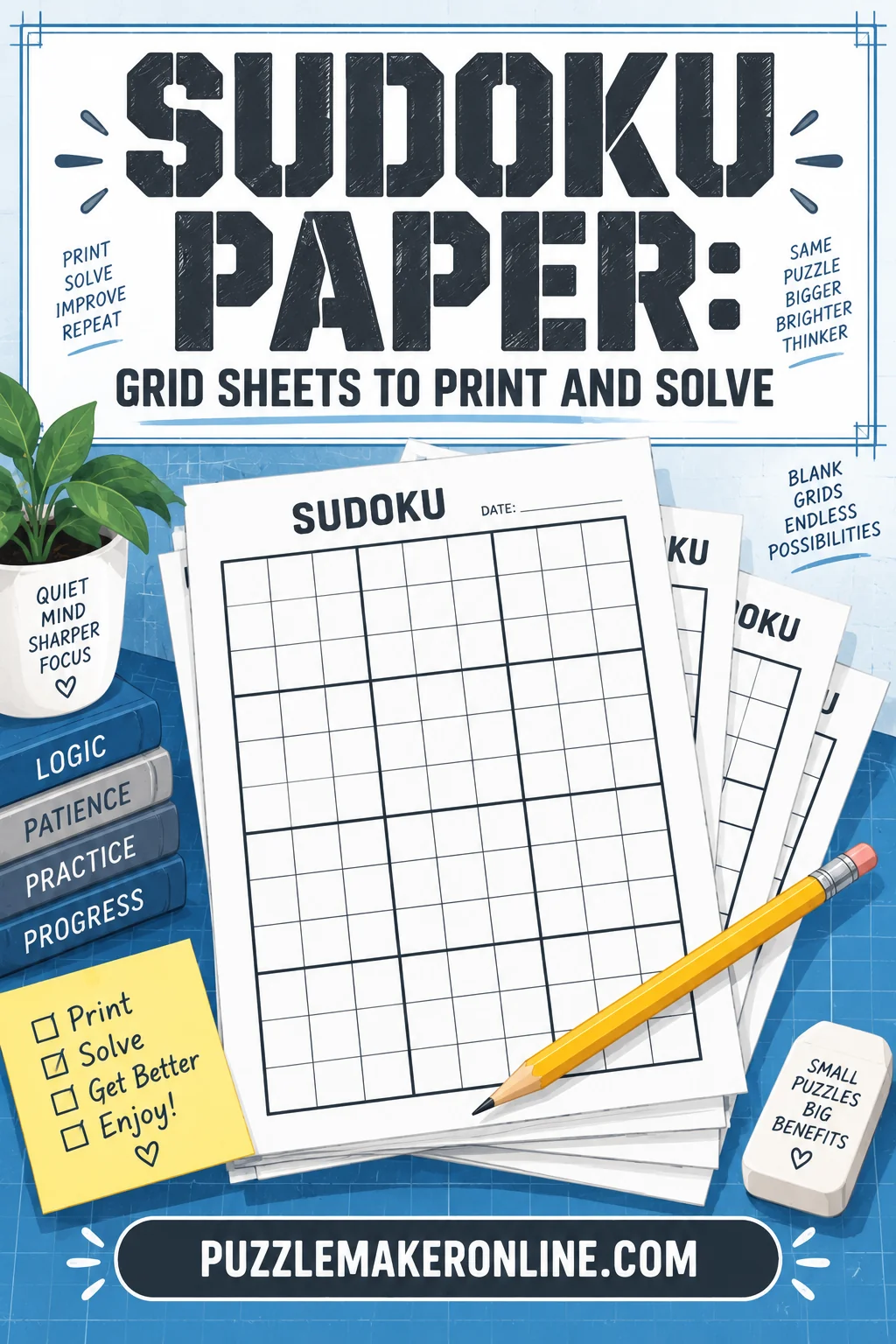
Sudoku paper is simply a printed sheet of blank nine-by-nine grids with the three-by-three boxes marked by heavier lines, and the single specification that matters is cell size: about 0.6 to 0.7 inches per cell if you write candidate marks by hand. Below that, nine small pencil digits will not fit in a corner without smudging into each other, and the puzzle becomes an exercise in reading your own handwriting rather than solving.
Everything else (paper weight, how many grids per page, whether to print the box borders in black or gray) follows from that one measurement. This guide covers the grid layout, the print settings that keep the lines sharp, how to lay out a practice sheet, and when paper genuinely beats a screen.
What a sudoku paper sheet contains
A usable blank sheet has four features, and poorly made ones usually miss at least two.
Nine-by-nine cells in a true square. The grid should be square, not a rectangle stretched to fill the page. Stretching happens when a printer scales to fit and the aspect ratio is not locked.
Two line weights. The nine box borders need to be visibly heavier than the internal cell lines. Without that contrast your eye stops registering the boxes as units, and box scanning, the most productive early technique, gets slower.
Enough white space inside each cell. Candidate marks live in the corners. A cell that measures much less than half an inch leaves nowhere to put them.
Light gray internal lines. Black internal lines compete with pencil digits. Gray lines at roughly 40 to 50 percent black stay visible without shouting.
That is the whole specification. There is no secret to a good blank grid beyond geometry and restraint.
Cell size, and why it decides everything
Here is the practical arithmetic. A standard letter-size page gives you roughly 7.5 by 10 inches of printable area once margins are accounted for. A single grid at 0.7-inch cells is 6.3 inches square, which leaves generous room for a title line, a difficulty label, and a note about where you left off.
| Grids per page | Approximate cell size | Best for |
|---|---|---|
| 1 | 0.7 in | Hard grids with heavy pencil marking |
| 2 | 0.5 in | Everyday solving, light marking |
| 4 | 0.35 in | Easy grids, quick sessions, kids |
| 6 | 0.28 in | Pen-only solving, no candidate marks |
Four grids per page is the point where most adults stop being able to write nine legible candidate digits inside a cell. Six per page is fine if you solve in pen and never mark candidates, which is a real style but not a beginner's one.
If you are printing for a child, count on larger digits and fewer grids. A 6x6 or 4x4 grid at a large cell size is a better first sheet than a shrunken 9x9.
Paper stock: what actually matters
Standard copy paper works. That is the honest answer, and most guidance that says otherwise is inventing a problem.
The two cases where stock matters:
If you erase a lot. Thin, lightweight paper pills and tears under repeated erasing. Slightly heavier stock, the kind sold for everyday printing rather than the flimsiest sheet on the shelf, survives a hard grid that you rework three times.
If you use a felt-tip or gel pen. Ink bleeds through thin paper, which ruins the grid printed on the reverse. Either print one-sided or use heavier stock.
Texture is a genuine preference rather than a specification. Smooth paper suits pencil and gel; slightly toothy paper grips graphite better and makes light marks more visible. Neither is correct. Print a page both ways and see which one you keep reaching for.
Print settings that keep lines crisp
Four settings cause almost every complaint about badly printed grids.
Scaling. Set it to 100 percent, not "fit to page." Fit-to-page scaling can shrink the grid by a few percent and, worse, some drivers scale the two axes independently, producing a grid that is subtly not square.
Margins. Give the page at least half an inch on all sides. Grids that run to the edge get clipped by printers with a hard non-printable border, and losing the right-hand column of a sudoku is a wasted sheet.
Grayscale versus color. Print in grayscale unless the sheet uses color deliberately. Color printing of a gray line can produce a muddy composite gray with visible dot patterns instead of a clean line.
Draft mode. Turn it off for grids. Draft mode reduces ink coverage, and thin gray internal lines are exactly the kind of element it drops out entirely.
One more that catches people: if the sheet comes as a PDF, print the PDF rather than a screenshot of it. A screenshot is a fixed-resolution image and will show soft, slightly furry lines at print size. The PDF holds vector lines that stay sharp at any scale.
Building a practice sheet that is actually useful
A stack of identical blank grids is less useful than a small structured set. Three layouts earn their place.
The batch sheet. Two grids per page, six pages, printed at the start of the week. One puzzle per day plus a spare. This is the layout most people settle on because it removes the daily friction of finding and printing a puzzle.
The technique sheet. A single large grid per page, printed several times with the same starting position. You solve the same puzzle repeatedly using different approaches (scanning only, then candidate marks, then a specific pattern) and see where each one stalls. This is the fastest way to learn a new technique, and it only works on paper because you need to compare the finished sheets side by side.
The blank pair. Two empty grids on one page: one to solve in, one to redraw a clean position when your candidate marks get too messy to read. Serious solvers of hard puzzles use this constantly. Copying the confirmed placements into a fresh grid takes two minutes and saves twenty minutes of squinting.
Writing on paper: a system that holds up
Pencil marks decay. That is the central problem of solving on paper, and it is the reason people who solve online sometimes find paper frustrating when they return to it.
A candidate mark you wrote twenty moves ago may no longer be true, because a placement elsewhere eliminated it and you did not go back to erase. Digital grids update every affected cell automatically. Paper does not, so you need a discipline.
The system that works:
- Fixed corner positions. Always write 1 in the top-left of the cell, 2 in the top-center, and so on through a consistent 3x3 arrangement. Then a missing digit is visible as a gap in a known position rather than something you have to read.
- Erase immediately. The moment you place a symbol, erase that symbol from the candidate marks of every cell in the same row, column, and box. Before you look anywhere else.
- Mark in stages. Do not fill candidates for the whole grid at the start. Scan first, place everything easy, and only then mark candidates, and only in the units where you are stuck.
- Use a mechanical pencil. A 0.5 mm lead keeps candidate digits small enough to fit and consistent enough to read. A wooden pencil goes blunt and your marks grow across the session.
Rule two is the one people skip and the one that causes almost every wrong grid. A stale candidate mark leads to a confident placement that contradicts something you already wrote, and by the time the contradiction surfaces you are twenty moves past the error.
Paper versus screen: an honest comparison
Paper wins for three things. It is easier on the eyes over a long session. It leaves a physical record you can review afterward, which matters if you are learning. And it forces the erase discipline described above, which genuinely teaches you to think ahead about consequences.
The screen wins for everything else. Candidate marks update automatically. Undo carries no penalty. A wrong entry can be flagged the moment you make it, if you want that. And you never run out of puzzles — a generator makes another one instantly, at any difficulty, at any size.
Most regular solvers use both. Screen for volume and for hard grids where automatic candidate updates remove the bookkeeping. Paper for the pleasure of it, and for teaching. If you want grids on demand rather than a fixed daily puzzle, our sudoku puzzle maker generates them in the browser and prints cleanly, which covers both cases from one place.
The blank grid as a construction tool
Blank sudoku paper has a second use that gets overlooked: building your own puzzles.
The process is not what people expect. You do not start by placing clues. You start by filling a complete valid solution grid, all 81 cells with every constraint satisfied, and then remove symbols one at a time, checking after each removal that exactly one solution still exists. Remove too many and the grid becomes ambiguous, which means it has more than one valid answer and is therefore broken.
Doing this by hand on paper is slow and instructive. You quickly learn why symmetric clue patterns are conventional rather than required, why 17 clues is the known minimum for a unique 9x9 solution, and why "fewer clues" does not reliably mean "harder." A 22-clue grid with a clean scanning path can be easier than a 30-clue grid that hides its next move behind a pattern spanning two boxes.
How people search for printable grids
Query logs for this topic are messier than you would guess, because search suggestions get appended to text that already contains them. You see doubled phrases like sudoku sudoku online, and stacked ones like sudoku online sudoku online sudoku online, from people who accepted a suggestion on top of what they had typed. The intent underneath is always the same and always simple.
Some of those searchers want a browser game. Others want exactly what this article is about: a sheet to print. Anyone looking for free sudoku grids to print, sudoku online free in the browser, or just plain online sudoku is chasing the same thing from a slightly different angle: puzzles available immediately, without a purchase or a download. Free online sudoku and printable sudoku paper solve the same problem in two formats, and there is no reason to pick only one.
Storing and reusing sheets
Two small habits make a paper habit sustainable.
Date the sheet. Write the date and the difficulty in a corner before you start. Three months later, a stack of dated sheets shows your progression clearly — the point where hard grids stopped taking two sessions, the week you started using candidate marks properly.
Keep the failures. The grids you abandoned are more useful than the ones you finished. Go back to a failed sheet after learning a new technique and you will usually find the exact cell where the puzzle was waiting for it. That is the single most effective way to confirm a technique has actually landed.
A simple folder or clip does the job. The point is not archival preservation; it is having last month's sheets available when you want to check whether you are actually improving or just solving.
Frequently Asked Questions
What size should each cell be on printed sudoku paper? About 0.6 to 0.7 inches if you write candidate marks in the corners, and around 0.5 inches if you mark lightly. Below roughly 0.35 inches, nine pencil digits stop fitting legibly in one cell.
Can I print several grids on one page? Yes, and two per page is the practical sweet spot for adults who use candidate marks. Four per page works for easy grids and short sessions; six per page is really only comfortable if you solve in pen without marking candidates.
Why do my printed grid lines look fuzzy? Almost always because the source was an image rather than a PDF, or because the printer was in draft mode. Print from a vector PDF at 100 percent scaling with draft mode off and the lines come out sharp.
Is solving on paper better than solving on screen? They train slightly different things. Paper forces you to update candidate marks yourself, which builds the habit of following each placement through to its consequences, while a screen removes that bookkeeping so you can focus on pattern recognition.