US Presidents Word Search: Free Printable Puzzles
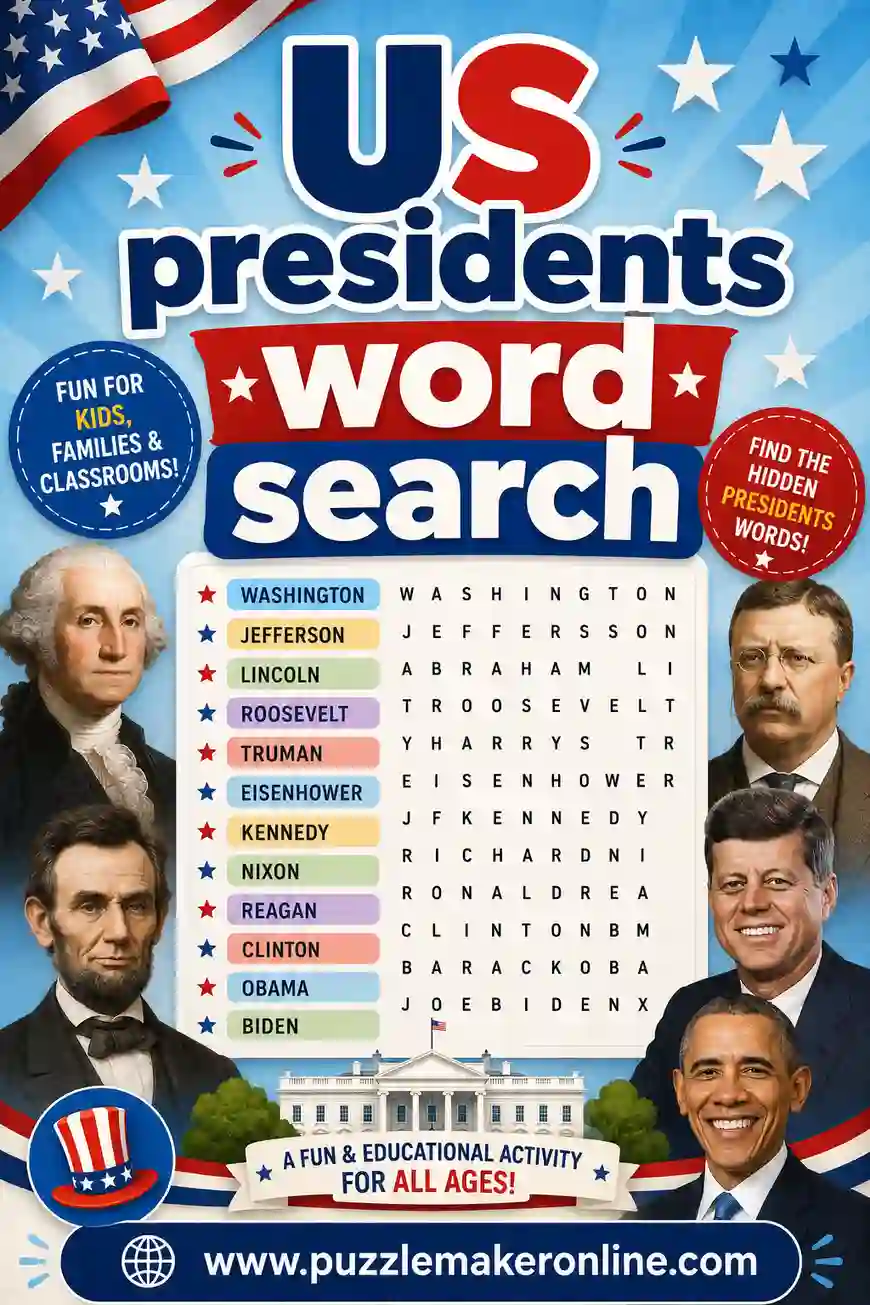
A US presidents word search is a letter grid that hides president names like "Lincoln," "Washington," and "Roosevelt," which players circle as they find them. It's a classroom staple for Presidents' Day, history units, and election season. The fastest way to make one is a free puzzle maker that turns your word list into a clean, printable grid in seconds.
Want to make one now? Open the free puzzle maker, paste in a presidents word list (there's a ready-made one below), and print as many copies as you need. No sign-up, no fee, nothing to install.
What Is a US Presidents Word Search?
It's a square of letters with president names hidden inside, running across, down, or diagonally. Players scan the grid, find each name on the list, and circle it. When all the names are found, the puzzle's done.
Presidents make a strong theme because the names double as a history lesson. A kid hunting for "Eisenhower" gets a little exposure to the spelling and the figure at the same time. Use last names for younger grades and add first names or terms in office for older students who want more of a challenge.
You can build three kinds of presidents puzzle from one word list:
- Word search. Hidden president names in a grid. The classic.
- Word scramble. Each name's letters get shuffled for players to unscramble.
- Crossword. Clues lead to president answers that interlock. A natural fit for a history class.
The puzzle maker makes all three from a single list.
Why Make Your Own Presidents Word Search
A random printable works, but making your own wins for a few reasons.
- It's free. No cost, no watermark, no locked features.
- You pick the names. Match the puzzle to the era you're teaching, the founders, the Civil War, or the modern presidents.
- You set the difficulty. Long names like Eisenhower and Washington make a tougher grid; short ones like Bush, Ford, and Taft keep it gentle.
And it's fast. From idea to printed stack takes most people under five minutes.
Free US Presidents Word Search Word List (Copy & Paste)
Here's a ready-to-use list of 30 president last names in three groups. Pick 12 to 18 for a normal puzzle or grab the whole set for a challenge. Copy any column straight into the puzzle maker.
| Founders & Early | 1800s | Modern Era |
|---|---|---|
| Washington | Lincoln | Roosevelt |
| Adams | Jackson | Truman |
| Jefferson | Grant | Eisenhower |
| Madison | Polk | Kennedy |
| Monroe | Tyler | Johnson |
| Quincy | Buchanan | Nixon |
| Van Buren | Garfield | Carter |
| Harrison | Hayes | Reagan |
| Pierce | Cleveland | Clinton |
| Fillmore | McKinley | Obama |
Mix names across columns for variety. For younger grades, lean on the shorter, more familiar names like Lincoln, Adams, Grant, and Ford.
Theme variations to try
- Founding fathers word search. Stick to the early leaders: Washington, Adams, Jefferson, Madison, and Monroe.
- Mount Rushmore word search. Use the four faces: Washington, Jefferson, Roosevelt, and Lincoln.
- Presidents' Day word search. Add holiday words: vote, election, White House, oath, and flag.
- First ladies word search. Switch it up: Eleanor, Jackie, Abigail, Dolley, and Michelle.
How to Make a Presidents Word Search in 4 Steps
No design skills needed. Here's the whole thing.
- Choose your puzzle type. Word search, scramble, or crossword. Word search fits mixed ages best.
- Add your names. Paste 12 to 20 president names. More names make a denser, harder grid.
- Set the difficulty. Pick a grid size and decide whether words can go backward and diagonal.
- Print. Hit print, grab your stack, and you're ready.
That's it. Want an answer key? The puzzle maker prints one alongside the puzzle automatically.
Presidents Word Search by Age and Skill
The theme works for every grade if you adjust the settings. Here's a quick guide.
| Age group | Grid size | Word direction | Tips |
|---|---|---|---|
| Early grades (6–8) | 10x10 | Across & down only | Short, familiar names; last names only |
| Tweens (9–11) | 12x12 | Across, down, some diagonal | 12–15 names, allow backward |
| Middle school | 14x14 | All directions | 15–20 names, mix of eras |
| High school & adults | 15x15+ | All directions | 20+ names, full first-and-last |
Match the challenge to the player. Long names like Washington and Eisenhower are great for older students but tricky for beginners, so save them for harder grids or pair them with a name bank.
Making it harder or easier
- To make it easier: shrink the grid, use across and down only, and pick short, familiar names.
- To make it harder: grow the grid, allow diagonal and backward words, and add full first-and-last names that overlap.
- For a mixed group: print an easy version and a hard version of the same theme.
Fun Ways to Use a Presidents Word Search
It's more useful than it looks. A few favorite ways:
In the classroom
Presidents word searches pair perfectly with units on American history, government, and elections. Use one as a warm-up before a lesson or a quiet review after a test. Sort the names by era and the puzzle reinforces the timeline.
For Presidents' Day
The holiday is a natural fit. Hand out a word search as a low-prep activity, add a few holiday words, and you've got a 20-minute lesson that runs itself. Pair it with a quick discussion of one or two presidents.
As election-season practice
When students are learning how elections and terms work, a word search of past presidents makes the names familiar. Follow it with a crossword whose clues are quick facts ("16th president" → LINCOLN) for a deeper review.
For history buffs and trivia nights
Older students and adults enjoy a tough presidents puzzle. Use full names, less-famous figures, and an all-directions grid to make it a real challenge. It's a fun warm-up for a history trivia night.
Printing Tips for Clean, Readable Puzzles
A few small choices keep your puzzle sharp.
- Print in black and white to save ink. A word search reads fine without color.
- Use a large, clear font for younger grades. Big grids with fewer names help early readers scan.
- Print a test page first. Confirm the grid and name list fit on one page before running a stack.
- Add the answer key on a second page. Easy for you, hidden from players.
- Use cardstock for reusable puzzles. Slip them in sleeves and let students solve with dry-erase markers.
Common mistakes to avoid
- Too many long names in a small grid. Washington, Eisenhower, and Cleveland need room. Grow the grid or trim the list.
- Forgetting the name list. Players need to know who to hunt for. Always print the list with the grid.
- Mixing first and last names randomly. Pick one style (last names only is cleanest) and keep it consistent across the list and grid.
Presidents Crossword and Scramble Ideas
Once your group's done a few word searches, switch formats with the same theme.
- Presidents crossword. Write a short clue per name ("first US president" → WASHINGTON). The puzzle maker locks the answers into a grid and doubles as a history quiz.
- Presidents word scramble. Shuffle each name's letters and have players unscramble them. Quick to make and a great warm-up.
- Mixed packet. Hand out a word search, a scramble, and a crossword on the same presidents theme to keep fast finishers busy.
The crossword format is especially good for history, since each clue can carry a fact worth remembering. Switching formats keeps the theme fresh and works spotting, spelling, and recall.
What Makes a Presidents Word Search Genuinely Worth Doing
A presidents word search isn't just busywork. Done right, it builds real skills and sneaks in history while feeling like play. That combination is what makes it a teacher favorite.
The skills hiding inside the grid
- Visual scanning. Hunting for "Eisenhower" trains the eyes to move in a steady pattern instead of darting around, which carries right over to reading.
- Spelling and letter recognition. Finding a name means holding its spelling in mind and matching it letter by letter. The repetition makes tricky names like "Roosevelt" stick.
- History exposure. Every name on the grid is a person worth knowing. A solver who finds "Lincoln" a dozen times remembers the name long after the lesson.
- Timeline sense. Sort the names by era and a student starts to feel the order of American history without it feeling like a drill.
Keeping it low-stress
The best part of a word search is that nobody loses. No timer unless you add one, no wrong answers, no opponent. For a student who gets anxious about history tests, that low-stakes feeling is a real help. Praise the effort over the speed and it stays a treat.
If a solver gets stuck, nudge gently instead of giving the answer. Point to the row where a name hides, or share its first letter. The "aha" of finding it themselves is the whole point.
Building a Themed Presidents Puzzle Packet
A single page is a five-minute activity. A small packet stretches it into a half-hour history lesson that doesn't feel like one. Here's a simple recipe for the classroom.
- Page one: an easy warm-up scramble. Five or six short, familiar names with shuffled letters. It eases everyone in.
- Page two: the main word search. Your full themed grid with 15 to 18 names. The centerpiece.
- Page three: a quick crossword. Use fact-based clues like "16th president" so every answer carries a lesson. Six to eight answers is plenty.
- Page four: a blank "make your own" grid. Let students hide a few president names for a classmate. Building a puzzle reinforces the names even more than solving one.
Staple it, add a cover with a name line, and you've got a tidy lesson packet. The puzzle maker builds each page from the same word list, so the whole thing stays on theme with almost no extra prep.
Turn it into a game
A packet doesn't have to be silent and solo. A few twists:
- Race the clock. Set a five-minute timer and count names found. Older students love the challenge.
- Partner hunt. Pair up and split the list. First team to find all their names wins, which keeps quieter students included.
- Fact bonus. When a student finds a president, they earn a bonus point for sharing one fact about them. It turns the puzzle into a mini review.
Frequently Asked Questions
How many words should a presidents word search have?
For younger grades, 10 to 12 names is plenty. For older students and adults, 15 to 25 make a fuller puzzle. The puzzle maker fits your words to the grid for you.
Are these US presidents word searches really free to print?
Yes. You make and print them yourself at no cost. There's no sign-up and no watermark, so a whole classroom can run on one free list.
Should I use first names or last names?
Last names only is the cleanest choice and easiest to find in a grid. For a tougher puzzle with older students, add full first-and-last names. The tool handles either.
What names go on a US presidents word search?
Recognizable last names work best: Washington, Lincoln, Roosevelt, Jefferson, and Kennedy. Sort them by era for a timeline angle. The list above gives you 30 ready to copy.
Can I add my own presidents or related words?
Yes. Type in any names you like, plus holiday or civics words like vote, election, and White House. The tool builds the grid around whatever you enter.
Can I print an answer key too?
Yes. The puzzle maker generates an answer key with each puzzle, so checking work takes a second.
Ready to Print Your US Presidents Word Search?
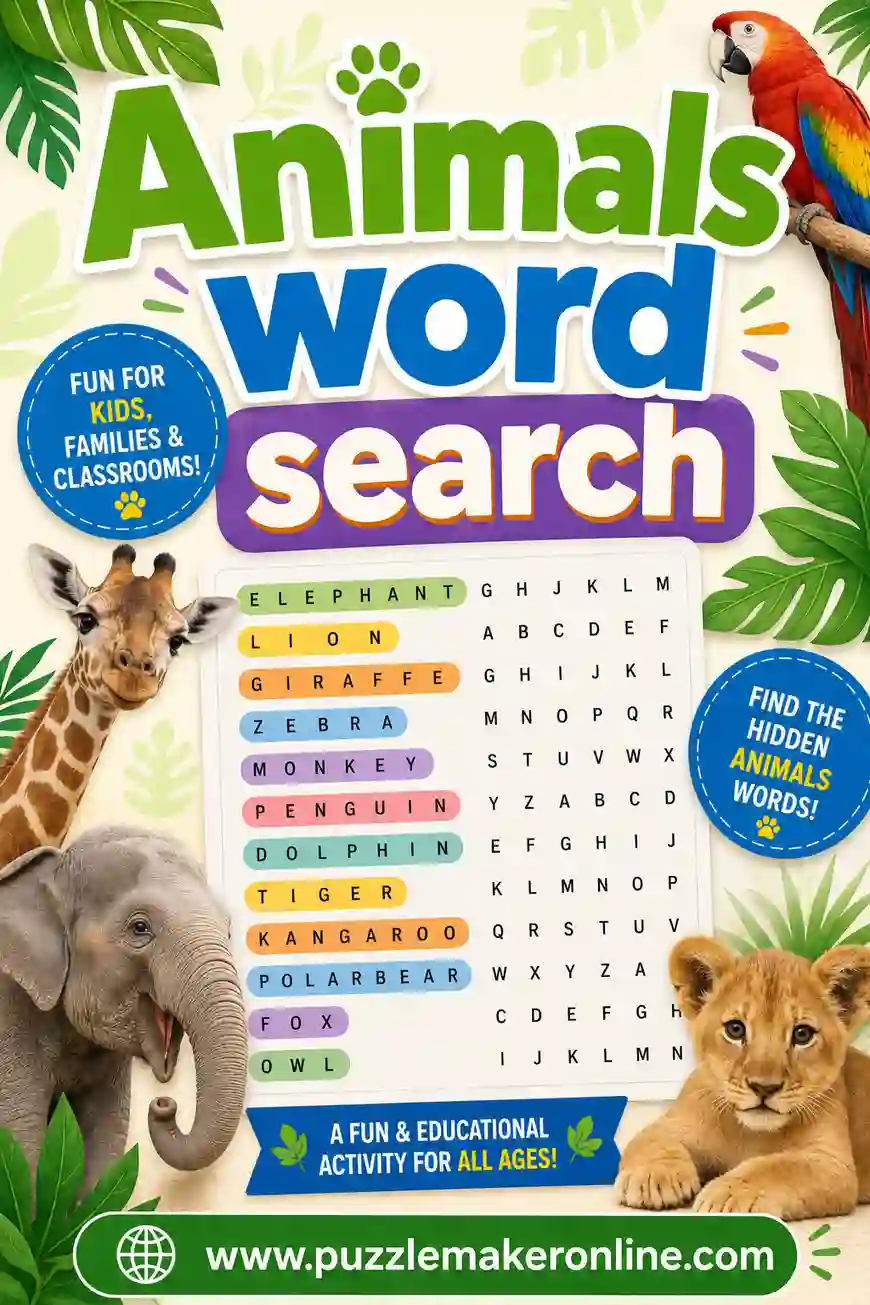
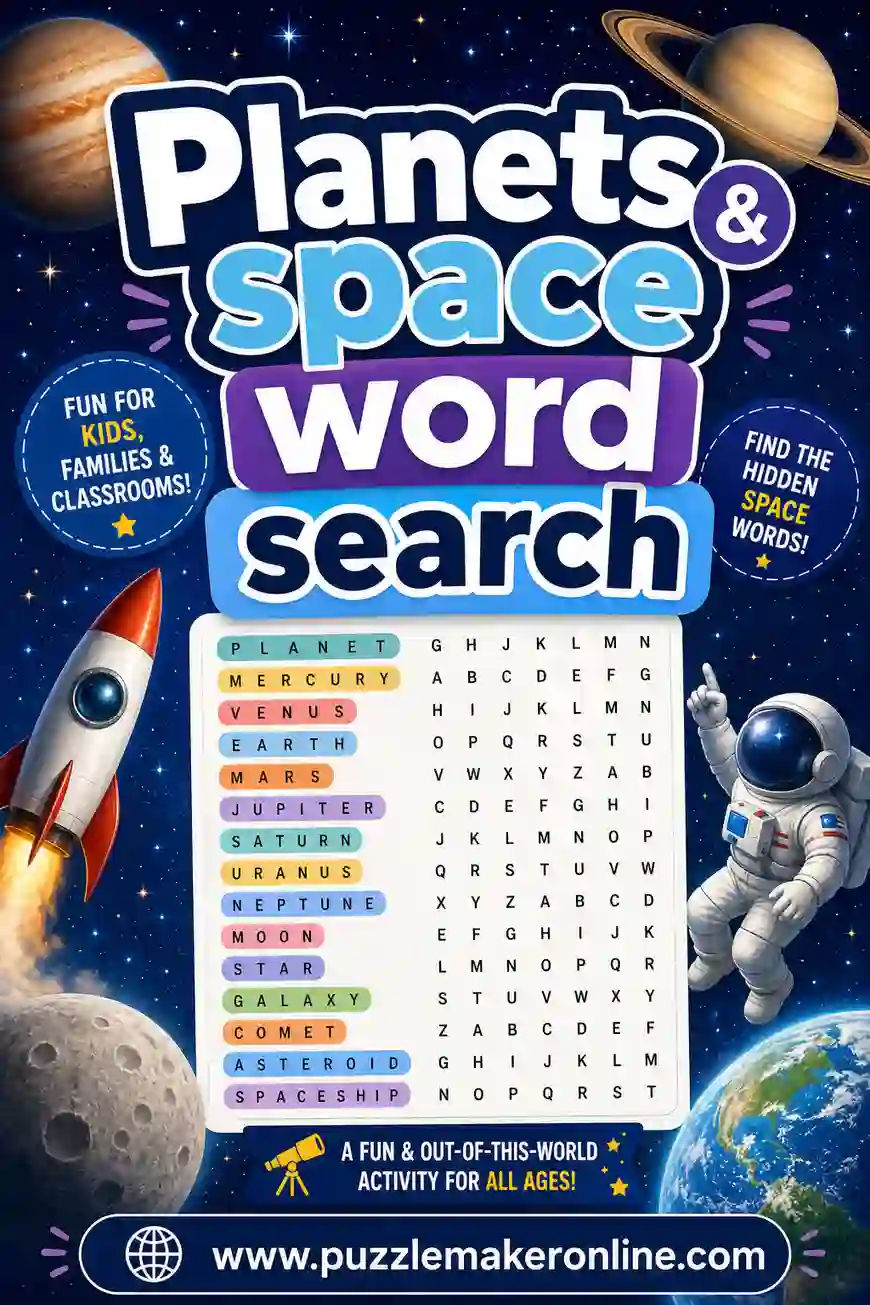
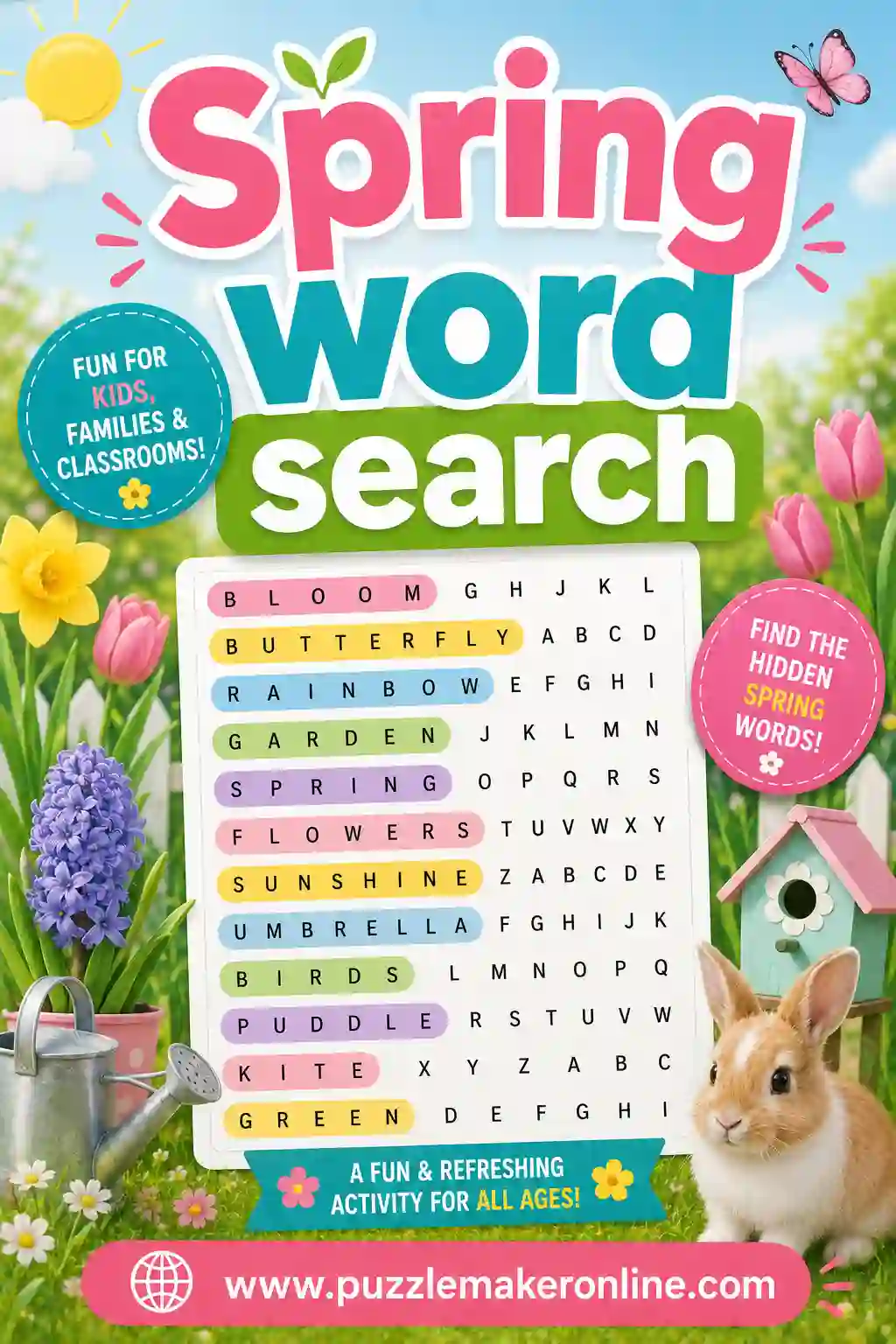
Grab the word list above, open the free puzzle maker, and you'll have a clean, printable US presidents word search in minutes. It's free, there's no sign-up, and you can build a word search, scramble, or crossword from the same list. Want more themes? Try an animals word search, a planets and space word search, or a spring word search next. Happy puzzling.