Puzzles for Teachers: Free Printable Word Searches, Crosswords & Scrambles
Puzzles for teachers are printable worksheets, like word searches, crosswords, and word scrambles, built from your own vocabulary or spelling list. You type in the words, the tool arranges them into a clean grid, and you print a class set. The fastest way to make them is a free puzzle maker that turns any word list into a ready-to-print puzzle in a couple of clicks.
Want to skip ahead and make one right now? Open the free puzzle maker, paste in this week's word list (there's a ready-made example below), and print enough copies for every desk. No account, no fee, no software to download.
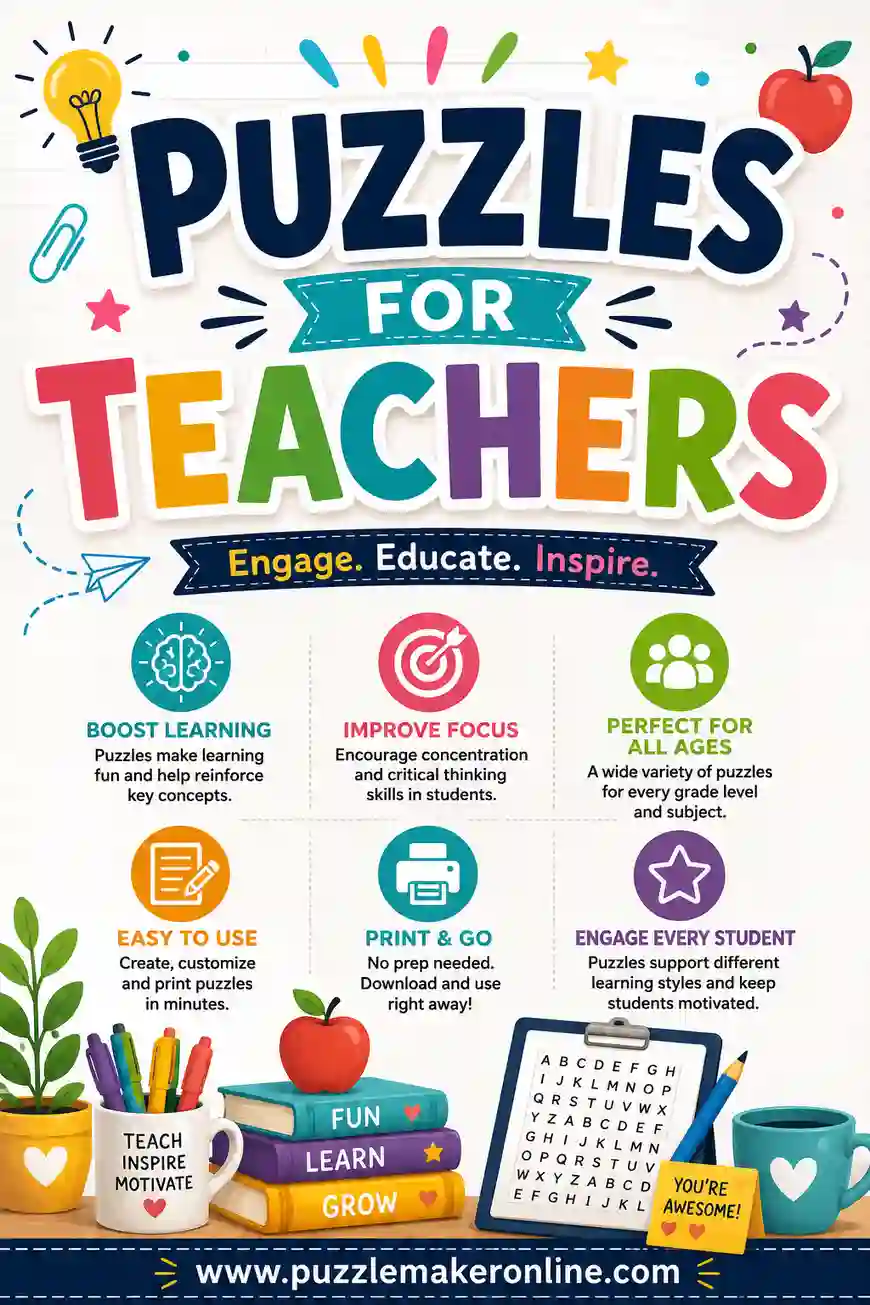
Why Puzzles Belong in Your Classroom
Puzzles do quiet, useful work. While the room looks calm, kids are still scanning for words, recalling definitions, and spotting spelling patterns. That's real practice dressed up as a break.
They also fill the gaps in a school day that are hard to plan for. The five minutes before lunch. The morning before the bell. The stretch after a test when half the class is done early. A stack of puzzles turns dead time into something productive without you having to hover.
Here's what teachers reach for them most:
- Vocabulary review before a quiz, so the words stick.
- Bell-ringers and warm-ups that get kids working the second they sit down.
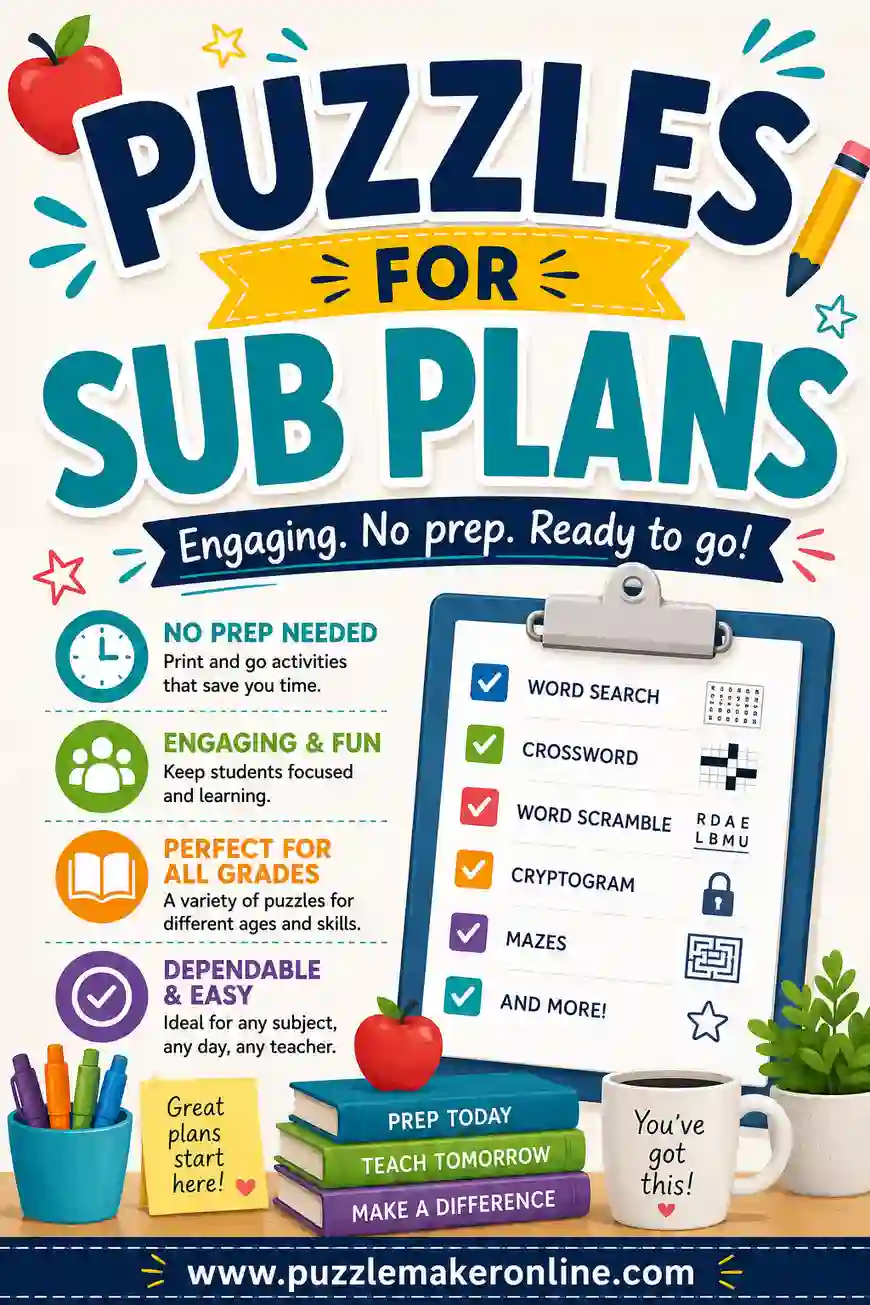
- Sub day backups that any adult can hand out without a lesson plan.
- Reward activities for the class that finishes early or behaves well.
- Holiday and theme days when you want something fun but still on-topic.
The trick is making them fast. You don't have time to lay out a grid by hand on a Tuesday night. That's where a puzzle generator earns its keep.
Three Puzzle Types Worth Keeping on Hand
Most classroom needs come down to three formats. Each one drills a slightly different skill, so it helps to know which to grab.
Word search
A grid of letters with your words hidden inside. Kids hunt for them across, down, and diagonally. Word searches are low-stress and great for younger grades, early finishers, or anyone who needs a calm activity. They reinforce spelling and letter recognition without feeling like a test.
Crossword
Clues lead to answers that interlock on a grid. Crosswords ask more of students because they have to recall the actual word from a definition, not just spot it. They're ideal for vocabulary review, science terms, or history names where you want kids to connect meaning to word.
Word scramble
Letters of a word jumbled up; students unscramble them. Scrambles are quick to finish and perfect for spelling practice or a fast warm-up. They work beautifully for a single page of this week's spelling words.
A good rule of thumb: word searches to relax, crosswords to think, scrambles to spell.
A Ready-to-Use Classroom Word List
Here's a flexible set of 30 school-friendly words you can paste straight into the puzzle maker. Pick a column to match the puzzle you're building, or mix across all three for variety.
| Spelling & Reading | Math & Science | School & Routine |
|---|---|---|
| Vocabulary | Equation | Classroom |
| Spelling | Fraction | Homework |
| Sentence | Measure | Schedule |
| Paragraph | Diagram | Assignment |
| Syllable | Experiment | Notebook |
| Adjective | Gravity | Pencil |
| Rhyme | Planet | Backpack |
| Chapter | Weather | Library |
| Author | Magnet | Recess |
| Vowel | Volume | Teacher |
Swap in your own unit words anytime. The same tool that handles these will handle your science vocabulary, your state capitals, or your Spanish chapter list just as easily.
How to Make a Classroom Puzzle in 4 Steps
You don't need design skills or special software. Here's the whole process from blank page to printed stack.
- Pick your puzzle type. Word search, crossword, or scramble, based on the skill you're targeting.
- Paste your word list. Drop in this week's vocabulary or spelling words. For crosswords, add a short clue for each.
- Adjust the settings. Choose grid size and difficulty so it fits your grade level.
- Print the set. Hit print, run off a copy per student, and print the answer key for yourself.
The whole thing takes a few minutes once, and you can reuse the same list to spin out a word search one week and a crossword the next.
Match the Puzzle to the Grade Level
The same word list can serve a first grader or a seventh grader if you adjust a few settings. Use this as a quick guide.
| Grade level | Best puzzle | Difficulty notes |
|---|---|---|
| Grades K–1 | Word search | Small grid, words across and down only, larger letters |
| Grades 2–3 | Word search or scramble | Medium grid, short words, picture support if you can |
| Grades 4–5 | Crossword or scramble | Add diagonal words, simple clues, more words per page |
| Grades 6–8 | Crossword | Full clues, longer words, tighter grid |
| Mixed / multi-age | Word search | Easiest to differentiate by handing out different sizes |
When in doubt, make two versions: an easier one for students who need support and a tougher one for kids who breeze through. The tool lets you regenerate in seconds, so a second version costs you almost nothing.
Tips for Puzzles That Actually Teach
A puzzle is only as good as the words you feed it. A few habits make yours land better.
- Tie words to your current unit. A puzzle full of this week's vocabulary doubles as review. Random words are just busywork.
- Keep word counts reasonable. Ten to fifteen words is plenty for one page. Cram in too many and the grid gets cramped and frustrating.
- Print the answer key. It saves you from squinting at a finished puzzle trying to confirm a winner. The generator makes one automatically.
- Use concrete words for younger kids. "Photosynthesis" is a brutal word search hunt for a second grader. Stick to words they can spell.
- Mix difficulty within a unit. A simple scramble on Monday, a tougher crossword on Friday, so kids feel the progress.
Make it reusable
Print on cardstock or slide pages into clear sleeves, and students can solve with dry-erase markers. Wipe them clean and you've got the same set ready for next period or next year. A small laminating pouch turns a one-time worksheet into a permanent center activity.
Beyond Worksheets: Other Ways to Use Them
Puzzles aren't only for solo desk work. Teachers stretch them in clever ways.
- Partner solve. Pair students to finish a crossword together. They talk through clues, which sneaks in some discussion.
- Stations. Set a puzzle at one center in a rotation so a small group works it while you teach others.
- Homework that isn't a worksheet. A themed word search feels lighter than a problem set but still reinforces the week's words.
- Indoor recess. A pile of fun-themed puzzles saves a rainy day when the class is restless.
- Substitute folder. Keep a few generic puzzles printed and ready so any sub has an instant, no-prep activity.
That last one is worth its own plan. If you build a sub folder, our guide to puzzles for sub plans walks through exactly what to stock.
Differentiating for Every Learner
Not every student works at the same pace, and puzzles flex nicely to meet them where they are.
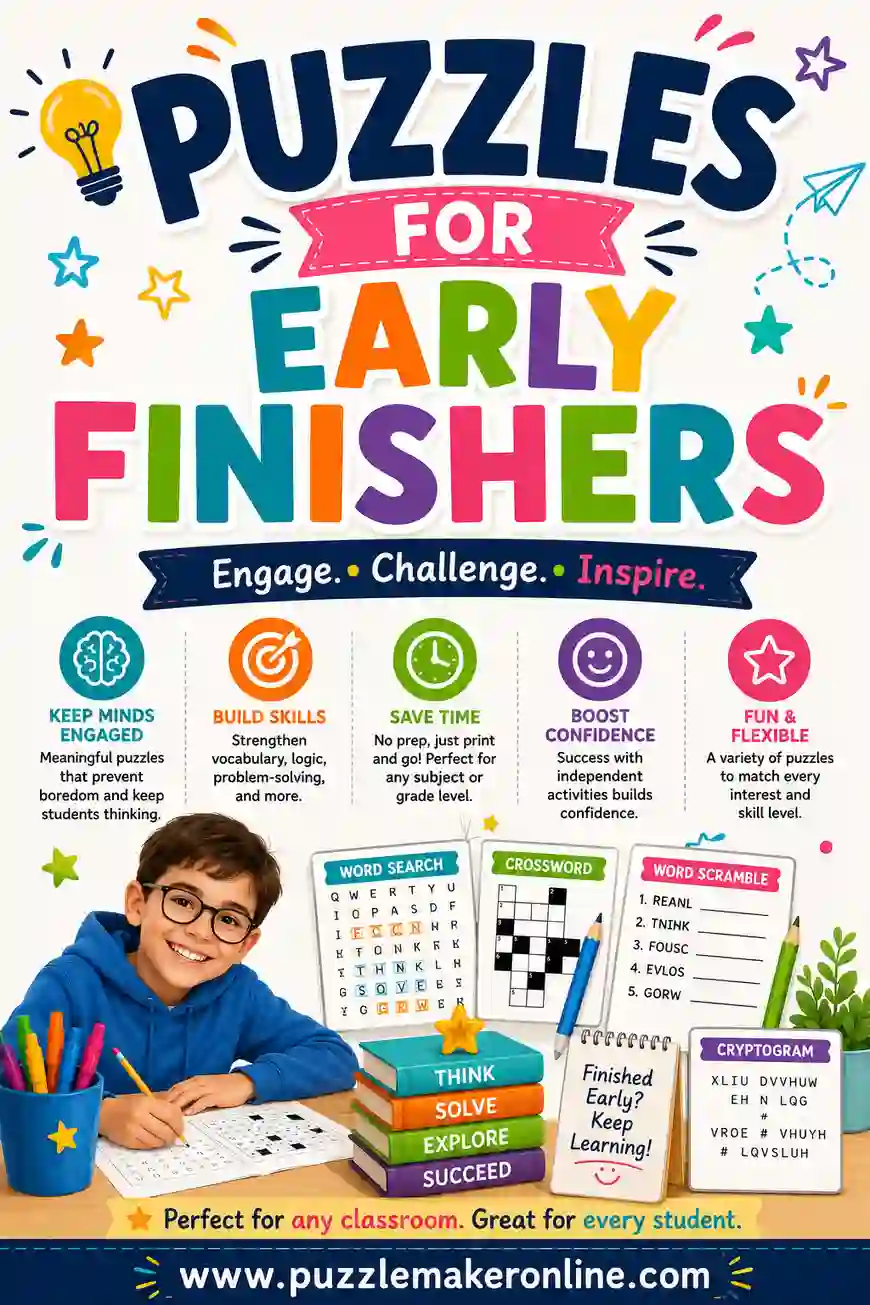
For students who need more support, shrink the grid, use fewer words, and stick to words they've already mastered. For students who finish fast, a denser crossword or a larger word search keeps them busy without extra prep from you, which is the whole point of a good early finisher activity.
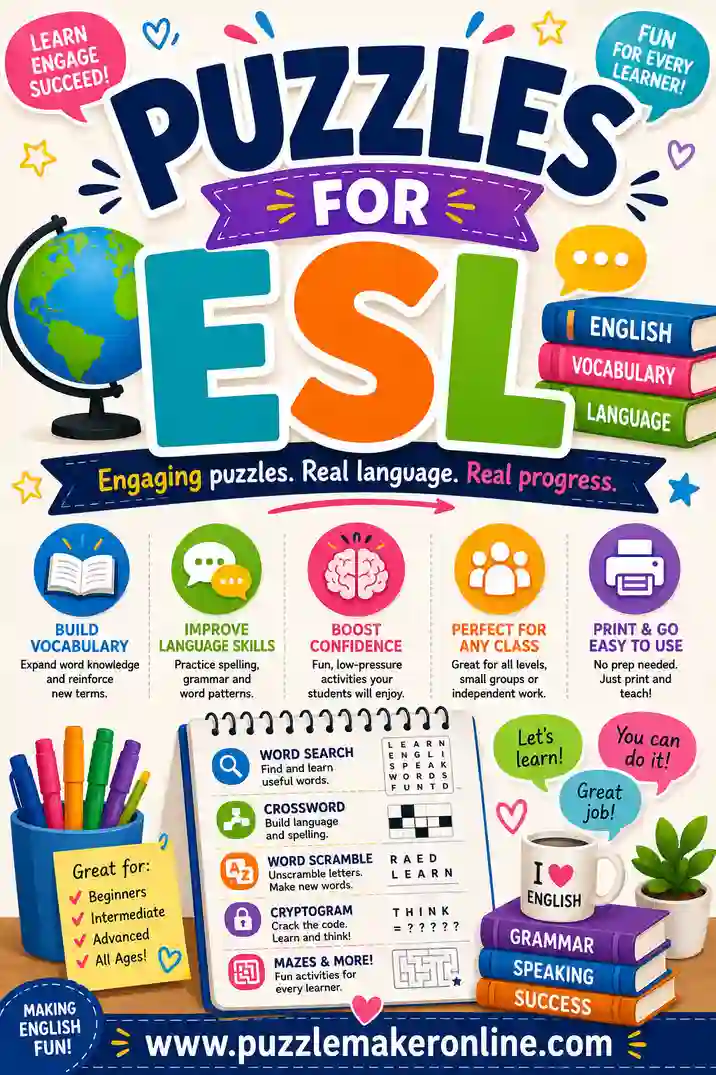
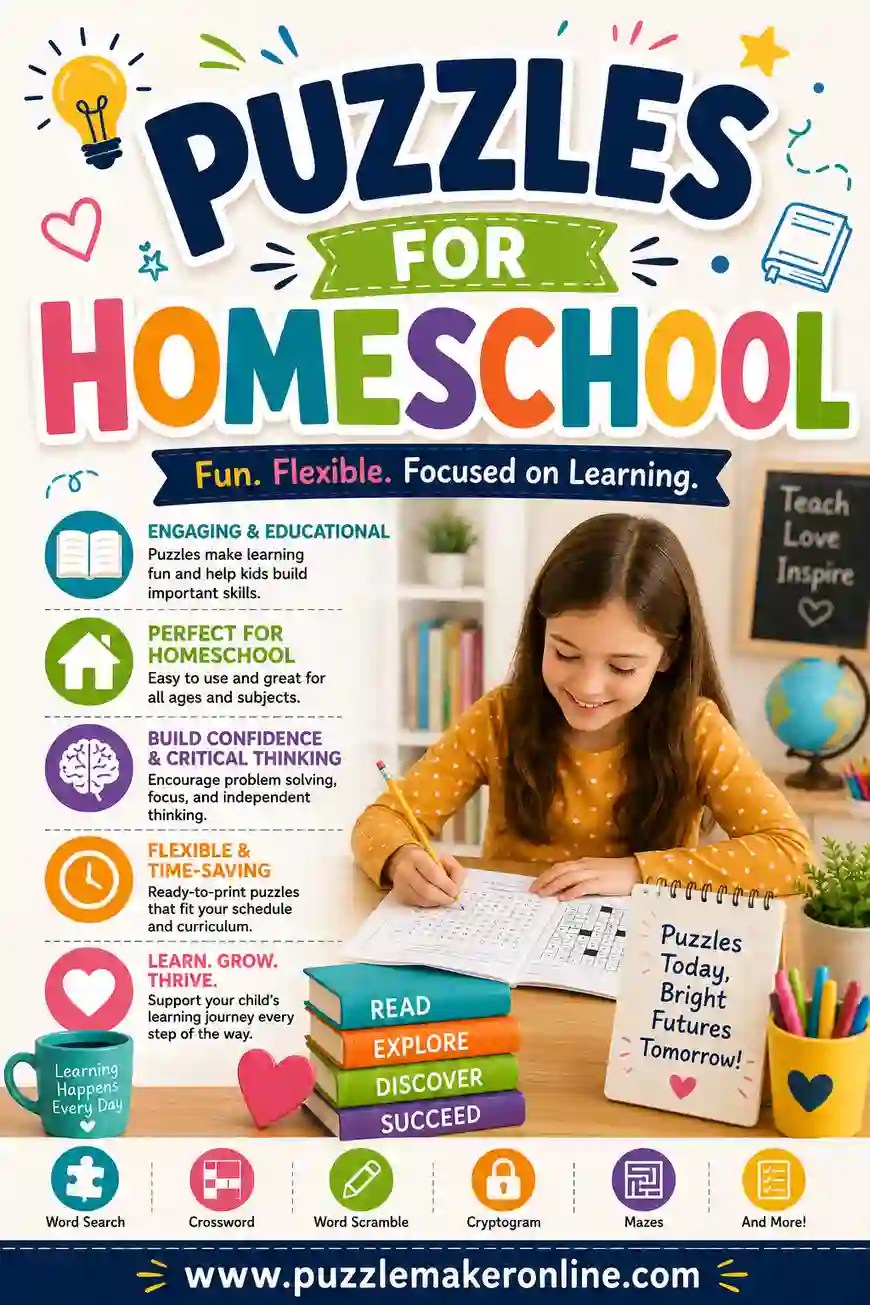
English language learners benefit from puzzles paired with pictures or a word bank, so the puzzle reinforces both the spelling and the meaning. Our puzzles for ESL guide goes deeper on that. And if you teach at home, the same approach scales down to one or two kids in our homeschool puzzles guide.
Saving Yourself Time All Year
The real payoff of building puzzles digitally is reuse. Once a word list is typed in, it's yours to spin into a dozen different worksheets without retyping a thing.
Keep your word lists organized by unit in a simple document, and each time a unit comes around you paste the list and print in under a minute. A list you made for last year's plant unit makes this year's word search instantly. Over a full school year, that small habit saves hours you'd otherwise spend hunting down or laying out worksheets.
It pays off in flexibility too. The morning a lesson runs short, you can generate a quick puzzle from a list you already have and fill the gap without breaking stride. The more you build, the bigger your library of ready-to-print review activities grows, and the less prep each new week takes.
Frequently Asked Questions
Are these puzzles for teachers really free to print?
Yes. You make and print them yourself at no cost. There's no sign-up, no watermark, and no per-page fee, so you can run off a full class set or a whole semester of worksheets for free.
What puzzle type is best for vocabulary review?
A crossword. Because students read a clue and recall the actual word, it forces them to connect the definition to the spelling. Word searches and scrambles are better for spelling practice and quick warm-ups.
Can I make puzzles for different grade levels from the same word list?
Yes. Paste your list once, then adjust the grid size and difficulty for each group. The puzzle maker regenerates in seconds, so making an easy version and a hard version takes almost no extra time.
Do the puzzles come with an answer key?
They do. The generator creates a matching answer key automatically, so you can grade or check a finished puzzle at a glance instead of solving it yourself.
How many words should I put in one puzzle?
Ten to fifteen words is a comfortable amount for a single printable page. Fewer is fine for young grades; more starts to crowd the grid and frustrate students. You can always split a long list across two puzzles.
Can students solve them on a tablet, or is it print only?
The cleanest classroom use is printed worksheets, since kids can circle and write directly on the page. You design and print from any device, then hand out paper copies at every desk.
Ready to Make Your First Classroom Puzzle?
Grab the word list above, open the free puzzle maker, and you'll have a printable word search, crossword, or scramble ready for every desk in minutes. It's free, there's no sign-up, and you can build a fresh puzzle for every unit all year long. Your next bell-ringer, sub day, or vocabulary review is one click away.