Best Free Word Search Makers in 2026
The best free word search maker in 2026 is one that takes your word list, prints a clean grid instantly, includes a matching answer key, and never asks you to sign up. By that bar, a lightweight browser-based tool like our free puzzle maker is the quickest pick for most people, while a few other free options work well if you need extra layout control. Below, we compare the top choices honestly so you can grab the right one fast.
In a hurry? Open the free word search maker, paste your words, and print, no account, no watermark, no install. The rest of this guide is for when you want to compare features before you commit.
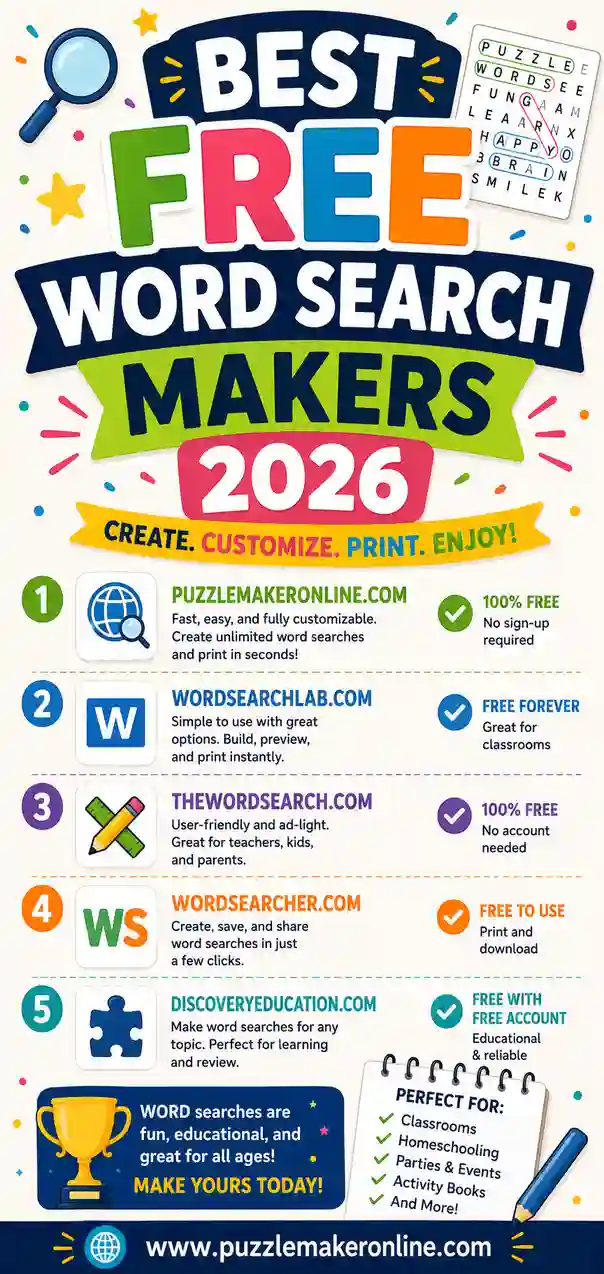
What Makes a Word Search Maker "Good"?
Before the list, it helps to know what actually matters. A word search maker can look pretty and still be a pain to use. After making hundreds of grids, these are the things worth checking:
- No sign-up. You should be able to make a puzzle in seconds, not after creating an account and confirming an email.
- Clean, printable output. The grid should fit on a page with crisp letters and readable spacing.
- Answer key included. A matching solution sheet saves you from solving your own puzzle.
- Grid size control. Bigger grids for adults, smaller for kids.
- Backward and diagonal options. These let you dial difficulty up or down.
- No watermark. Free should mean free, not "free with our logo stamped across it."
- Works on any device. Browser-based beats software you have to download.
Keep those seven in mind and you'll spot a weak tool quickly.
The Best Free Word Search Makers in 2026
Here's how the top free options stack up. We focused on tools that are genuinely free to print, not "free to preview, pay to download."
1. Puzzle Maker Online (our pick for speed)
This is the tool we built, so take it with that grain of salt, but it's designed around the seven points above. You paste a word list, pick a grid size, and get a printable word search plus a matching answer key in seconds. No account, no watermark, works in any browser on phone or laptop. It also makes crosswords and word scrambles from the same word list, which is handy if you want a themed worksheet pack. Best for teachers, parents, and party hosts who want a clean print now.
2. Classic education puzzle generators
Several long-running education sites offer free word search makers. They're reliable and often let you tweak grid shape. The trade-offs: the interfaces can feel dated, some add a site watermark, and answer keys aren't always automatic. Good if you want a specific grid shape and don't mind an older layout.
3. Worksheet platforms with a free tier
Some worksheet-builder platforms include a word search tool. They look polished and offer templates. The catch is the free tier, which often limits how many puzzles you can make, adds branding, or gates the download behind an account. Fine for occasional use if you already have an account there.
4. Office software (Word, Docs, Sheets)
You can build a word search by hand in a spreadsheet, but it's slow and there's no auto-generated answer key. We only recommend this if you want full manual control over every cell and have time to spare. For most people it's more work than it's worth.
5. Printable-PDF sites
A handful of sites offer pre-made word search PDFs you can print. These aren't makers, you can't add your own words, but they're great when you just need a generic puzzle right now and don't care about the theme.
Quick Comparison Table
Here's the short version, side by side.
| Tool type | Sign-up needed | Answer key | Watermark | Custom words | Best for |
|---|---|---|---|---|---|
| Puzzle Maker Online | No | Yes, auto | No | Yes | Fast custom puzzles |
| Education generators | Sometimes | Sometimes | Sometimes | Yes | Specific grid shapes |
| Worksheet platforms | Usually | Yes | Often | Yes | Polished templates |
| Office software | No | No (manual) | No | Yes | Full manual control |
| Printable-PDF sites | No | Yes | Varies | No | Generic, instant puzzles |
The pattern is clear: if you want custom words, a clean print, and a key without an account, a browser-based maker is the simplest path. If you need a very specific layout, an education generator may be worth the older interface.
How to Choose the Right One for You
Match the tool to the job rather than chasing the "best" overall.
You're a teacher making a class set
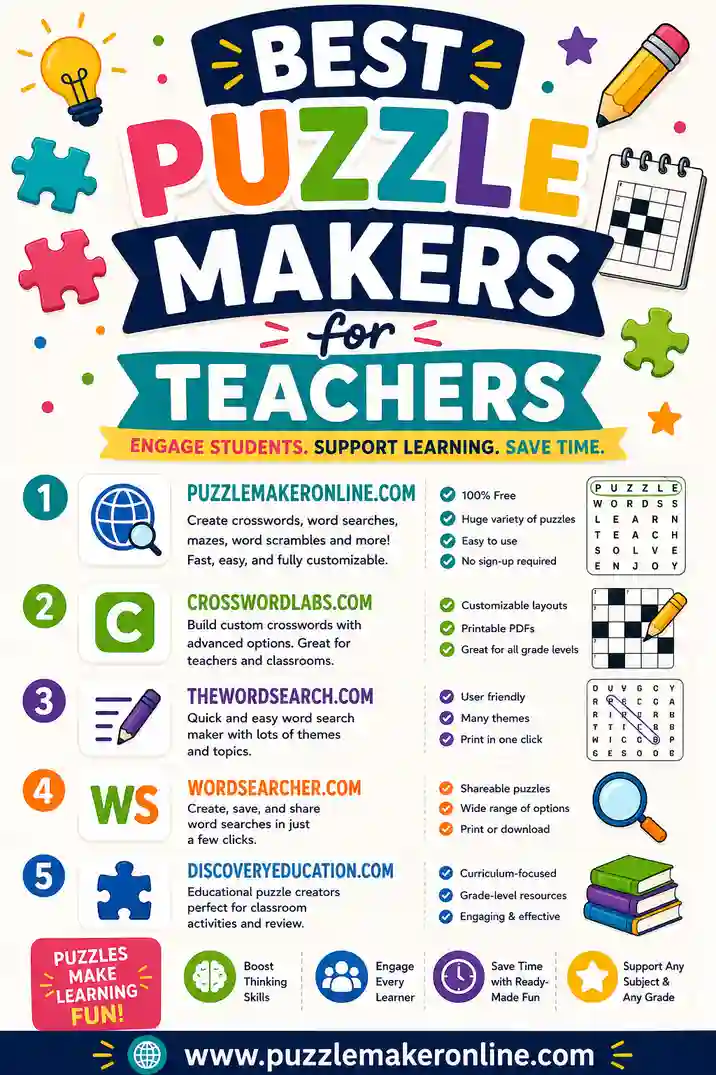
You want speed, an answer key, and the option to make different puzzles for the same word list. A no-sign-up browser maker fits best. See our roundup of the best puzzle makers for teachers for classroom-specific picks.
You're a parent on a Sunday afternoon
You want zero friction. Open a tool, type a few words your kid knows, print, done. Skip anything that asks for an account.
You're hosting a party or event
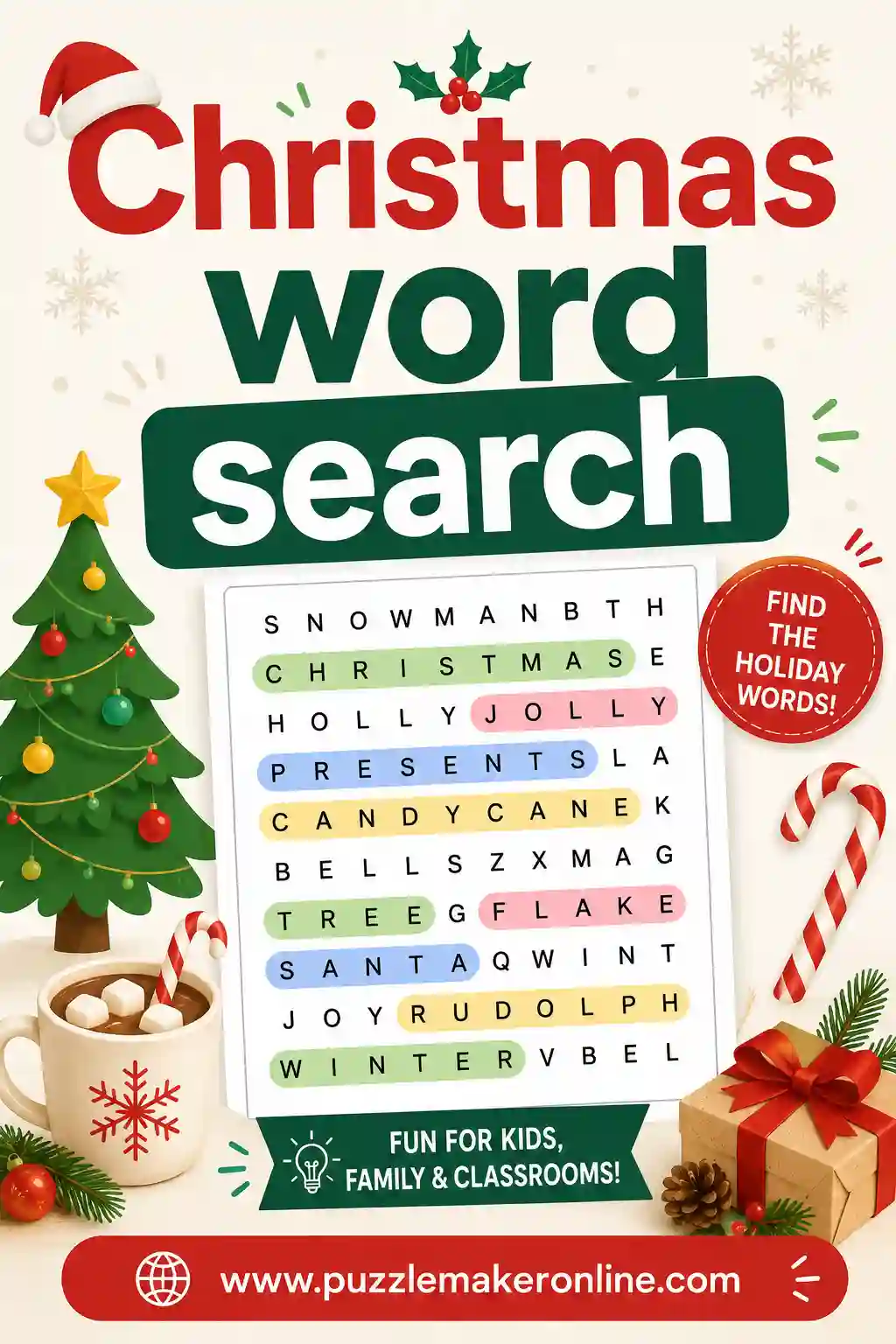
You want a themed puzzle that prints clean for a crowd. A custom-word maker lets you drop in inside jokes or event details. A Christmas word search is a popular starting point, just swap the words for your own theme.
You need a very specific grid shape
If you want a heart-shaped or circular grid, an older education generator may offer it. You'll trade a bit of polish for that control.
Common Pitfalls With Free Word Search Tools
Free tools can hide a few catches. Watch for these:
- "Free to make, pay to download." Some tools let you build a puzzle, then ask for money or an account to actually print it. Test the print step before you invest time.
- Watermarks across the grid. A logo stamped over your puzzle looks unprofessional in a classroom or party setting.
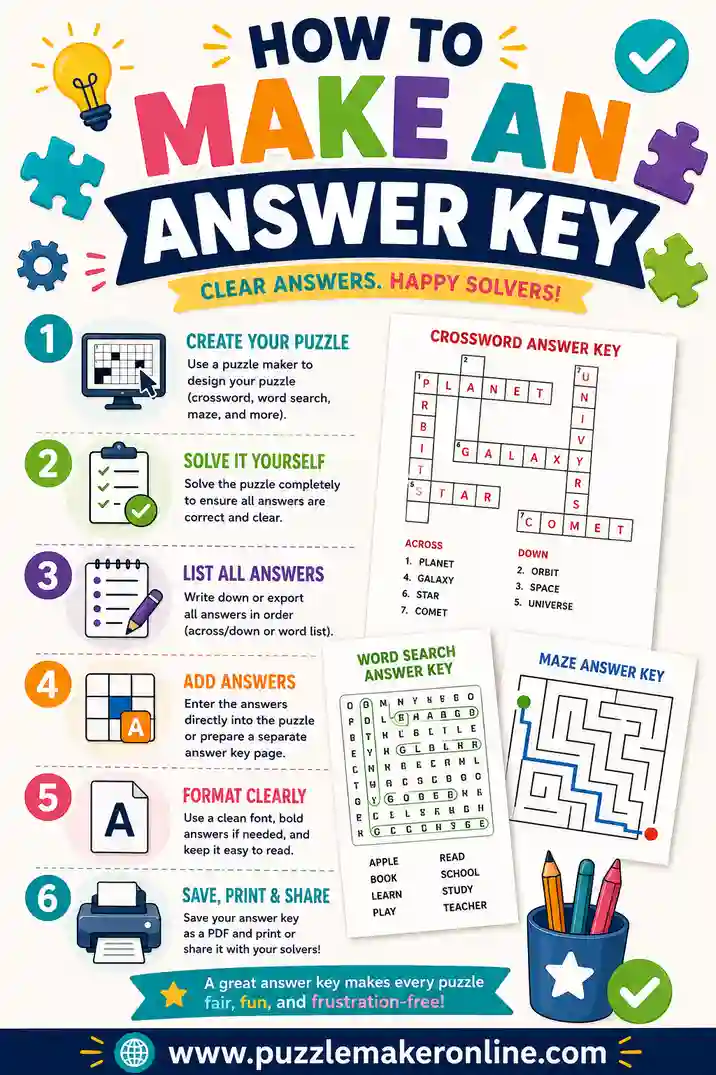
- No answer key. Without one, you're solving your own puzzle to grade it. Check our guide on how to make an answer key if your tool doesn't include one.
- Tiny, cramped grids. If letters are squished, kids and seniors struggle. Look for adjustable grid size.
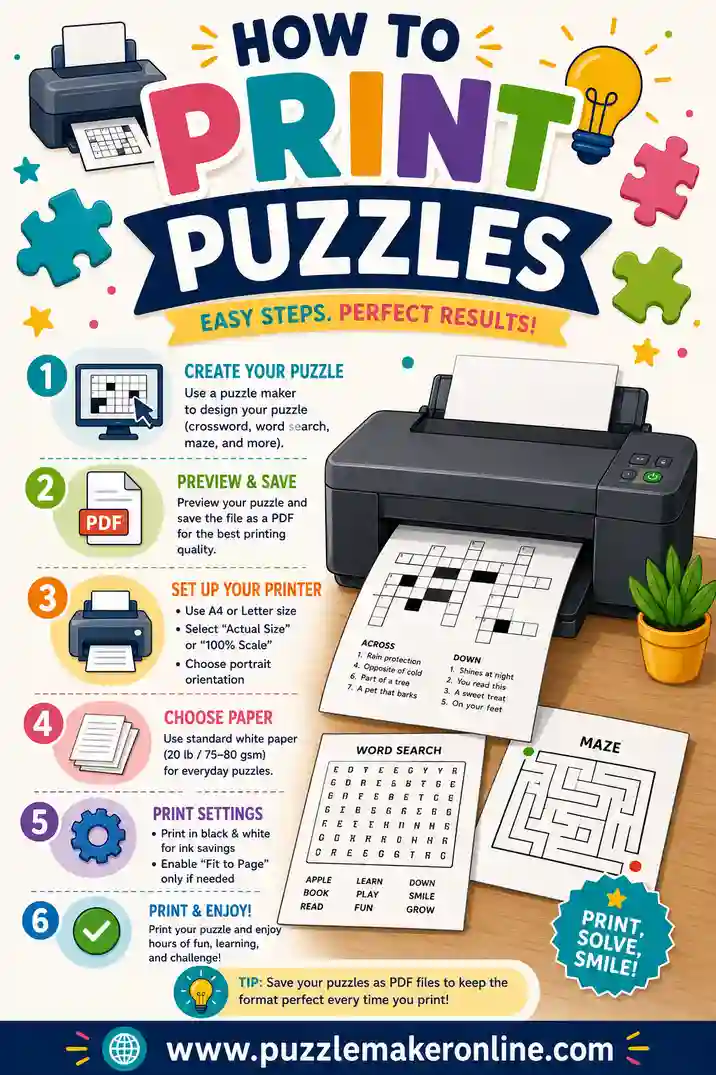
- Print problems. Some tools output puzzles that get cut off. Always run a test page, and see how to print puzzles for clean settings.
Tips for Making a Great Word Search With Any Tool
Whichever maker you land on, a few habits raise the quality:
- Use 15–25 words. Too few and the grid feels empty; too many and it gets crowded.
- Match difficulty to your solvers. For young kids, turn off backward and diagonal placement. For adults, turn it all on.
- Keep words themed. A consistent theme (animals, holidays, vocabulary) makes the puzzle feel intentional.
- Avoid very short words. Two- and three-letter words appear by accident inside the grid and confuse solvers.
- Always print the answer key. Even for a casual game, it settles disputes fast.
Why "Free" Doesn't Have to Mean "Limited"
A good free word search maker shouldn't feel like a stripped-down demo. The best ones in 2026 give you custom words, adjustable grids, an answer key, and a clean print without charging a cent or stamping a logo on your work. The reason a simple browser tool can do this for free is that there's no software to maintain, no account system, and no files to store, you make the puzzle in your browser and print it on the spot.
That's the bar to hold every tool to. If a "free" maker makes you create an account, watch ads inside the puzzle, or pay to remove a watermark, there's a cleaner option out there.
Word Search Difficulty: Make It Match Your Solvers
The same tool can produce a puzzle a kindergartner breezes through or one that stumps an adult. Most of that comes down to three settings, and knowing them helps you judge a maker.
Grid size
A bigger grid means more filler letters and harder scanning. For little kids, a 10x10 grid with 10–12 words is plenty. For adults, 15x15 or larger with 20+ words makes a satisfying challenge. The best makers let you set this directly.
Word direction
By default many tools place words left-to-right and top-to-bottom only. Turning on backward and diagonal placement raises difficulty fast. For pre-readers and early grades, keep it to forward-only. For teens and adults, switch everything on.
Word overlap
Some makers let words share letters and cross each other. Overlap makes the grid denser and trickier because a single letter can belong to two words. It's a nice difficulty bump for older solvers and keeps the grid from feeling sparse.
A quick reference for matching difficulty to your audience:
| Solver | Grid size | Word count | Backward/diagonal |
|---|---|---|---|
| Pre-readers (3–5) | 8x8 | 6–8 | Off |
| Early grades (6–8) | 10x10 | 10–12 | Off or light |
| Tweens (9–12) | 12x12 | 14–18 | On |
| Teens & adults | 15x15+ | 20+ | On + overlap |
If a "free" maker doesn't let you adjust at least grid size and word direction, it's a sign the tool is too basic for serious use.
Frequently Asked Questions
What is the best free word search maker in 2026?
The best one for most people is a browser-based tool that needs no sign-up, prints a clean grid, and includes an answer key, like our free puzzle maker. It also builds crosswords and scrambles from the same word list. Education generators are a good backup if you need a specific grid shape.
Are free word search makers really free?
The good ones are genuinely free to make and print, with no watermark and no account. Be cautious with tools that let you build a puzzle but then ask for payment or sign-up at the download or print step.
Can I make a word search without signing up?
Yes. The best free tools let you paste a word list and print immediately, no account required. Avoid any maker that gates the print or download behind registration if you just need a quick puzzle.
Do free word search makers include an answer key?
Some do, some don't. A built-in answer key saves you from solving your own puzzle, so it's worth choosing a tool that includes one. If yours doesn't, our answer key guide shows you how to make one fast.
Which word search maker is best for teachers?
Teachers usually want speed, an answer key, and no sign-up so they can make a class set quickly. A no-account browser maker fits best. We cover classroom-specific options in our best puzzle makers for teachers guide.
Can I add my own words to a free word search?
Yes, any real "maker" (as opposed to a pre-made PDF site) lets you paste a custom word list. This is the whole point of a generator, so you can theme the puzzle around a holiday, a vocabulary unit, or an event.
Ready to Make Your Own Word Search?
You don't need to test ten tools to find one that works. Open the free word search maker, paste your words, pick a grid size, and print, complete with a matching answer key. It's free, there's no sign-up, no watermark, and you'll have a clean printable puzzle in under a minute.