Best Puzzle Makers for Teachers in 2026
The best puzzle maker for teachers in 2026 is one that builds word searches, crosswords, and scrambles from your vocabulary list, prints a clean class set with answer keys, and never asks you to sign up, so you can make it during your prep period. By that measure, a fast browser-based tool like our free puzzle maker is the easiest pick for most classrooms, with a few other free options worth knowing. Below we compare them honestly, with teachers in mind.
Pressed for time before next period? Open the free puzzle maker, paste your spelling or vocabulary words, and print a puzzle plus answer key, no account, no install, works on the classroom laptop or your phone. Read on to compare.
What Teachers Actually Need From a Puzzle Maker
Teachers have different needs than a casual user making one party puzzle. You're often building a class set, you're short on time, and the output has to be clean enough to photocopy. After talking to teachers about what matters, these are the features that count most:
- No sign-up. You shouldn't lose prep time creating an account.
- Answer key included. Grading a class set is far faster with a matching key.
- Custom word lists. Your spelling list, your vocabulary unit, your terms.
- Multiple puzzle types. Word search for review, crossword for recall, scramble for spelling.
- Adjustable difficulty. The same words at a kindergarten level and a fifth-grade level.
- Clean print and photocopy. Crisp grids with no watermark across the page.
- Free. School budgets are tight, and a great puzzle maker shouldn't cost a thing.
A tool that nails the answer key and the no-sign-up basics already saves you real time every week.
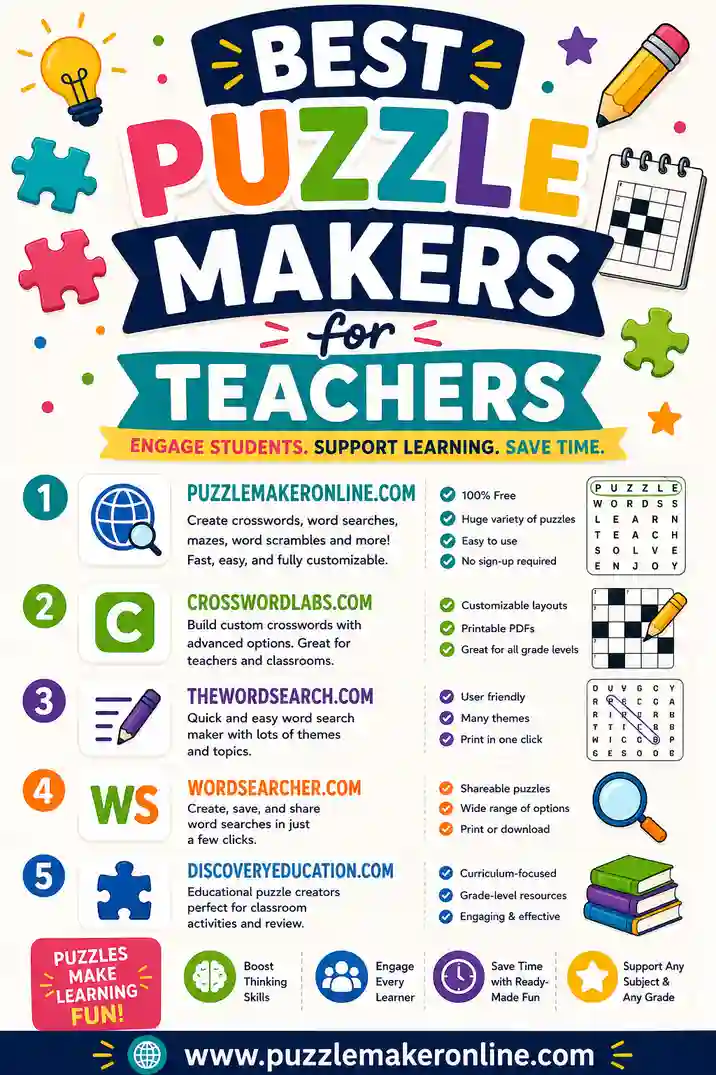
The Best Puzzle Makers for Teachers in 2026
Here are the free options worth a teacher's time, with honest notes.
1. Puzzle Maker Online (our pick for classrooms)
We built this one, so weigh that, but it's shaped around the teacher checklist above. Paste your spelling or vocabulary list, pick word search, crossword, or scramble, and print a clean worksheet plus a matching answer key, no sign-up, no watermark, on any device. The same list builds all three puzzle types, so you can differentiate without retyping words. Best for teachers who want a fast, free class set during a prep period.
2. Classic education puzzle generators
Long-running education sites have served teachers for years with free word search and crossword makers. They're reliable and handle custom words well. Trade-offs: dated interfaces, occasional watermarks, and answer keys that aren't always automatic. A familiar standby if you're used to them.
3. Worksheet-builder platforms
Polished worksheet platforms include puzzle tools with templates and sometimes auto-differentiation. The catch is the free tier, which can limit how many worksheets you make, add branding, or require an account. Worth it if your school already pays for the platform.
4. Learning-management add-ons
Some LMS and classroom suites include puzzle or game generators. These integrate with your roster, which is handy, but they often lock features behind a school subscription and aren't always great for a quick printable. Good for digital assignments, less so for a fast paper set.
5. Office software (Word, Docs, Slides)
You can build puzzles by hand in a document, but it's slow and there's no auto answer key. Only worth it when you want a very specific custom layout. For routine class sets, a dedicated maker saves hours.
Quick Comparison Table for Teachers
The short version, side by side.
| Tool type | Sign-up | Answer key | Puzzle types | Watermark | Best for |
|---|---|---|---|---|---|
| Puzzle Maker Online | No | Yes, auto | Search, crossword, scramble | No | Fast free class sets |
| Education generators | Sometimes | Sometimes | Search, crossword, more | Sometimes | Familiar, reliable |
| Worksheet platforms | Usually | Yes | Varies | Often | Templates, differentiation |
| LMS add-ons | Yes | Varies | Varies | Varies | Digital assignments |
| Office software | No | No | Manual only | No | Custom layouts |
The takeaway: for a quick, free, no-account class set with answer keys, a browser-based maker is the simplest path. For deep differentiation or digital delivery, a paid platform or LMS add-on may fit.
How to Pick the Right Tool for Your Classroom
Match the maker to how you teach.
Early elementary (K–2)
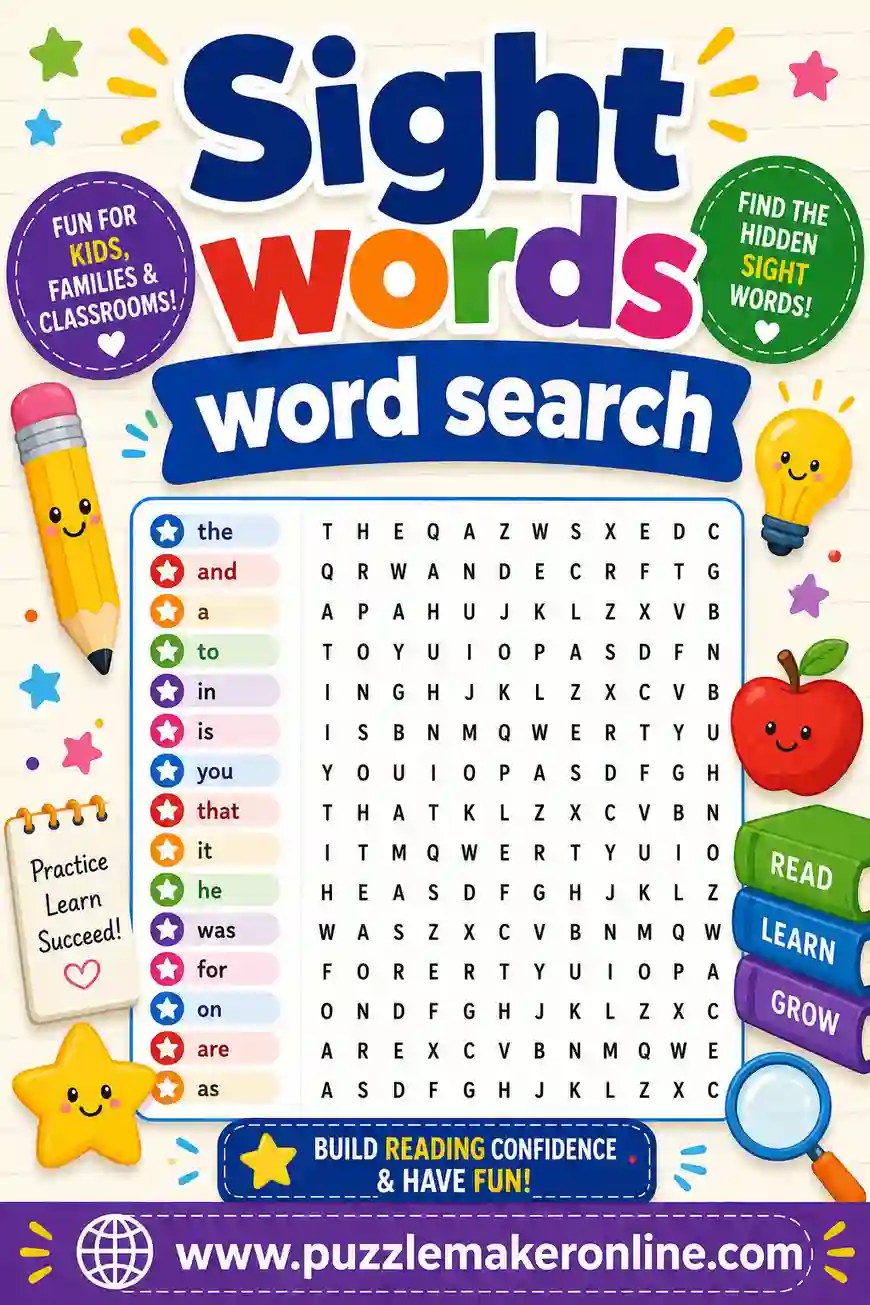
You want simple word searches and scrambles with large grids and no backward or diagonal words. Sight words and spelling lists work great, see our sight words word search for a ready starting point.
Upper elementary and middle school
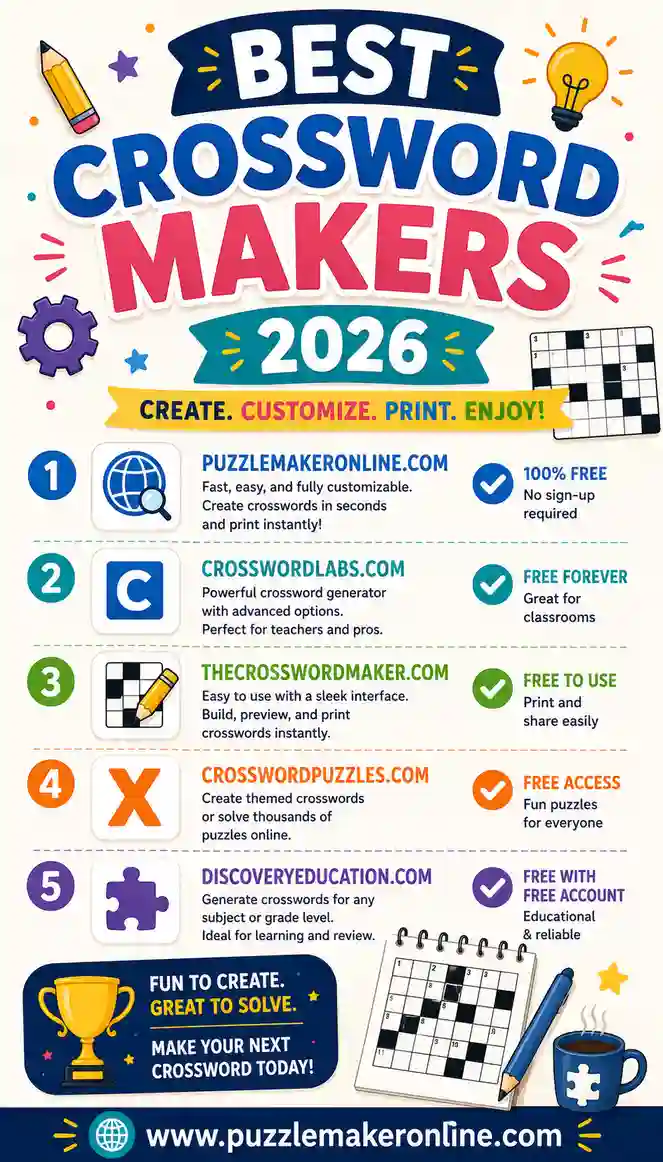
Mix word searches with crosswords to push recall, not just recognition. Compare crossword tools in our best crossword makers guide.
Vocabulary and test prep
Crosswords shine here because students have to know the term from a clue. Build a crossword for new vocabulary, then a word search for lighter review the next day.
Sub plans and early finishers
You want a tool you can use in seconds, with an answer key so a substitute or a peer can check work. A no-sign-up browser maker is ideal for a grab-and-go worksheet.
Classroom Tips for Better Puzzles
A few habits make your puzzles more useful:
- Differentiate from one list. Make an easy word search and a harder crossword from the same words to reach every level.
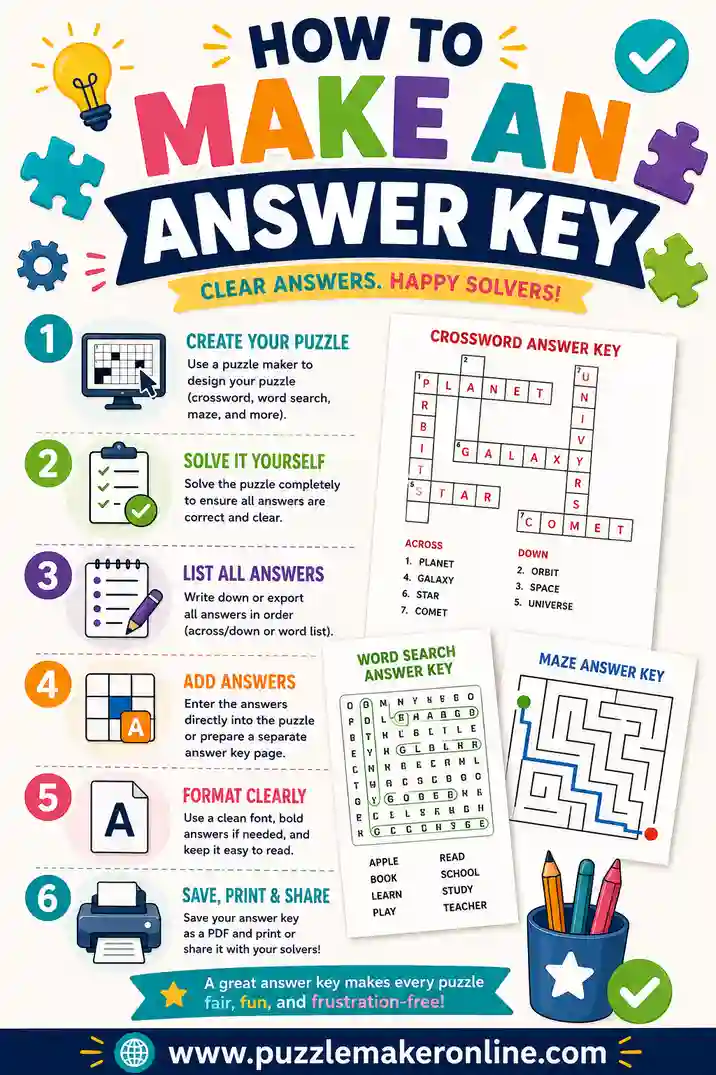
- Always print the answer key. It turns grading a class set into a two-minute job, see how to make an answer key.
- Use 12–20 words. Enough to be substantial, not so many the grid gets crowded.
- Match difficulty to the grade. Turn off backward/diagonal words for young kids; turn them on for older students.
- Print in grayscale. Saves the office copier's color ink and photocopies cleanly.
Ways to use puzzles in class
Puzzles do more than fill time:
- Bell ringers. A short scramble to settle the room at the start of class.
- Vocabulary review. A crossword the day before a quiz.
- Spelling practice. A word search with this week's spelling list.
- Early-finisher activity. A puzzle students can grab when they're done.
- Sub days. A self-checking puzzle with an answer key the sub can hand out.
What to Watch Out For
Some "free" puzzle tools have catches teachers should know about:
- Pay-to-print. A few tools let you build a puzzle, then ask for payment or sign-up to print it. Test the print step first.
- Watermarks. A logo across the grid looks unprofessional on a classroom worksheet.
- No answer key. Without one, you're solving every puzzle to grade it. Choose a tool that includes a key.
- Account walls. Some platforms require school email sign-up before you can do anything. For a quick worksheet, that's friction you don't need.
- Tiny grids. Cramped letters are hard for young kids. Look for adjustable grid size.
Why Free Tools Are Often Enough for Teachers
Teachers don't need an expensive platform to make great puzzles. The best free makers in 2026 build word searches, crosswords, and scrambles from your own word list, include answer keys, and print clean, all at no cost and with no watermark. A browser tool can offer this for free because there's nothing to install and nothing to store, you build the worksheet in your browser and print it on the spot.
So unless your school specifically needs roster integration or deep differentiation, a simple free maker usually covers everything you do week to week. Save the budget for the things that actually require it.
Building a Puzzle Routine Across the Week
Puzzles work best when they're part of a rhythm, not a one-off. With a tool that makes all three puzzle types from one word list, you can stretch a single set of vocabulary words across a whole week without retyping anything.
A sample weekly plan
Here's a routine teachers use to reinforce the same words through different kinds of thinking:
- Monday, introduce. Hand out a word search with the new words so students get familiar with how they're spelled.
- Wednesday, recall. Give a crossword using the same words. Now students have to retrieve each term from a clue, not just spot it.
- Friday, spell. A word scramble pushes students to rebuild each word letter by letter, sharpening spelling before the quiz.
Three puzzle types, one word list, three different skills, recognition, recall, and spelling. Because the tool reuses your list, prep for the whole week takes a few minutes.
Differentiating the same lesson
The same routine flexes for mixed-ability classes:
| Group | Puzzle | Setting |
|---|---|---|
| Support | Word search | Smaller grid, forward words only |
| On-level | Crossword | Standard clues |
| Challenge | Scramble + crossword | Trickier clues, longer words |
Everyone works with the same vocabulary, just at a level that fits. That's hard to do with pre-made worksheets, but easy when you generate puzzles from your own list.
Keeping a puzzle bank
Save your word lists by unit in a notes file or doc. When review season comes, you can regenerate any puzzle in seconds instead of rebuilding from scratch. Over a year this turns into a ready-made bank of practice activities you can pull from anytime.
Frequently Asked Questions
What is the best puzzle maker for teachers?
For most classrooms it's a free browser-based tool that builds word searches, crosswords, and scrambles from your word list, includes answer keys, and needs no sign-up, like our free puzzle maker. Paid platforms add differentiation and roster features if your school needs them.
Are puzzle makers free for teachers?
The best ones are genuinely free to make and print, with no watermark and no account. Be cautious with tools that let you build a puzzle but then ask for payment or sign-up at the print step.
Can I make a whole class set at once?
Yes. A good maker lets you generate and print the same puzzle for the whole class, and the answer key matches every copy. For randomized word searches, you can print one shared version with a single key for easy grading.
Do teacher puzzle makers include answer keys?
The better tools generate a matching answer key automatically, which makes grading a class set fast. If your tool doesn't, our answer key guide shows you how to make one in minutes.
What puzzle types work best in the classroom?
Word searches suit younger kids and light review, crosswords push recall for vocabulary and test prep, and scrambles are great for spelling practice. A tool that makes all three from one list lets you differentiate without retyping your words.
Can I make puzzles on a school laptop or phone?
Yes. Modern browser-based makers work on any device, so you can build and print a puzzle from the classroom laptop, a shared computer, or even your phone during prep, no software install needed.
Ready to Make Your Classroom Puzzles?
You don't need a budget or a sign-up to give your students great puzzles. Open the free puzzle maker, paste this week's spelling or vocabulary list, and print a clean word search, crossword, or scramble with a matching answer key. It's free, there's no account, no watermark, and you'll have a ready-to-copy class set before the bell rings.