How to Make an Answer Key for Any Printable Puzzle
To make an answer key, solve the puzzle yourself once and mark every correct answer on a clean copy: circle the hidden words in a word search, fill in every box of a crossword, or write the unscrambled word next to each scramble. The fastest way is to let a free puzzle maker generate the key for you automatically, so you get a matching solution page the moment you print the puzzle.
Want to skip the manual work? Open the free puzzle maker, build your word search, crossword, or scramble, and check the box for "print answer key." You'll get a labeled solution sheet alongside your puzzle, no solving by hand required.
What Is an Answer Key, Really?
An answer key is just the solved version of your puzzle. It shows where every word hides, what every clue spells, and how every blank gets filled. Teachers use it to grade fast. Parents use it to settle "I give up" moments. Party hosts use it to crown a winner without arguing.
A good answer key does three things:
- Matches the puzzle exactly. Same words, same grid, same order. If your puzzle changes, the key has to change too.
- Is easy to read at a glance. Answers stand out clearly, usually circled, bolded, or filled in a second color.
- Is labeled. A simple title like "Answer Key" at the top stops it from getting mixed in with blank copies.
The trick most people miss: the answer key should be made from the same puzzle file, not a fresh one. Word searches and crosswords are randomized, so a key built from a different grid won't line up. That's exactly why making the key by hand can go wrong.
The Fast Way: Let the Tool Print the Key
If you build your puzzle with a free puzzle maker, the answer key is basically free. The tool already knows where every word sits in the grid, so it can stamp out a matching solution page in one click.
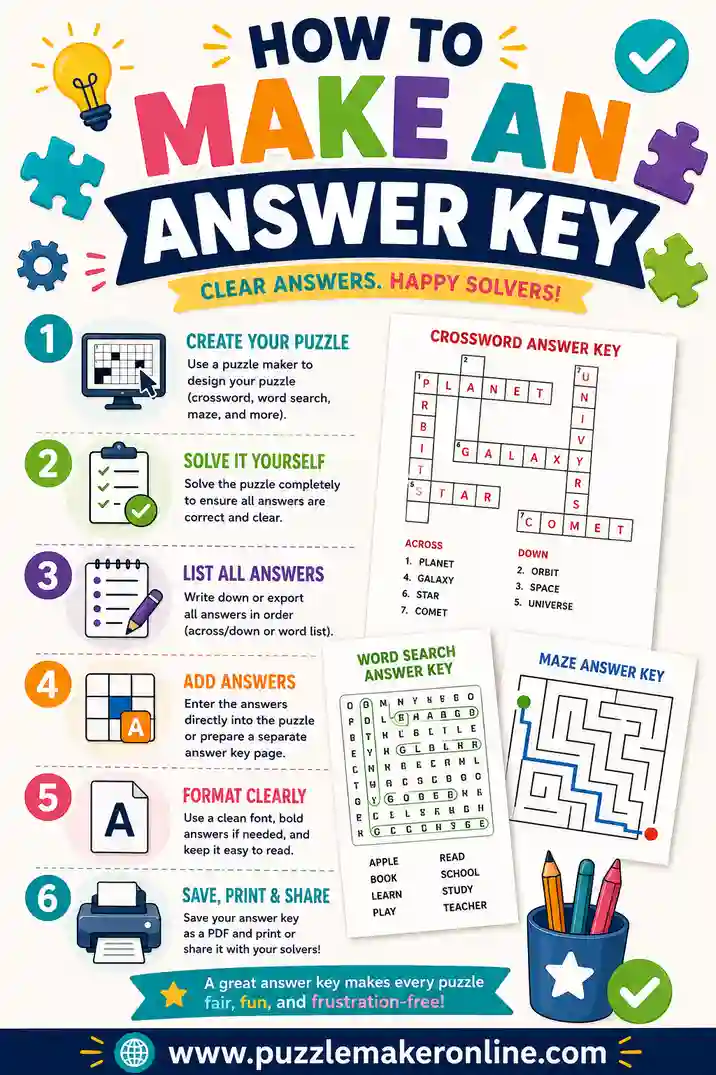
Here's the whole flow:
- Build your puzzle. Pick word search, crossword, or word scramble, then paste your word list.
- Generate the grid. The tool places your words and fills the gaps.
- Check "include answer key." You'll get a second page with every answer marked.
- Print both. Hand out the puzzle, keep the key for yourself.
This is the method to use when you're making a class set, a party stack, or anything where the puzzle is randomized. The key always matches because it's generated from the same grid. No squinting, no re-solving.
The Manual Way: Make an Answer Key by Hand
Sometimes you've got a puzzle on paper already and need a key from scratch. Maybe it came from a book, or someone handed you a printout. You can still build a clean key in a few minutes.
For a word search
- Print or copy the puzzle twice. One stays blank; one becomes the key.
- Find each word from your list. Scan rows, columns, and diagonals. Cross words off your list as you find them.
- Circle or highlight each one on the key copy. Use a bright color so circles pop against the letters.
- Double-check the count. Number of circles should equal the number of words on your list.
For a crossword
- Solve every clue using your word list and clue sheet.
- Write answers in pen on a clean copy, one letter per box.
- Confirm the crossings. Where two words meet, the shared letter has to work for both.
- Label it "Answer Key" so it doesn't get handed out by mistake.
For a word scramble
- Write the solved word next to each scrambled one.
- Read each answer back to be sure the letters match the scramble exactly.
- Group them in the same order as the worksheet so grading is quick.
The manual way works, but it's slower and easier to get wrong, especially with diagonals and overlapping crossword letters. For anything more than a single small puzzle, the generated key wins.
Answer Key Methods Compared
Not sure which route to take? Here's a quick side-by-side.
| Method | Best for | Time needed | Risk of errors |
|---|---|---|---|
| Generated key (puzzle maker) | Class sets, randomized puzzles, big batches | Seconds | Very low |
| Circle-by-hand | One word search you already have on paper | 5–10 min | Medium (missed diagonals) |
| Solve-and-write | A single crossword from a book | 10–15 min | Medium (crossing letters) |
| Second-color overlay | When you want puzzle + key on one sheet | 5 min | Low |
If you're making puzzles from scratch anyway, the generated key costs you nothing extra. The manual methods only make sense when you're stuck with a puzzle that didn't come with one.
Make the Key Easy to Read
A key that's hard to read causes more problems than no key at all. A few habits keep yours clean:
- Use one bold color. Red or blue circles on black letters read instantly. Avoid yellow or light gray.
- Keep the original grid visible. Don't black out the letters, just mark the answers. Graders need to see the context.
- Add a title and date. "Answer Key — Spring Word Search" beats an unlabeled sheet every time.
- Number the answers when order matters, like in a scramble or a clue list.
For crosswords, filling answers in uppercase keeps every letter the same height and easy to scan. For word searches, a smooth oval around each word reads better than boxing individual letters.
Common Answer Key Mistakes (and How to Dodge Them)
A few small slip-ups trip people up again and again.
The key doesn't match the puzzle
This is the big one. If you regenerate a word search or crossword, the grid changes, so an old key is useless. Always make the key from the exact puzzle you're handing out. With a puzzle maker, print the puzzle and key together so they can't drift apart.
Missed words on a word search
Diagonal and backward words are easy to overlook. Work straight off your word list and cross each one off as you circle it. If your list has 20 words, your key needs 20 circles.
Wrong crossing letters in a crossword
When two words intersect, the shared box has to satisfy both clues. If a letter feels forced, re-check the crossing word. One wrong crossing can cascade into several wrong answers.
Forgetting to label it
An unlabeled key looks just like a blank puzzle from across the room. A clear "ANSWER KEY" header saves you from handing the solution to your whole class.
Answer Keys for Teachers and Parents
If you make puzzles often, a little system saves a lot of time.
For classrooms
Print the answer key on colored paper so it never blends into the student stack. Keep one master key per puzzle in a folder, and you can grade a class set in minutes. For self-checking stations, slide the key into a sleeve so kids can check their own work after they finish.
For homeschool and home use
Keep the key on your phone or tablet instead of printing it. You can glance at it to help a stuck kid without spoiling the whole puzzle. Tools that show the solution on screen make this even easier, no extra paper needed.
For parties and events
Hand the host the key so they can verify the first finisher fast. For a race-style game, a quick, accurate key is the difference between a clean win and a long argument over a missed word.
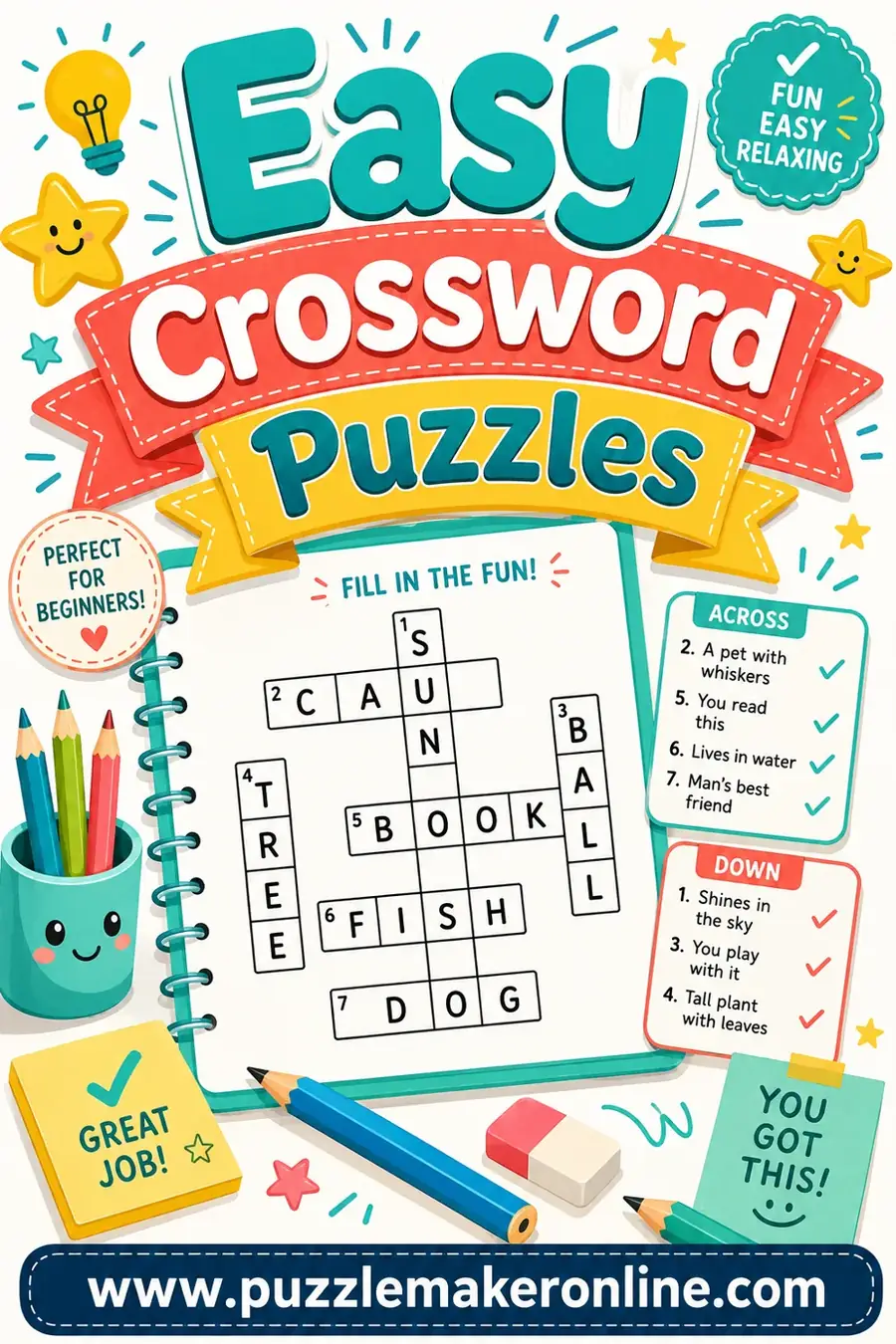
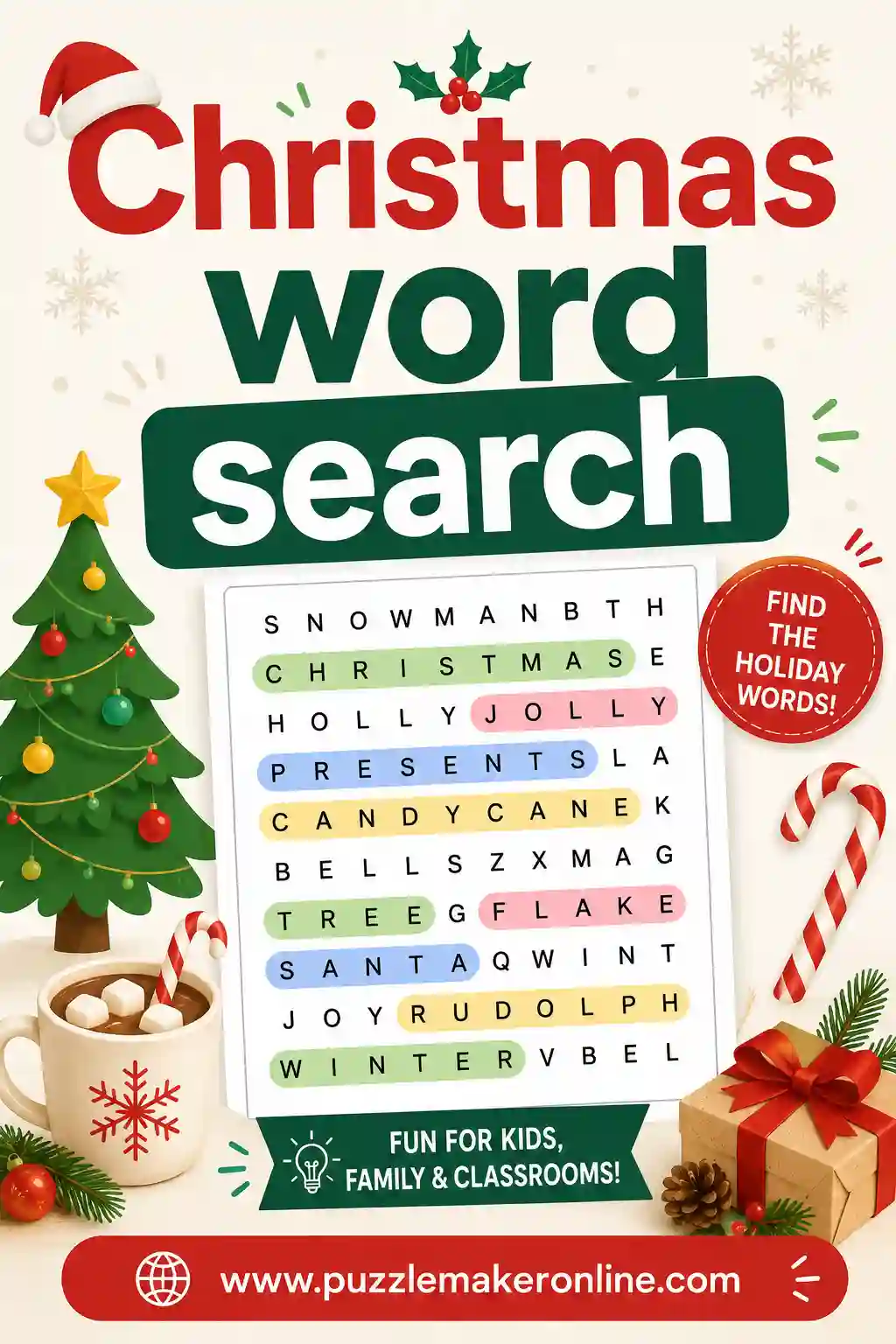
Want puzzles that come with a built-in key already? Try our easy crossword maker or a themed Christmas word search and tick the answer-key box before you print.
Printing the Puzzle and Key Together
A couple of print settings keep your key sharp:
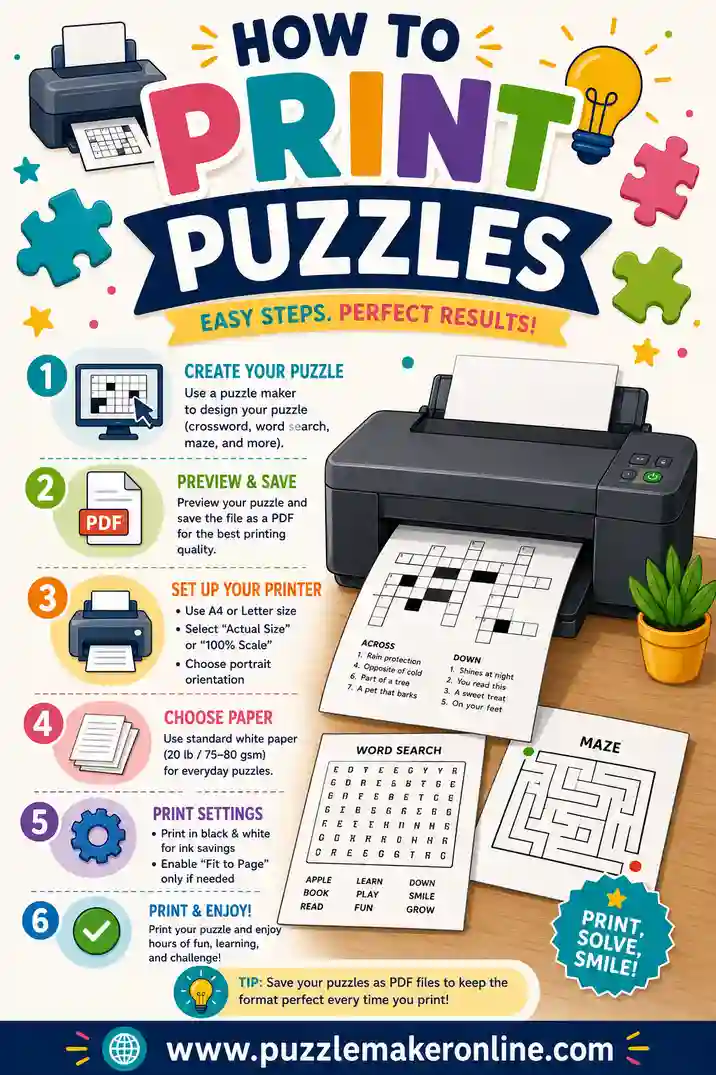
- Print at 100% scale ("actual size"), not "fit to page," so the grid and key stay aligned.
- Keep the key on its own page so you can hand out the puzzle without flashing the answers.
- Use grayscale for the puzzle, color for the key. Saves ink on the part you make copies of, and makes the key pop.
- Run one test page first to confirm margins before you print a full stack.
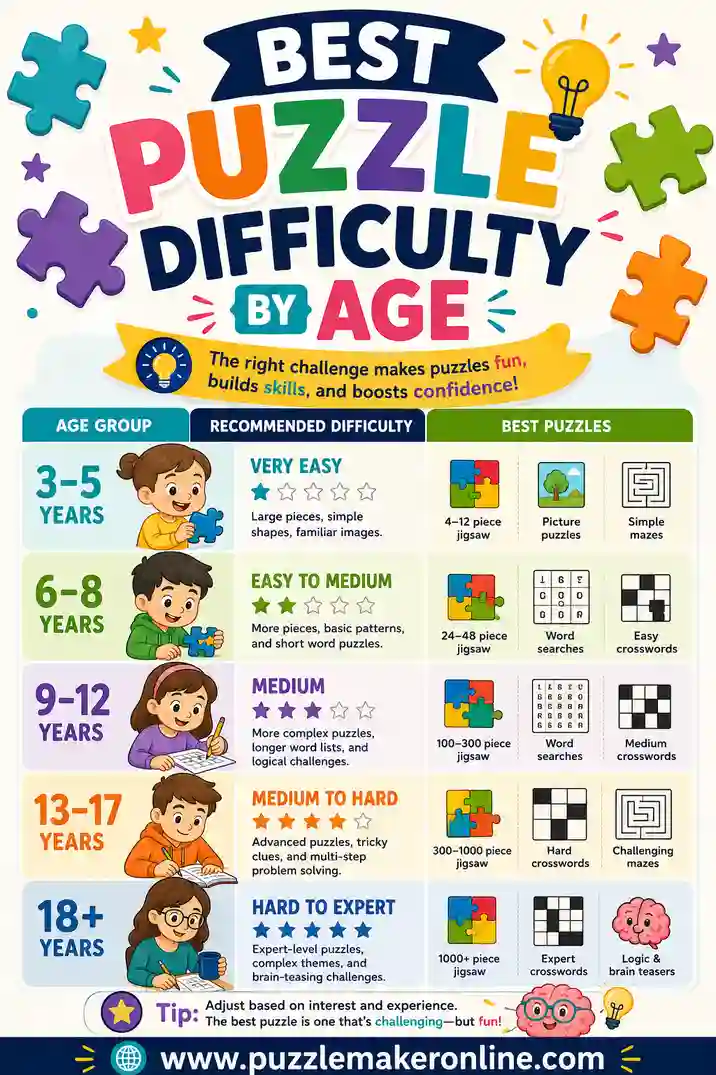
For a deeper look at clean printing, see our guide on how to print puzzles. And if you're matching the puzzle to an age group, puzzle difficulty by age helps you pick a level your solvers can actually finish, which makes the key far easier to build too.
Frequently Asked Questions
How do I make an answer key for a word search?
Solve the word search once and circle each hidden word on a clean copy, crossing words off your list as you go so you don't miss diagonals or backward words. Faster still, build the puzzle in a free puzzle maker and check "include answer key" to get a matching solution page automatically.
Can I get an answer key automatically?
Yes. A puzzle generator already knows where every answer sits, so it can print a matching key in one click. This is the most reliable method because the key is built from the exact grid you're handing out.
Why doesn't my answer key match the puzzle?
Almost always because the puzzle was regenerated after the key was made. Word searches and crosswords are randomized, so each new grid needs its own key. Make the key from the same file as the puzzle, and print them together.
What color should I use for an answer key?
A single bold color like red or blue reads best against black puzzle letters. Avoid light colors like yellow. Keep the original grid visible underneath so graders can see the context of each answer.
How do teachers grade puzzles quickly with a key?
They print the key on colored paper, keep one master per puzzle, and lay it beside each student copy to spot misses fast. For self-checking, a key in a sleeve lets students grade their own work right after finishing.
Do I need a separate key for every puzzle?
Yes, if your puzzles are randomized. Each unique grid needs its own matching key. If you make a class set where every sheet is different, generate a key for each, which a puzzle maker does for you in one batch.
Ready to Make Your Puzzle and Key in One Go?
Stop solving your own puzzles just to grade them. Open the free puzzle maker, build your word search, crossword, or scramble, tick the answer-key option, and print the puzzle and solution together. It's free, there's no sign-up, and your key will always match the puzzle, every single time.