Discovery Puzzlemaker Alternatives Worth Trying
If you're searching for Discovery Puzzlemaker alternatives, the short answer is that a modern, browser-based tool like our free puzzle maker gives you the same kind of custom word searches, crosswords, and scrambles with a cleaner interface, automatic answer keys, and no sign-up. Discovery's classic Puzzlemaker was a teacher favorite for years, but several free tools now offer a smoother, mobile-friendly experience. Below we compare the best ones honestly.
Want to skip ahead? Open the free puzzle maker, paste your words, and print a clean puzzle plus answer key, no account, no install, works on any device. Read on to compare your options.
What Was Discovery Puzzlemaker?
Discovery Puzzlemaker was a free online tool from Discovery Education that let teachers and parents build printable puzzles, word searches, crosswords, mazes, cryptograms, and more, from their own word lists. For a long time it was one of the go-to free options in classrooms because it was simple, free, and didn't need an account.
So why look for an alternative? A few common reasons:
- Dated interface. The tool's look and feel hadn't changed much over the years.
- Not mobile-friendly. It was built for desktop, so making a puzzle on a phone or tablet was awkward.
- Limited styling. Output was functional but plain, with little control over fonts or layout.
- Availability worries. Whenever a long-running free tool changes or goes offline, people scramble for a replacement.
If any of those nudged you here, the good news is that modern free tools cover the same ground and add conveniences Puzzlemaker never had.
What to Look For in an Alternative
Before the list, here's the bar a good replacement should clear:
- Free with no sign-up. Make a puzzle in seconds, no account.
- Custom word lists. Paste your own words, just like Puzzlemaker.
- Multiple puzzle types. Word search, crossword, and scramble at minimum.
- Automatic answer key. A matching solution, generated for you.
- Clean, printable output. Crisp grids that fit the page.
- Works on any device. Phone, tablet, or laptop in the browser.
- No watermark. Free should mean free.
Hold each alternative to this list and the strong ones stand out fast.
The Best Discovery Puzzlemaker Alternatives in 2026
Here are the free tools worth trying, with honest notes.
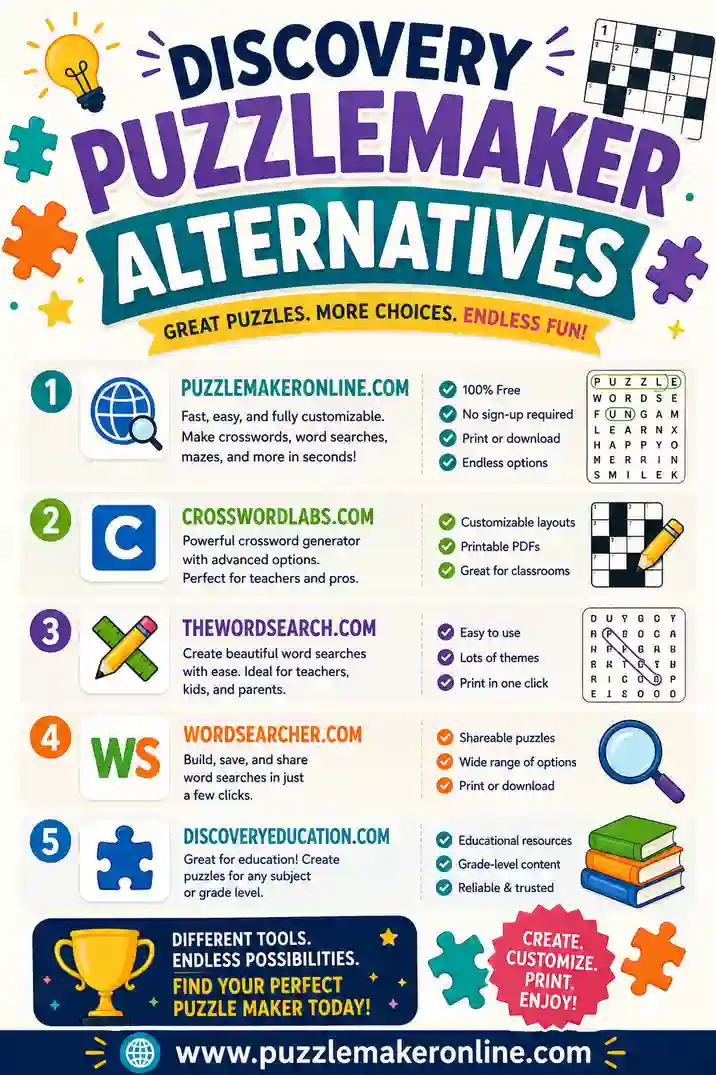
1. Puzzle Maker Online (our pick for a modern replacement)
This is the tool we built, so weigh that, but it's designed to be the Puzzlemaker experience without the dated edges. Paste a word list, choose word search, crossword, or scramble, and print a clean puzzle plus a matching answer key, no sign-up, no watermark, fully mobile-friendly. The same word list builds all three puzzle types, so you can hand out a themed worksheet set. Best for teachers and parents who liked Puzzlemaker's simplicity but want a smoother, modern tool.
2. Classic education puzzle generators
Several other long-running education sites offer free word search and crossword makers similar in spirit to Puzzlemaker. They're reliable and handle custom words well. Trade-offs: interfaces can feel just as dated, some add watermarks, and answer keys aren't always automatic. A familiar choice if you don't mind the older look.
3. Worksheet-builder platforms
Polished worksheet platforms include puzzle tools with templates. The catch is the free tier, which may limit puzzle count, add branding, or require an account to download. Worth it if you already use the platform for other worksheets.
4. Printable-PDF puzzle sites
Some sites offer pre-made puzzle PDFs. They're not makers, you can't add your own words, but they're handy when you just need a generic puzzle right now and don't care about the theme. Not a true Puzzlemaker replacement, but useful in a pinch.
5. Office software (Word, Docs, Sheets)
You can build puzzles by hand in a document or spreadsheet, but it's slow and there's no auto answer key. Only worth it if you want total manual control. For most former Puzzlemaker users, a dedicated maker is far less work.
Quick Comparison Table
The short version, side by side.
| Tool type | Sign-up | Puzzle types | Answer key | Mobile-friendly | Watermark |
|---|---|---|---|---|---|
| Puzzle Maker Online | No | Search, crossword, scramble | Yes, auto | Yes | No |
| Education generators | Sometimes | Search, crossword, more | Sometimes | Often no | Sometimes |
| Worksheet platforms | Usually | Varies | Yes | Yes | Often |
| Printable-PDF sites | No | Pre-made only | Yes | Yes | Varies |
| Office software | No | Manual only | No | Limited | No |
The pattern: for custom words, multiple puzzle types, and an answer key without an account, a modern browser maker is the closest match to what Puzzlemaker offered, minus the dated parts.
How to Choose Your Replacement
Match the tool to how you actually used Puzzlemaker.
You used it for classroom word searches and crosswords
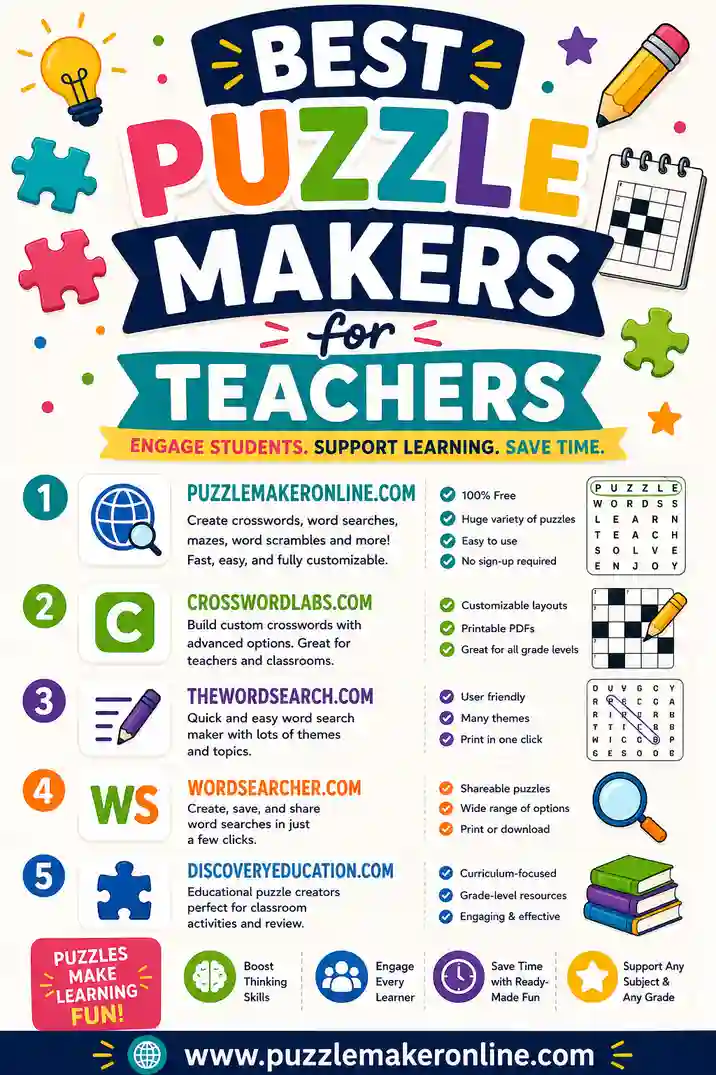
You want custom words, an answer key, and no sign-up, fast. A modern browser maker fits best. Our best puzzle makers for teachers guide covers classroom-specific features.
You mainly made word searches
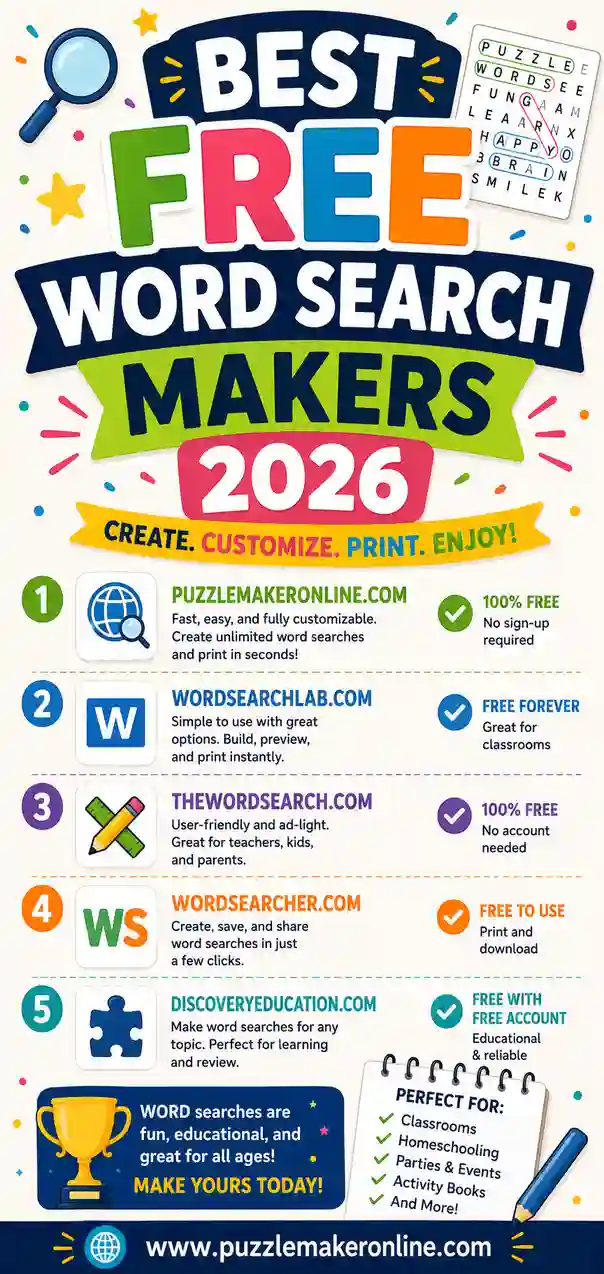
Focus on a tool with adjustable grid size and difficulty options. Compare the top picks in our best free word search makers roundup.
You mainly made crosswords
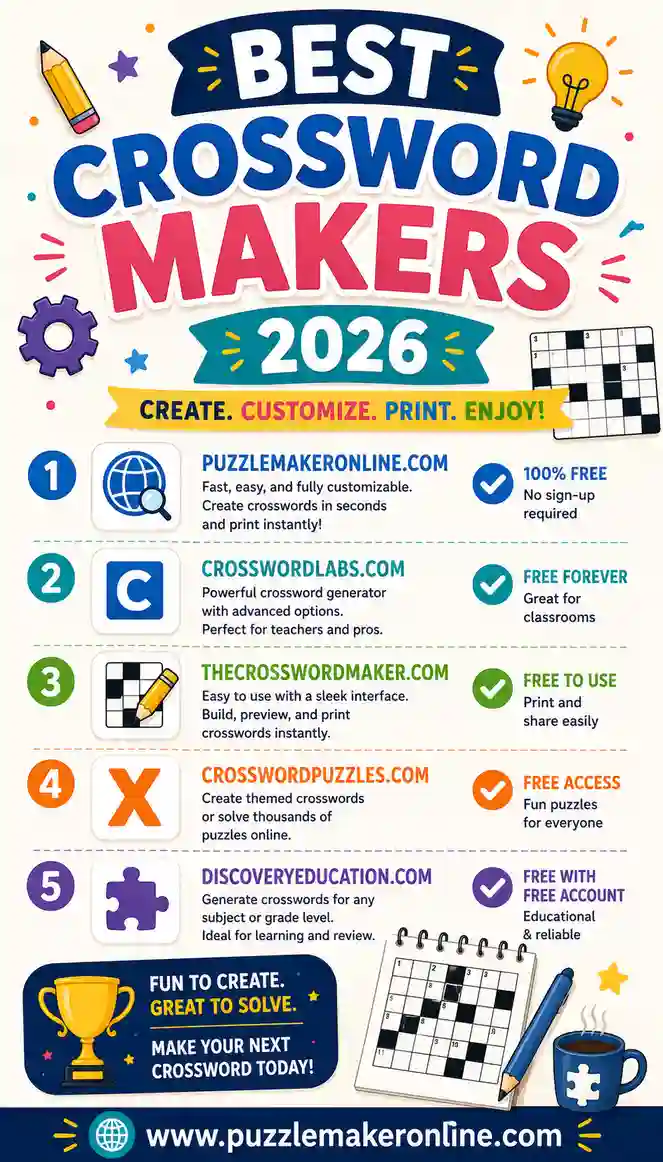
Look for an auto-fitting grid and a clue sheet. See our best crossword makers comparison for the strongest options.
You used the mazes or cryptograms
Puzzlemaker offered some niche puzzle types. If you specifically need mazes or cryptograms, check that your chosen tool supports them, or keep a specialty generator bookmarked alongside your main maker.
Common Questions From Former Puzzlemaker Users
A few things come up a lot when people switch tools.
Will I lose my saved puzzles?
Most free makers, including Puzzlemaker, don't save puzzles to an account, you make and print them on the spot. So there's nothing to migrate. Just keep your word lists in a notes file and you can rebuild any puzzle in seconds.
Can I still use my old word lists?
Yes. Any custom-word maker lets you paste the same lists you used before. Copy them straight in and generate a fresh puzzle.
Do alternatives include an answer key?
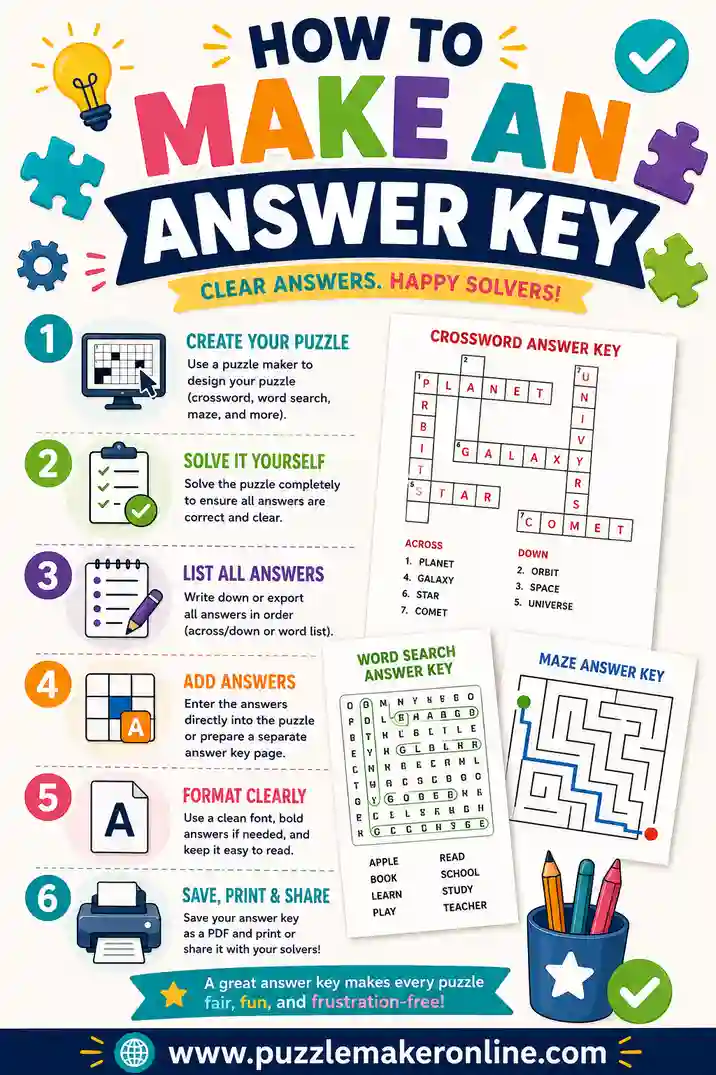
The better ones generate a key automatically, which Puzzlemaker did for some puzzle types. If your new tool doesn't, our answer key guide shows you how to make one fast.
Is there an alternative that works on a phone?
Yes, and this is a big upgrade over the original. Modern browser-based makers are mobile-friendly, so you can build and print a puzzle from a phone or tablet, something the classic Puzzlemaker struggled with.
Tips for Switching Tools Smoothly
Making the jump is easy with a couple of habits:
- Keep your word lists handy. Save them in a notes app so you can paste into any tool.
- Test the print step first. Run one test page on a new tool before printing a class set.
- Always include the answer key. Tick the option so you're not solving your own puzzle later.
- Bookmark your main maker. Make the switch stick by setting your new tool as the go-to.
- Try all three puzzle types. If your new maker does word search, crossword, and scramble, you may not need any others.
Why a Modern Free Maker Beats the Classic
The classic Puzzlemaker earned its loyal following by being free and simple. A good modern alternative keeps both of those and adds what the original lacked: a clean interface, mobile support, automatic answer keys, and no watermark. A browser tool can offer all that for free because there's nothing to install and nothing to store, you build the puzzle in your browser and print it on the spot.
So if you're hunting for a Discovery Puzzlemaker alternative, you don't have to settle for another dated page. The best replacements feel current, work on any device, and do everything Puzzlemaker did, plus a bit more.
Matching Puzzlemaker's Features in a Modern Tool
Part of what made Puzzlemaker handy was the range of puzzle types in one place. If you relied on specific ones, here's how the modern alternatives stack up so you know what to expect.
Word search
Every good alternative covers this, and most do it better, with adjustable grid size and difficulty. You paste your words, set the grid, and print. This is the most common reason people used Puzzlemaker, and it's the easiest feature to replace.
Crossword
Modern makers auto-fit your words into an interlocking grid and print a numbered clue sheet, often more cleanly than the original. If crosswords were your main use, you're well covered.
Word scramble
Scrambles, where letters of a word are jumbled for students to unscramble, are common in newer tools too, frequently from the same word list you used for the search and crossword.
Mazes, cryptograms, and number puzzles
These were Puzzlemaker's more niche offerings. Not every alternative includes them. If you specifically need a maze or a cryptogram, check the tool first or keep a dedicated generator bookmarked alongside your main word-puzzle maker.
A quick mapping of old features to new tools:
| Puzzlemaker feature | Easy to replace? | Where to find it |
|---|---|---|
| Word search | Yes | Most free makers |
| Crossword | Yes | Most free makers |
| Word scramble | Yes | Many free makers |
| Mazes | Sometimes | Specialty generators |
| Cryptograms | Sometimes | Specialty generators |
For the core three, word search, crossword, and scramble, a single modern maker handles everything from one word list, which is actually a step up from juggling separate Puzzlemaker pages.
Frequently Asked Questions
What is the best Discovery Puzzlemaker alternative?
For most former users it's a modern browser-based tool that builds word searches, crosswords, and scrambles from custom words, with automatic answer keys and no sign-up, like our free puzzle maker. It keeps Puzzlemaker's simplicity while adding mobile support and a cleaner interface.
Is Discovery Puzzlemaker still free?
Discovery's Puzzlemaker was free and didn't require an account. If you're looking for an alternative because it changed, went offline, or felt dated, several free tools now cover the same ground with a smoother experience.
Can I use my old word lists in a new tool?
Yes. Any custom-word maker lets you paste the same lists you used in Puzzlemaker. There's nothing to migrate, just copy your words in and generate a fresh puzzle.
Do the alternatives make the same puzzle types?
The best ones make word searches, crosswords, and word scrambles, the core types most people used. If you specifically need mazes or cryptograms, confirm your chosen tool supports them or keep a specialty generator bookmarked.
Is there a Puzzlemaker alternative that works on a phone?
Yes. Modern browser-based makers are mobile-friendly, so you can build and print puzzles from a phone or tablet, a clear upgrade over the desktop-only classic tool.
Do alternatives include answer keys like Puzzlemaker?
The better tools generate a matching answer key automatically when you make the puzzle. If your new tool doesn't, our answer key guide walks you through making one in minutes.
Ready to Try a Modern Puzzle Maker?
You don't have to settle for a dated tool. Open the free puzzle maker, paste your word list, and print a clean word search, crossword, or scramble with a matching answer key. It's free, there's no sign-up, no watermark, and it works on any device, everything you liked about Puzzlemaker, with none of the rough edges.