Crossword Puzzle Template: Blank Grids, Sizes and How to Fill One
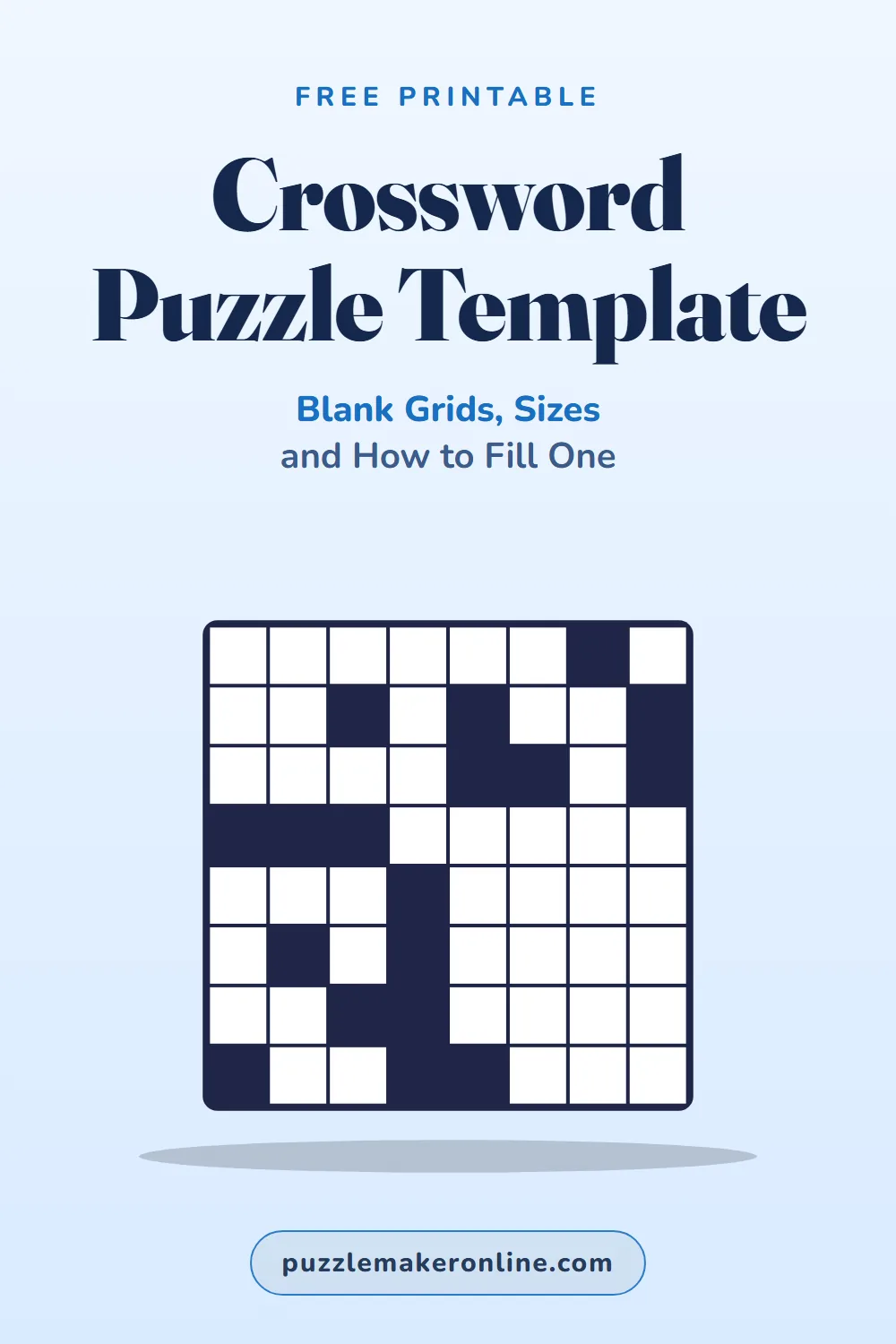
A crossword puzzle template is a blank grid of squares where you place answers across and down, add black squares between words, and number the first square of each answer. The most common sizes are 5 x 5 (a mini), 15 x 15 (a standard daily puzzle) and 21 x 21 (a big Sunday-size puzzle). You can fill a blank crossword template by hand, but it's much faster to type your words and clues into a free maker, which builds the grid, numbers it and prints an answer key for you.
Warm up with a quick word find, then let the maker build your crossword grid:
Crossword grid template sizes
| Grid size | Typical use | About how many answers | Time to fill by hand |
|---|---|---|---|
| 5 x 5 | Mini puzzle, quick daily challenge, little kids | About 10 | 15 to 30 minutes |
| 9 x 9 to 11 x 11 | Classroom vocabulary, party puzzles | 15 to 30 | 1 to 2 hours |
| 13 x 13 | Easy adult puzzles, newsletters | 30 to 60 | 2 to 4 hours |
| 15 x 15 | Standard daily crossword | About 70 to 78 | Several hours |
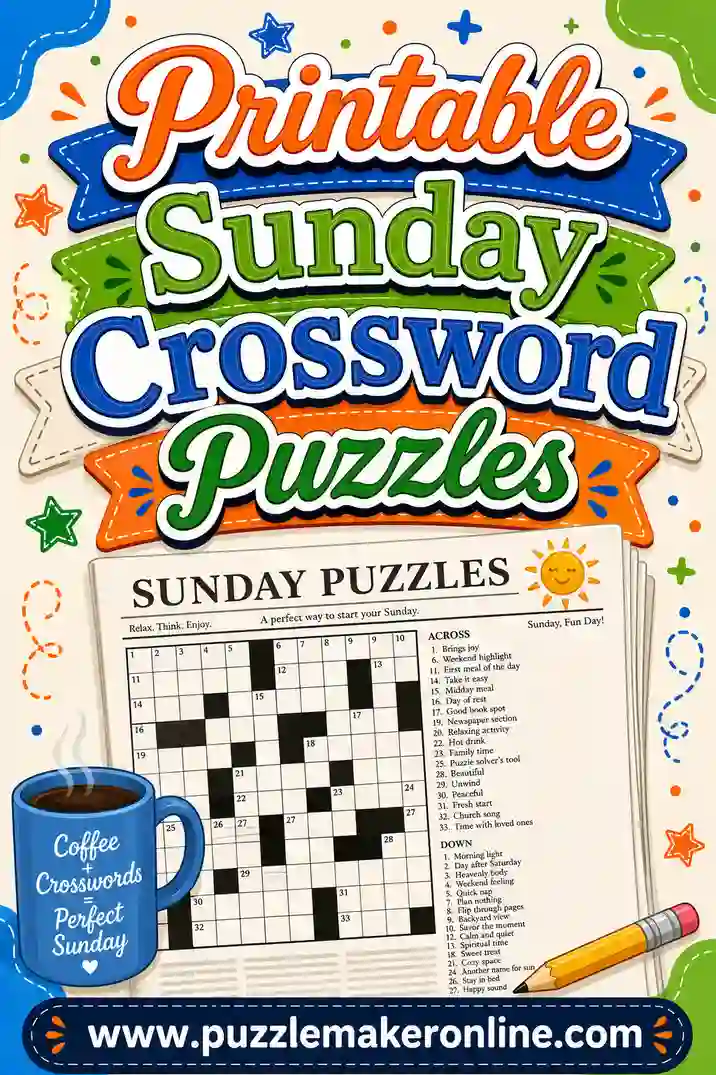
| 21 x 21 | Big weekend or Sunday-size puzzle | About 140 | A full day or more |
Answer counts are typical for American-style puzzles, not rules. A freeform classroom crossword (where words just cross where they can) has no fixed size; the maker sizes the grid to fit your list.
A blank crossword template example
The rules of an American-style crossword grid
If you're making a "real" newspaper-style grid by hand, these are the usual conventions:
- Square grid, usually an odd number of squares on each side (15 x 15, 21 x 21).
- Rotational symmetry. Turn the grid upside down and the black squares land in the same places.
- Every answer is at least 3 letters.
- Every white square is part of both an Across and a Down answer ("fully checked").
- All white squares connect; no section is cut off.
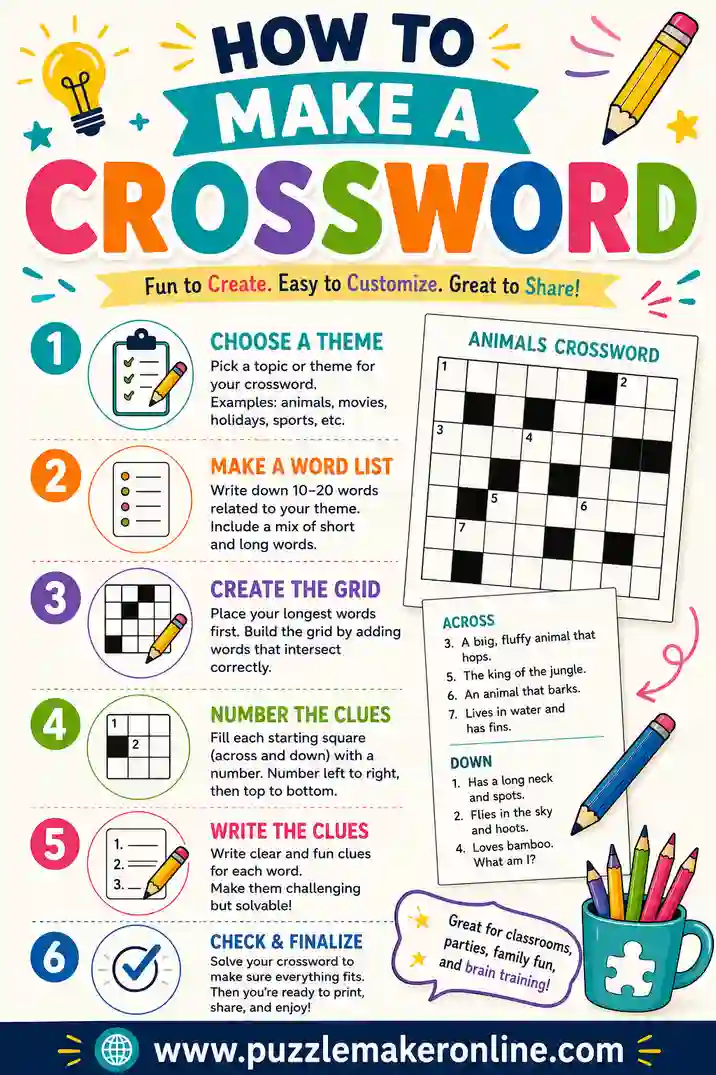
- Numbering: go left to right, top to bottom, and number every square that starts an Across or Down answer.
Classroom and party crosswords don't need to follow these rules. A freeform grid where your words cross wherever they share letters is easier to make and just as fun to solve.
How to fill a crossword template by hand
- Pick your long theme answers first and place them symmetrically.
- Add black squares to break up the rest of the grid, keeping the pattern symmetrical.
- Fill the crossings with shorter words. Pencil, eraser and patience required.
- Number the grid left to right, top to bottom.
- Write the clues in two lists, Across and Down, in number order.
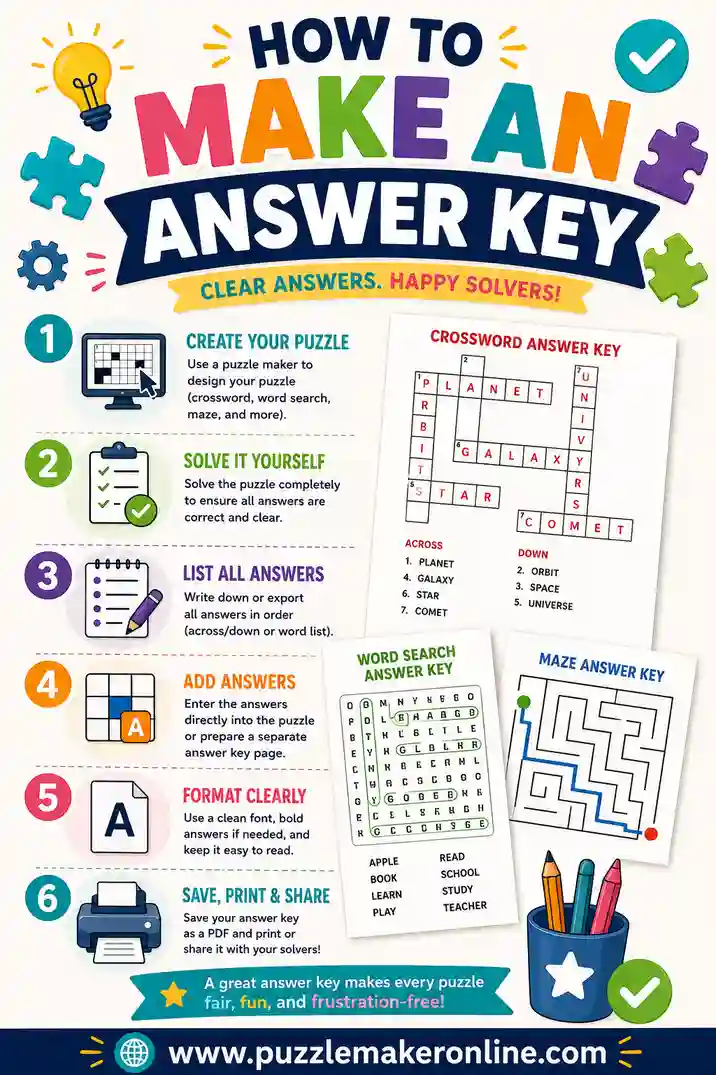
- Make an answer key by copying the filled grid.
Want to type it on a computer instead? Our page on how to make puzzles in Word walks through building a table-based grid.
The faster way: let the maker build the grid
| Blank template by hand | Crossword maker | |
|---|---|---|
| Placing words | You fit every crossing yourself | Done for you |
| Numbering | By hand, easy to slip | Automatic |
| Answer key | Copy it yourself | Printed on its own page |
| Changing a word | Often redo a whole corner | Edit the list and regenerate |
| Time for 15 words | An hour or more | About 5 minutes |
Here's how:
- Open the free crossword maker, or use the button under the warm-up puzzle.
- Type each answer and clue on one line: PLANET : A world that orbits a star.
- Add a title and tick Large print if you need it.
- Click Generate. Don't love the layout? Click again for a new arrangement.
- Print the puzzle and the answer key.
For a full walkthrough, read how to make a crossword. Need clue ideas? Our themed crossword puzzles page has 33 themes with sample answers. And if you want to print an answer key the right way, see how to make an answer key.
Tips for printing a crossword template
- Make squares at least about half an inch wide for kids and seniors; large print helps.
- Print clues on the same page as the grid when you can, so solvers don't flip back and forth.
- Keep the answer key on a separate page.
- Use plain paper in pencil-friendly weight, or slide a sheet into a dry-erase pocket to reuse it.
Frequently Asked Questions
What size is a standard crossword grid?
A standard daily American crossword is 15 x 15. Big weekend puzzles are often 21 x 21, and mini crosswords are 5 x 5.
How do you make a blank crossword template?
Draw a square grid (or make a table), shade black squares between answers in a symmetrical pattern, and number every square that starts an Across or Down answer.
What are the rules for a crossword grid?
American-style grids are usually symmetrical when turned upside down, every answer has at least 3 letters, every white square is in an Across and a Down answer, and all white squares connect.
How do you number a crossword template?
Go left to right, top to bottom, and give a number to every square that starts an Across answer, a Down answer or both.
Is there an easier way than filling a template by hand?
Yes. Type your answers and clues into a free crossword maker. It places the words, numbers the grid and prints an answer key.