Blank Sudoku Printable: Free Empty 9×9 Grids
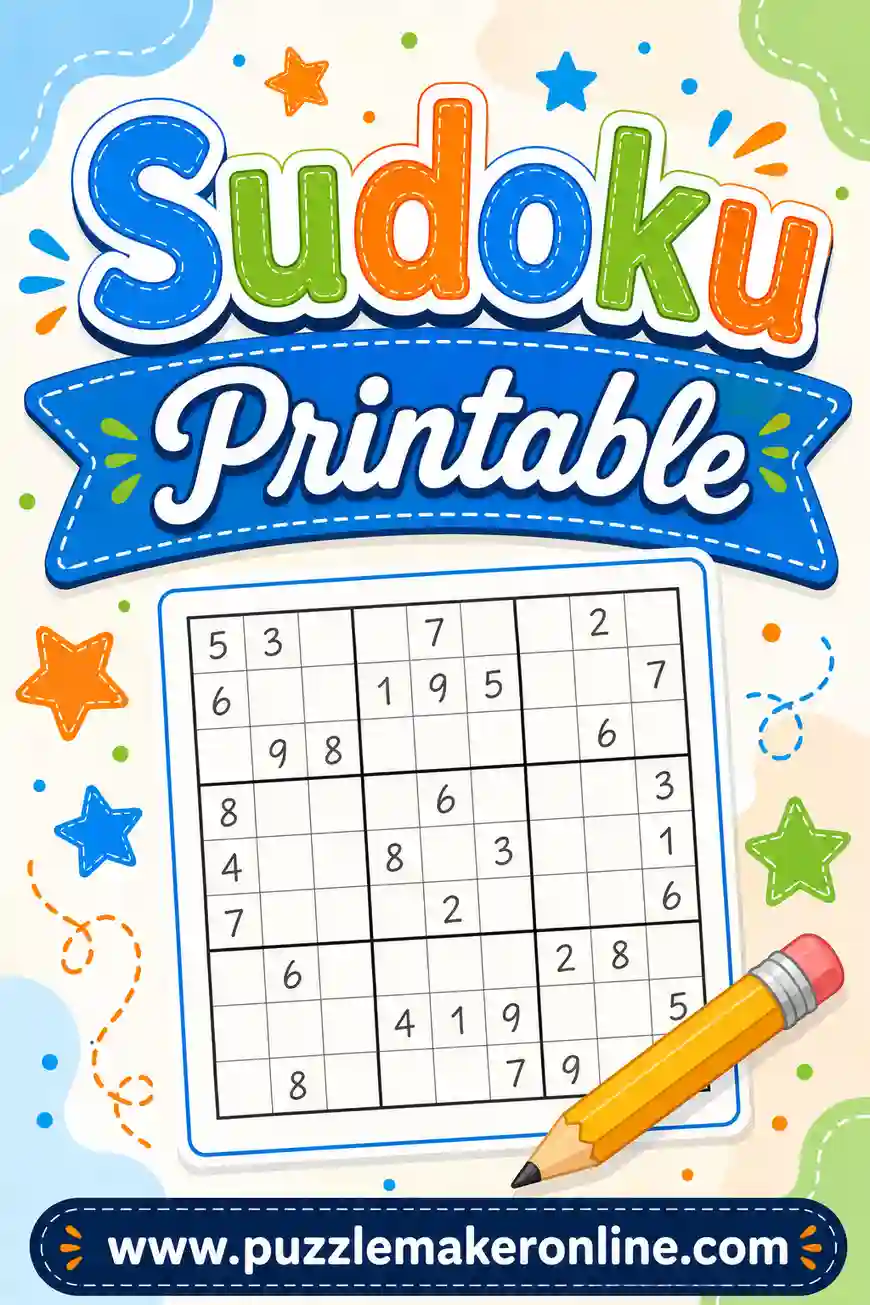
A blank sudoku printable is an empty 9×9 grid — 81 cells, divided into nine 3×3 boxes with bold lines — with no numbers filled in. People print them to copy puzzles from books, rescue a grid they've scribbled to death, build their own puzzles, or teach the rules from scratch. This guide shows you exactly how to make crisp blank grids yourself, and when you'd be better off printing ready-to-solve puzzles from a free puzzle maker instead.
Quick note before we start: if what you actually want is sudoku puzzles to solve, skip the blank grid entirely. The free sudoku generator prints fresh Easy, Medium, or Hard puzzles — 1, 2, 4, or 6 per page — each with exactly one solution and a matching answer key. Blank grids are for the jobs a ready-made puzzle can't do, and we'll cover all of them below.
What Is a Blank Sudoku Grid, Exactly?
A standard sudoku grid is a 9×9 square: nine rows, nine columns, 81 cells total. Thin lines separate the individual cells, and thicker lines carve the grid into nine 3×3 boxes. Those bold box lines matter — the whole game is filling every row, column, and box with the digits 1 through 9, so a printable blank sudoku without clear box borders is genuinely harder to use.
A good blank grid has three qualities: cells big enough to write a digit plus tiny pencil marks in the corners, box lines dark enough to read at a glance, and enough white space around the grid that nothing gets clipped by your printer's margins. That's it. No numbers, no decoration — just a clean scaffold waiting for digits.
Six Reasons to Keep Blank Grids Handy
An empty grid sounds useless until the day you need one. Here's when they earn their spot in the drawer.
- Enlarging a too-small puzzle. Puzzle books and magazine pages often print sudoku at postage-stamp size. Copy the givens onto a full-page blank grid and suddenly there's room for pencil marks.
- Rescuing a ruined solve. Erased a cell five times and torn the paper? Copy the original clues onto a fresh blank printable sudoku sheet and start clean.
- Solving a shared puzzle separately. Two people, one puzzle book. Copy the givens twice and race.
- Building your own puzzle. Constructing sudoku by hand starts with an empty grid (more on why that's harder than it looks below).
- Teaching the rules. An empty grid lets you demonstrate rows, columns, and boxes without the noise of a real puzzle.
- Practicing pencil-mark habits. Copy a half-finished puzzle onto a blank grid and redo your candidate notes neatly — it's the sudoku equivalent of rewriting messy class notes, and it genuinely sharpens your technique.
How to Make a Blank Sudoku Grid in Word or Google Docs
You can build a clean sudoku blank printable in about three minutes with any word processor.
- Insert a table. Choose Insert → Table and make it 9 columns by 9 rows.
- Square the cells. Set every row height and column width to the same value — 0.6 in (about 1.5 cm) is a comfortable full-page size. In Word: select the table, then Table Layout → set Height and Width. In Docs: right-click → Table properties.
- Bold the box lines. Select the whole table and set all borders to ½ pt. Then select columns 1–3 and give the right edge a 2¼ pt border; repeat for columns 4–6. Do the same with rows 3 and 6 (bottom edges), and give the outer border the thick weight too.
- Center and print. Center the table on the page, print one test copy, and check the box lines read clearly.
Save the file and you've got a reusable template — print ten copies whenever the drawer runs empty.
How to Make One in Excel or Google Sheets
Spreadsheets are even faster because the grid already exists.
- Select a 9×9 block of cells (say B2 to J10).
- Set the column width and row height so cells are square — around 40 pixels each works on screen; adjust after a print preview.
- Apply all borders (thin) to the block.
- Add thick borders around the outside and along the 3×3 seams: after columns D and G, and below rows 4 and 7 of your block.
- Set the print area to just the grid, choose "Fit to one page," and print.
Bonus move: copy the finished block sideways and down and you can fit four or six blank grids on a single sheet — the same paper-saving trick our sudoku generator uses for ready-made puzzles.
The Fast Option: Print Ready-Made Puzzles Instead
Here's the honest part. Our puzzle maker doesn't print empty grids — its Sudoku tab generates ready-to-solve puzzles, and for most people that's the better tool for the job. If the reason you searched for a blank sudoku printable is "I want sudoku to solve on paper," you can skip the template-building entirely:
- Open the free sudoku generator and click the Sudoku tab.
- Pick Easy, Medium, or Hard.
- Choose 1, 2, 4, or 6 puzzles per page.
- Hit Generate, then Print / Save PDF. The puzzles print on one page and the full solutions on the next.
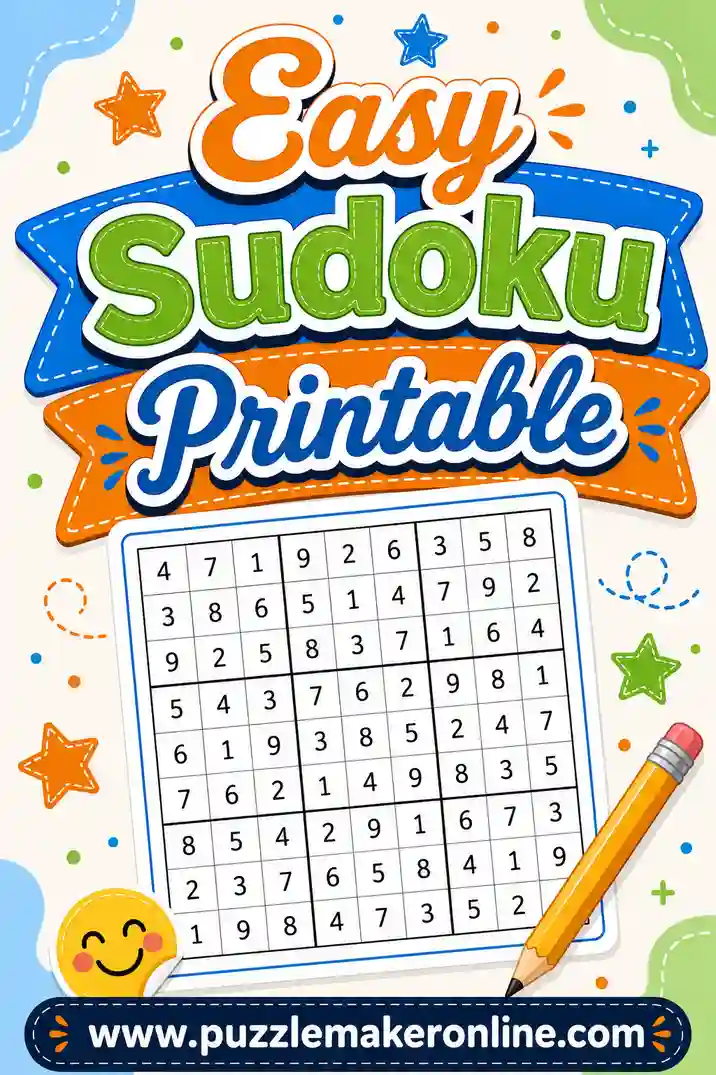
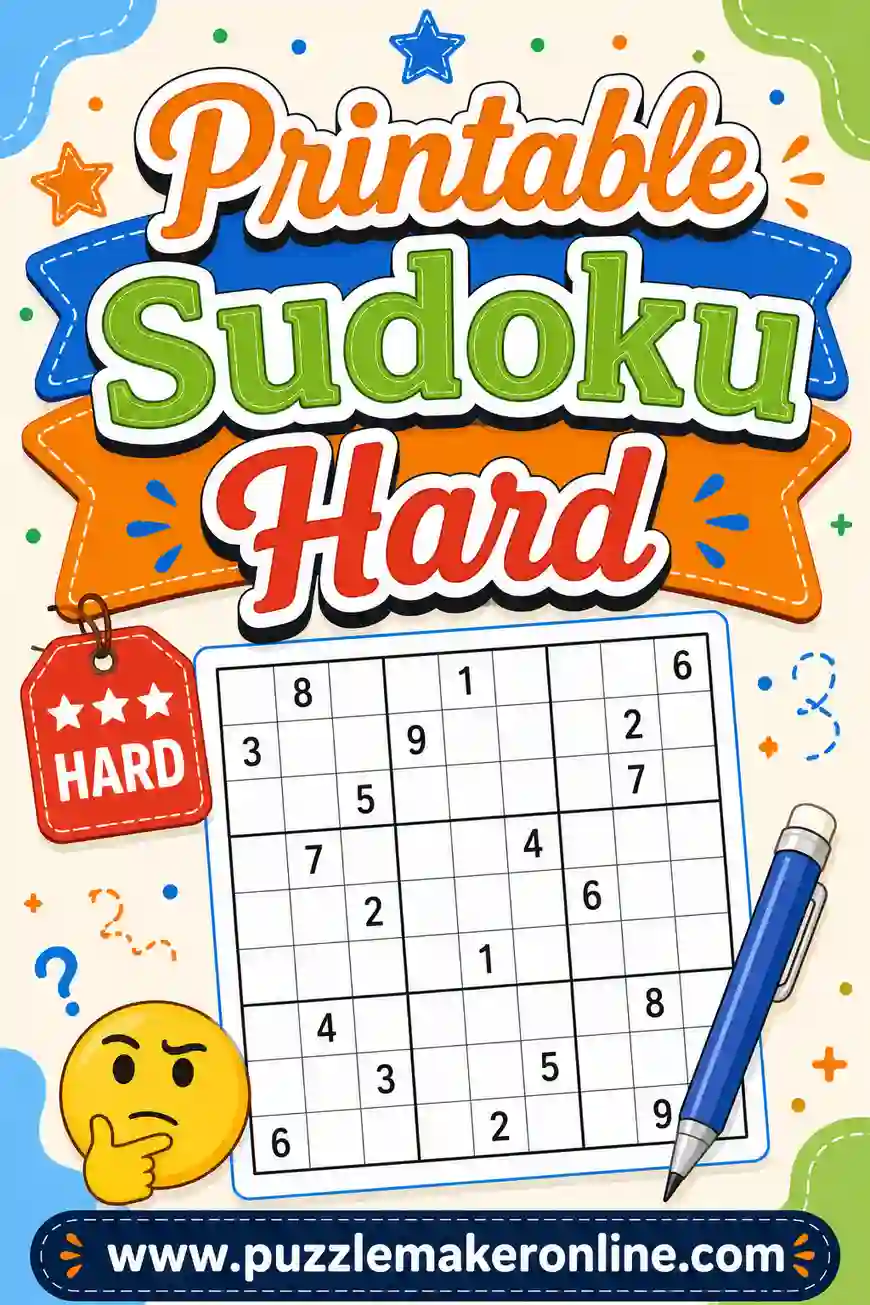
Every puzzle is built from a complete valid grid, with clues removed only while exactly one solution remains — so there's no broken logic and no guessing. Start with our easy sudoku settings if you're new, or jump to hard sudoku if you want a fight. Use a blank grid when you need an empty scaffold; use the generator when you need puzzles.
Cell Sizes That Actually Work
The most common blank-grid mistake is cells too small for pencil marks. A solver writing candidate digits needs room for up to four tiny numbers in a cell's corners, plus the final digit in the middle. Here's a sizing guide:
| Use | Cell size | Grid size | Fits per page |
|---|---|---|---|
| Large print / seniors | 0.75 in (19 mm) | ~6.75 in square | 1 |
| Standard solving | 0.6 in (15 mm) | ~5.4 in square | 1–2 |
| Pencil-mark training | 0.7 in (18 mm) | ~6.3 in square | 1 |
| Travel / scratch grids | 0.4 in (10 mm) | ~3.6 in square | 4 |
| Mini teaching grids (4×4) | 0.8 in (20 mm) | ~3.2 in square | 4–6 |
If you'll solve in pen (brave) or teach kids (big handwriting), round every size up a notch.
Using a Blank Grid to Enlarge or Restart a Puzzle
This is the workhorse use, so here's the clean way to do it:
- Copy the givens in pen. Write the original clue numbers in ink so an eraser can never take them out — that mirrors how printed puzzles distinguish givens from your answers.
- Solve in pencil. Everything you deduce goes in pencil, so mistakes wipe away without confusing you about what was original.
- Double-check the copy before solving. One mis-copied given makes the puzzle unsolvable, and you won't find out until you're twenty minutes in. Check row by row, counting the givens in each.
- Note the source. Jot the book page or date in the corner so you can check your answer later.
Making Your Own Sudoku on a Blank Grid
Plenty of people print blank grids planning to construct a puzzle by hand — and it's a fun rabbit hole, with one big trap: uniqueness. A legitimate sudoku has exactly one solution. If you fill a grid, erase some cells, and hand it to a friend, odds are good you've accidentally left multiple valid solutions, which breaks the logic and forces guessing.
The hand method goes like this: fill a complete valid grid first (start from a known solution and swap digits, rows within bands, or columns within stacks to disguise it), then remove clues one at a time, checking after each removal that logic alone still forces every cell. That checking step is the hard part — it's slow by hand, and it's exactly what a generator automates. If your goal is puzzles people can actually solve, generate a sudoku printable and spend your creativity on the solving instead.
Teaching Sudoku with Blank Grids
Blank grids shine in the classroom and at the kitchen table:
- Start with a blank 4×4. Draw or print a four-cell-wide mini grid, fill in five or six givens yourself, and let a young learner finish it. The 1–4 version teaches rows, columns, and boxes in five minutes (try the mini widget above for the idea).
- Demonstrate the three rules visually. On an empty 9×9, shade one row, one column, and one box in different colors. "Each of these needs 1 through 9, no repeats" lands instantly.
- Let kids build their own. Have students fill a complete valid 4×4 or 6×6 grid — just filling one correctly is a real logic exercise, before any clue-removal even starts.
- Graduate to real puzzles. Once the rules click, print a page of genuine easy sudoku puzzles so learners get the reward of a solvable challenge with an answer key for checking.
Printing Tips for Clean Grids
- Grayscale is perfect. A sudoku printable blank grid needs no color; use draft mode and save ink.
- Test one page first. Printer margins clip outer borders more often than you'd think. Check all four thick edges survived.
- Cardstock plus laminate equals a forever grid. Laminate one blank grid and solve with a dry-erase marker — one sheet lasts years.
- Print a small stack. Blank grids get used at unpredictable moments (a too-small newspaper puzzle, a sudden teaching opportunity). Five spares in a folder cost almost nothing.
- Keep pencil-friendly paper. Very glossy paper smears graphite; plain copy paper erases cleanest.
Blank Sudoku Grid with Candidate Boxes (Pencil Marks)
A candidate-box grid is a blank sudoku grid with a tiny 3×3 "notes" pattern built into every cell. Instead of squeezing small digits into the corners wherever they fit, each possible digit gets its own fixed spot: 1 in the top-left of the cell, 5 in the center, 9 in the bottom-right. When you scan a row looking for where the 7 can go, your eye only has to check one position in each cell. That is why many solvers who reach medium and hard puzzles switch to this layout.
When a candidate-box grid is the right choice:
- You are learning pencil marks. Fixed positions turn messy notes into a pattern you can read at a glance. Our guide to candidate mode in sudoku explains the habit in detail.
- You are working on advanced techniques. Spotting naked pairs, an X-Wing, or locked candidates is far easier when every 4 sits in the same spot of every cell.
- You are copying a tough puzzle to finish later. A clean candidate grid lets you transfer your notes as well as the givens.
- You are teaching someone else. Pointing to "the 3 spot" in a cell is much clearer than pointing at a scribble.
How to make one yourself: build the regular 9×9 table from the Word or spreadsheet steps above, then make each cell bigger — at least 0.75 in (19 mm) square. In a spreadsheet, the easy trick is to build a 27×27 block of small cells, use no borders inside each group of 3×3 small cells, a thin border around each group (that group is one sudoku cell), and a thick border every ninth row and column (the 3×3 boxes). You get the candidate layout without drawing a single note box by hand. Print it in light gray so the given digits and your final answers stand out in dark pencil.
For easy puzzles, skip it. Beginners rarely need more than two or three notes per cell, and the plain grid with wide cells is less cluttered.
Fill In and Solve Side by Side
A "fill in and solve" sheet puts two grids next to each other on one landscape page. The left grid holds the puzzle you are working on; the right grid is a clean working copy, an answer grid, or a second attempt. It is a surprisingly useful layout, and it is easy to set up.
Ways people use a side-by-side sheet:
- Transcribe and solve. Copy the givens from a book or newspaper into the left grid in pen, and do all your pencil work on the right grid. The left grid stays a clean record of the original puzzle, so you can always restart.
- Puzzle and answer key. Teachers and puzzle makers write the puzzle on the left and the full solution on the right, then fold the page down the middle before handing it out. Students unfold it to check their work.
- Race a friend. Copy the same givens into both grids, cut the sheet in half, and see who finishes first.
- Try two different paths. On a hard puzzle, keep your safe progress on the left and test a risky "what if this cell is a 6?" line on the right. If the test breaks, you have lost nothing.
To make one in Word or Google Docs, switch the page to landscape, insert a two-column table with no borders, and put one 9×9 sudoku table in each column. In a spreadsheet, build one bordered 9×9 block, copy it, paste it two or three columns to the right, and set the print area around both. Keep cells at about 0.5 in (13 mm) so both grids fit across a letter-size or A4 sheet. If you would rather have the puzzle and its answer printed for you, the generator prints puzzles on one page and solutions on the next — see our guide to sudoku printouts with answers.
How Many Blank Grids Fit on One Page?
It depends on how much room you need for notes. Here is a practical guide for standard letter or A4 paper with normal printer margins:
| Grids per page | Orientation | Cell size | Best for |
|---|---|---|---|
| 1 | Portrait | 0.6–0.75 in (15–19 mm) | Large print, candidate boxes, teaching |
| 2 | Landscape (side by side) or portrait (stacked) | 0.45–0.5 in (11–13 mm) | Fill in and solve, puzzle plus answer |
| 4 | Portrait, 2×2 | 0.38–0.42 in (10–11 mm) | Everyday solving, copying puzzles |
| 6 | Portrait, 2×3 | 0.3–0.35 in (8–9 mm) | Scratch grids, quick copies, travel |
Six to a page is about the limit for a usable grid; beyond that the cells get too small to write a clear digit. If you like the compact style for real puzzles, our sudoku 6 per page guide covers that layout, and giant sudoku goes the other way for anyone who wants extra-large print.
Print Settings That Keep Your Grid Square
A grid that looks perfect on screen can come out stretched, clipped, or faint. These settings fix almost every problem:
- Print at actual size (100%). "Fit to page" or "Shrink oversized pages" can squash the grid into rectangles. Choose Actual size or 100% scale unless the grid is too big for the paper.
- Match the paper size. A file set up for A4 printed on US letter paper (or the other way around) gets resized. Check the paper setting in both the document and the print dialog.
- Turn on background graphics if you shaded anything. Browsers skip background colors by default. If you shaded alternate boxes or the candidate notes area, tick "Background graphics" or the shading will vanish.
- Leave at least half an inch of margin. Most home printers cannot print to the very edge, and the thick outer border is the first thing to disappear.
- Save as PDF for a reusable master. A PDF keeps the exact grid size on any computer, so the template prints the same every time.
- Make the lines dark enough. Thin lines at 0.5 pt can print very light on some inkjets. If the cell lines look faint, bump them to 0.75 pt and keep the box lines at 2–2.25 pt.
Blank Grids for Other Sudoku Sizes
The same template steps work for every grid size — only the box shape changes. Use these box layouts so the puzzle rules still hold:
- 4×4 grid: four 2×2 boxes, digits 1–4. Perfect for young kids — see 4×4 sudoku.
- 6×6 grid: six boxes of 2 rows by 3 columns, digits 1–6. The natural next step — see 6×6 sudoku.
- 9×9 grid: nine 3×3 boxes, digits 1–9. The classic.
- 12×12 grid: twelve boxes of 3 rows by 4 columns, digits 1–12 (or 1–9 plus A–C). See 12×12 sudoku.
- 16×16 grid: sixteen 4×4 boxes, digits 1–16 or 0–9 plus A–F. See 16×16 sudoku.
Bigger grids need bigger paper or smaller cells, so print 12×12 and 16×16 one to a page. If you are new to the variants, our sudoku variants overview walks through the most popular ones.
Common Mistakes to Avoid
- Skipping the bold box lines. A 9×9 grid with uniform lines is miserable to solve on — the 3×3 boxes are half the game. Make the seams visibly thicker.
- Cells too small for pencil marks. Under about half an inch, candidate notes turn into smudges. Size up.
- Copying givens in pencil. You will erase one mid-solve and corrupt the puzzle. Givens go in pen.
- Hand-making puzzles without checking uniqueness. Multiple solutions frustrate solvers. Generate instead, or verify removal by removal.
- Printing one grid when you need six. Blank grids and generated puzzles both pack 4–6 to a page. Fill the sheet.
Frequently Asked Questions
Where can I get a blank sudoku printable for free?
Make one in about three minutes with the Word or spreadsheet steps above — a 9×9 table with bold lines after every third row and column. Save the file and you can reprint forever at no cost.
Does your puzzle maker print blank sudoku grids?
No — and we'd rather tell you straight. The Sudoku tab generates ready-to-solve puzzles with clues and a printed answer key, in Easy, Medium, or Hard at 1, 2, 4, or 6 per page. For an empty grid, use the quick DIY template steps in this guide.
What size should blank sudoku cells be?
At least 0.6 inches (15 mm) square for comfortable solving with pencil marks, and 0.75 inches or more for large print. Smaller than half an inch only works for scratch grids where you're copying a solve, not annotating one.
Can I make a blank sudoku printable PDF?
Yes. Build the grid in Word, Docs, or a spreadsheet, then choose "Save as PDF" in the print dialog. You get a reusable file you can print or share — same trick works for generated puzzles via the Print / Save PDF button.
Why does my homemade sudoku have two solutions?
Because clues were removed past the point where logic forces every cell. A valid puzzle keeps exactly one solution; checking that by hand after each removal is slow, which is why generators do it automatically.
What's the fastest way to just get puzzles on paper?
Open the free sudoku generator, pick a difficulty, pick puzzles per page, and print. Puzzles on one page, solutions on the next, no sign-up, no watermark.
How many blank sudoku grids fit on one page?
One to six on letter or A4 paper. One grid gives you room for candidate boxes and large print, two fit side by side in landscape, four is the everyday choice, and six is the practical maximum before the cells get too small to write in clearly.
What is a 9×9 sudoku grid called?
Most people just call it a sudoku grid or sudoku board. The 81 squares are cells, the nine 3×3 sections are called boxes (also blocks or regions), and solvers often use the word "house" or "unit" for any row, column, or box that must hold the digits 1 through 9 once each.
Is a blank sudoku grid with zeros valid?
Many sudoku apps and text files use 0 or a dot to stand for an empty cell, so a grid full of zeros simply means a completely blank grid. It is valid as a starting template, but it is not a puzzle — with no clues, it has an enormous number of possible solutions. A real sudoku needs enough clues to force exactly one answer, and the smallest number of clues a standard 9×9 puzzle with a single solution can have is 17.
How do I print a blank sudoku with candidate boxes?
Make each cell at least 0.75 inches square and divide it into a light 3×3 pattern of note spots, with digit 1 in the top-left and 9 in the bottom-right. A 27×27 block of small spreadsheet cells with borders only around each group of nine is the quickest way to build it.
What paper is best for blank sudoku grids?
Plain copy paper erases cleanly and takes pencil well. Use cardstock if you plan to laminate a grid for dry-erase markers, and avoid glossy photo paper, which smears graphite.
Grab Your Grids — Blank or Filled
Now you've got both tools: a three-minute template for every blank sudoku printable job — enlarging, rescuing, teaching, constructing — and a free sudoku generator for unlimited ready-to-solve puzzles with answer keys. Print a few empty grids for the drawer, print tonight's puzzles for the table, and keep a sharp pencil nearby.
Want the solving side too? Start with our sudoku printable guide for the full printing walkthrough, warm up with easy sudoku, or test yourself against hard sudoku. Happy solving.