How to Make a Crossword: Free Step-by-Step Guide
To make a crossword, you pick a theme, write a list of answer words, attach a clue to each one, then interlock the words on a grid so they cross at shared letters. The fastest way to do it is a free crossword maker that takes your words and clues and builds the interlocking grid for you, ready to print with the clues numbered automatically.
Want to skip the tricky grid-building? Open the free puzzle maker, enter your words and clues, and it'll fit them together and print a clean crossword in seconds. No sign-up, no fee, nothing to install. The steps below walk you through making a great one every time.
What Makes a Good Crossword
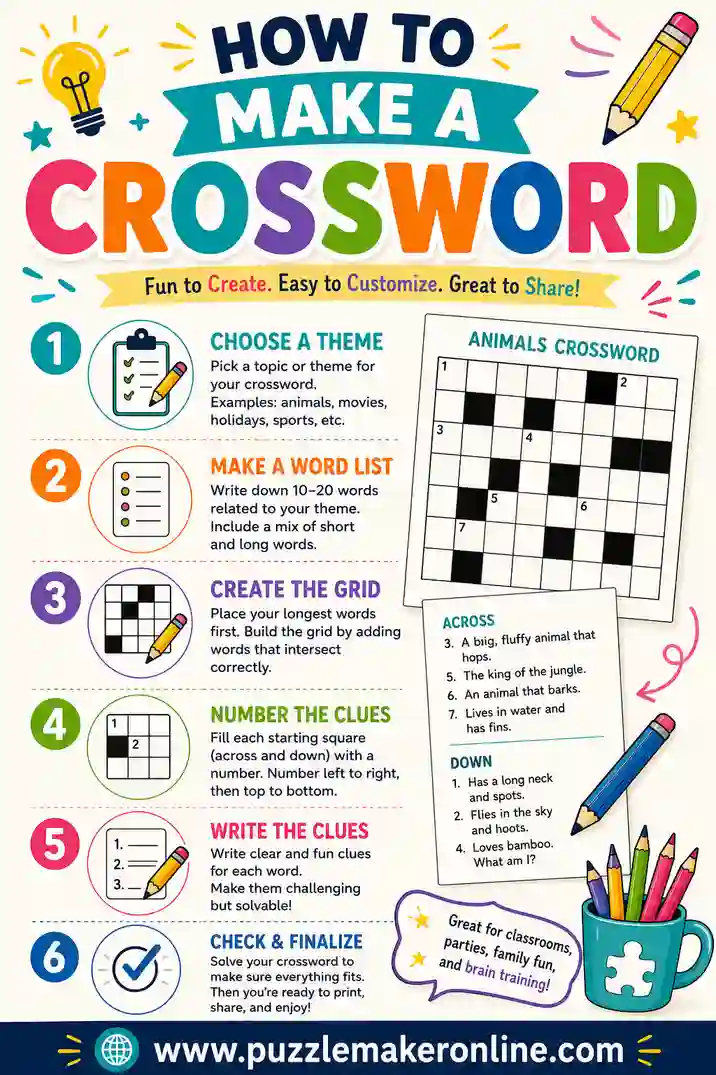
A crossword is more than a list of words. It's a web where answers cross and share letters, and clues that are fair but clever. Get those two things right and your puzzle sings.
The interlocking is the heart of it. Each answer should cross at least one other answer at a shared letter, so solving one word helps with the next. That web of overlaps is what makes a crossword feel like a crossword instead of a fill-in-the-blank worksheet.
The clues are the personality. A good clue points clearly at the answer without giving it away. For kids you keep them simple and direct. For adults you can add wordplay and a wink. Either way, the clue is where your crossword shows its character.
Step 1: Choose a Theme and Audience
Start by deciding what your crossword is about and who's solving it. These two choices shape everything else.
A theme keeps your words connected and gives the solver a foothold. "U.S. presidents," "kitchen vocabulary," or "all about Grandma's 80th birthday" all work beautifully. A personal theme, built around a specific person or event, makes the most memorable puzzles.
Your audience sets the difficulty. A crossword for second graders needs short words and plain clues. One for an adult game night can handle longer answers and trickier wordplay. Decide this now so your word and clue choices stay consistent.
Step 2: Write Your Answer Words
List the words you want hidden in the grid. For a small puzzle, 10 to 15 words is plenty. A meatier crossword might run 20 to 30.
A few rules keep your words crossword-friendly:
- Single words work best. Crosswords can use spaces, but single words interlock more easily, especially in smaller grids.
- Skip punctuation. Drop apostrophes and hyphens. "Don't" becomes "DONT" in the grid.
- Mix the lengths. A blend of short and long words gives the grid more places to interlock.
- Favor common letters. Words sharing letters like E, A, R, S, and T interlock more easily than ones full of Q and Z.
How many words for each puzzle size
| Puzzle size | Answer words | Best for |
|---|---|---|
| Small | 8–12 words | Young kids, quick puzzles |
| Medium | 13–20 words | Classrooms, parties |
| Large | 21–30 words | Teens and adults |
| Theme puzzle | 12–18 words | Personalized gifts and events |
Step 3: Write a Clue for Every Word
Each answer needs a clue. This is where your crossword comes alive, and it's worth a little care.
A clear clue points at exactly one answer. "A yellow fruit that monkeys love" only really fits "banana." Vague clues frustrate solvers, so be specific enough to guide them without simply stating the word.
Match the clue style to your audience:
- For kids. Use plain, direct definitions. "The opposite of hot" for COLD.
- For adults. Add wordplay, fill-in-the-blanks, or a little misdirection. "Chilly reception?" for COLD.
- For personal puzzles. Use facts only the solver would know. "The city where we met" or "Mom's favorite flower."
Types of clues to mix in
- Definitions. Straightforward meaning of the word.
- Fill in the blank. "Peanut butter and ___" for JELLY.
- Synonyms. "Happy" for GLAD.
- Trivia. "Largest planet" for JUPITER.
- Personal facts. Great for birthday, wedding, and anniversary puzzles.
Step 4: Interlock the Words on the Grid
This is the hard part by hand and the part a tool does instantly. Here's what's happening either way.
Words are placed across and down so they cross at shared letters. You start with a long word, then find another word that shares one of its letters and place it perpendicular through that point. You keep adding words, each one crossing at least one already on the grid, until they all interlock into a connected web.
By hand this takes patience and a lot of erasing. Not every word will fit neatly, and you'll often swap words in and out to make the grid connect. A crossword maker tries thousands of arrangements in a fraction of a second and hands you a tidy interlocked grid, which is why most people let the tool do this step.
Step 5: Number the Clues and Print
Once the grid is built, each starting square gets a number, and clues are split into "Across" and "Down" lists that match those numbers. The numbering follows a standard left-to-right, top-to-bottom order. A maker handles this automatically.
Then print. A few tips for clean output:
- Run a test page first. Make sure the grid and both clue lists fit on the page.
- Print the answer key separately. Keep a filled-in copy so you can check solvers or hand it out at the end.
- Use black and white. Crosswords need no color, which saves ink.
- Leave room to write. For kids especially, make the grid squares large enough for chunky pencil letters.
Making a Crossword by Hand vs. Using a Tool
You can build a crossword with graph paper, and it's a genuinely satisfying puzzle to solve yourself. But the interlocking step is where hand-building gets slow.
| By hand | Crossword maker | |
|---|---|---|
| Time | 30–60 minutes | Under a minute |
| Interlocking | Lots of trial and error | Automatic |
| Numbering | Count and label by hand | Done for you |
| Editing | Often start over | Instant |
| Answer key | Draw it yourself | Generated |
The honest take: building one by hand is a rewarding challenge if you enjoy the craft. For a classroom set, a party puzzle, or anything you'll revise, the puzzle maker saves you the tedious interlocking and numbering work entirely.
Common Mistakes to Avoid
A few traps catch first-time crossword makers.
- Words that won't interlock. If your words share no common letters, they can't cross. Pick words with overlapping letters in mind.
- Clues that are too vague. "A thing you use" could be anything. Make each clue point at one answer.
- Too many obscure words. A grid stuffed with rare words feels unfair. Mix in plenty of everyday answers.
- Forgetting to number. Without numbers, solvers can't match clues to the grid. Always number before printing.
- Mismatched difficulty. Adult-level wordplay frustrates kids, and kid clues bore adults. Match clues to your solvers.
Fun Ways to Use Your Crosswords
Once you can make one, crosswords fit almost any occasion.
- Personal gift puzzles. A crossword about someone's life makes a heartfelt birthday or anniversary surprise.
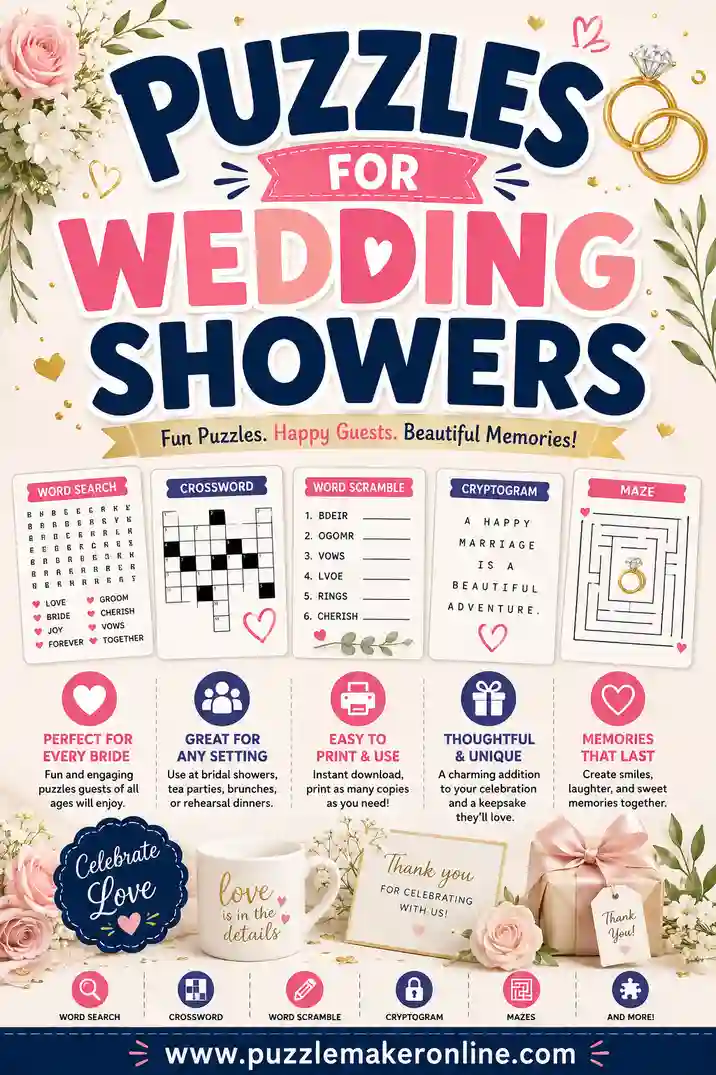
- Wedding and shower games. Build clues around the couple's love story for a sweet party activity.
- Classroom review. Turn a vocab or history unit into a crossword that doesn't feel like a test.
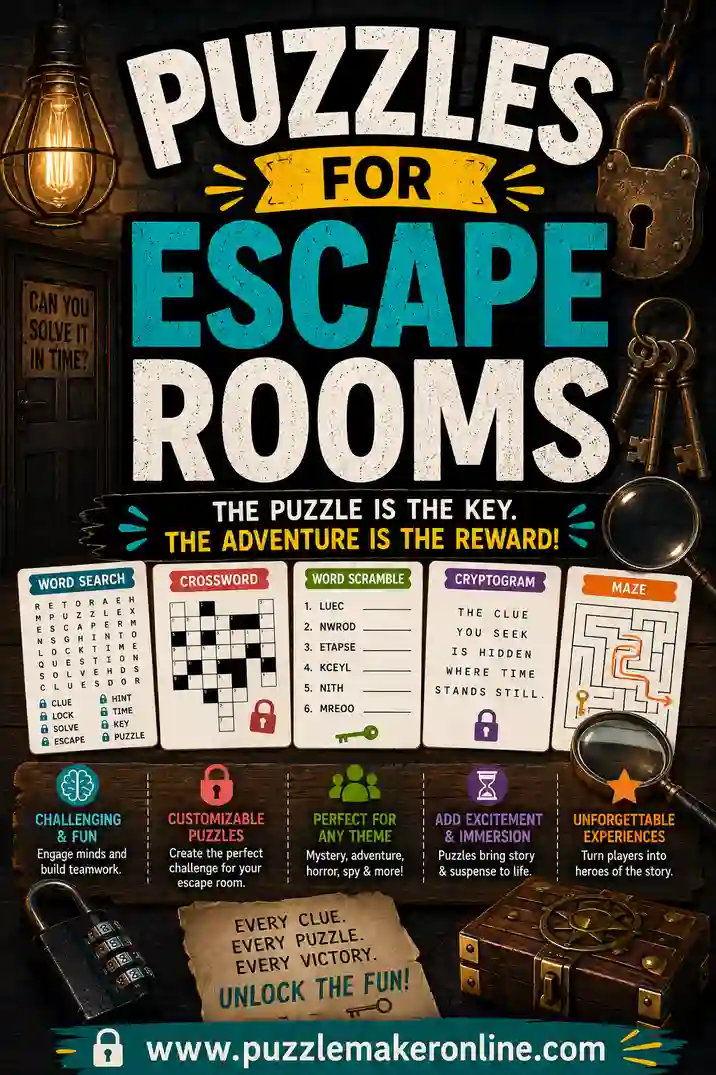
- Escape room clues. Shade certain squares so the answers spell a hidden password.
- Newsletter and event fillers. A themed mini-crossword is a charming addition to any handout.
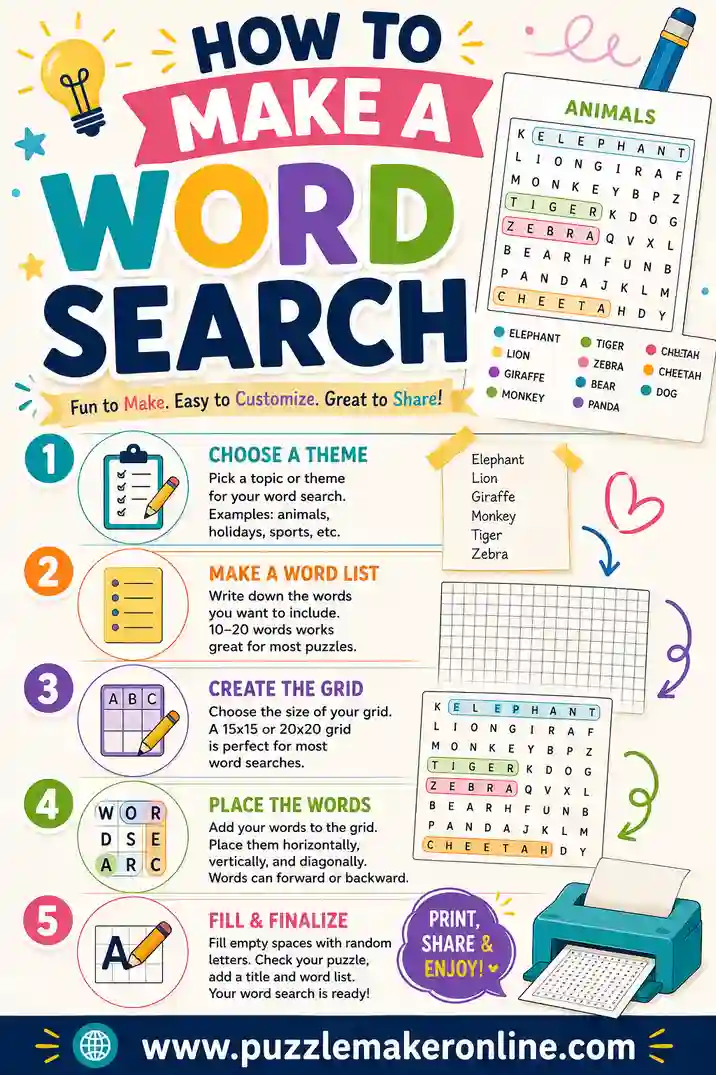
Want to keep building? Learn how to make a word search for an easier puzzle, create a love-story crossword with puzzles for wedding showers, or hide a secret code using puzzles for escape rooms.
A Quick Worked Example
Let's build a small "weather" crossword so the steps feel real. The theme is set: weather. Here are eight answer words, chosen because they share plenty of common letters and interlock easily:
- RAIN, SNOW, CLOUD, THUNDER, WIND, SUNNY, STORM, FROST
Now each one gets a clue. Keeping it kid-friendly:
- RAIN — Water that falls from clouds
- SNOW — White flakes on a cold day
- CLOUD — Fluffy shape that floats in the sky
- THUNDER — The loud boom after lightning
- WIND — Moving air you can feel but not see
- SUNNY — A bright, clear day
- STORM — Wild weather with rain and wind
- FROST — Thin ice on the grass in the morning
Paste those words and clues into the puzzle maker and it interlocks them, crossing STORM through FROST at the shared T, and SNOW through SUNNY at the shared N. It numbers the squares, splits the clues into Across and Down, and prints a finished puzzle with an answer key. By hand this interlocking would take a good twenty minutes of trial and error. The tool does it in under a second.
Adapt the same idea to any theme
The exact same five steps build a crossword for "U.S. states," "science vocabulary," or "all about the birthday girl." Pick the theme, list your answer words, write a clue for each, let the tool interlock and number them, and print. After your first one, every crossword takes just minutes.
Before you build your own grid, you might enjoy our guide to the history of crossword puzzles.
If you wonder why some short words keep turning up in grids, see crosswordese.
Frequently Asked Questions
How do I make a crossword for free?
Pick a theme, write a list of answer words, and add a clue for each one. Then paste them into a free crossword maker. It interlocks the words, numbers the clues, and prints a finished puzzle with an answer key, all with no sign-up or software.
How many words should a crossword have?
A small crossword uses 8 to 12 words, a medium one 13 to 20, and a large one up to 30. For a personalized puzzle, 12 to 18 words is a comfortable, satisfying size.
How do words connect in a crossword?
Words cross at shared letters. Each answer is placed across or down so it overlaps at least one other answer at a common letter, forming a connected web. That interlocking is what makes a crossword feel cohesive.
What makes a good crossword clue?
A good clue points clearly at one answer. Use plain definitions for kids, and wordplay or fill-in-the-blanks for adults. For personal puzzles, write clues based on facts only the solver would know.
Can I make a crossword with custom words and clues?
Yes. Any list of words and clues works, including names, vocabulary, or personal facts about a friend or couple. That flexibility makes crosswords perfect for gifts, weddings, and classroom review.
Do I need special software to make a crossword?
No. A free online puzzle maker runs in your browser, interlocks the words, numbers the clues, and prints the puzzle. There's nothing to download or install.
Ready to Make Your Crossword?
Now you've got the full process: choose a theme, write your words and clues, interlock them, and print. The fastest route is to open the free puzzle maker, enter your words and clues, and let it build the grid and numbering for you. It's free, there's no sign-up, and you'll have a printable crossword in under a minute. Go make one and give someone a puzzle they'll actually want to solve.