How to Make a Word Search: Free & Easy Guide
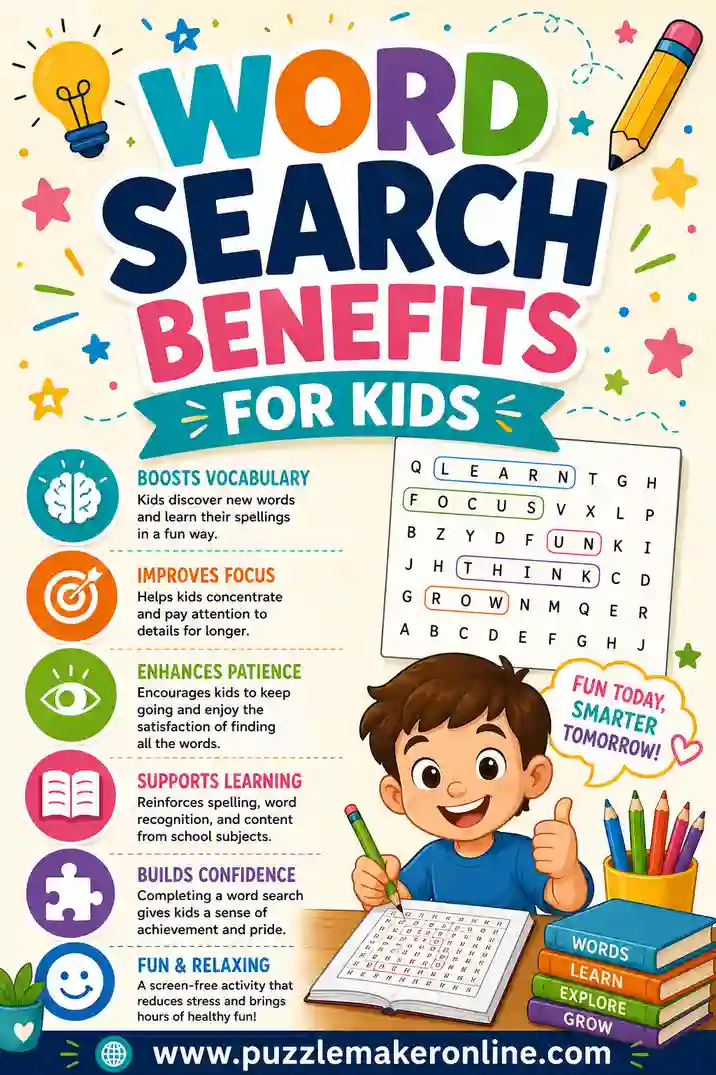
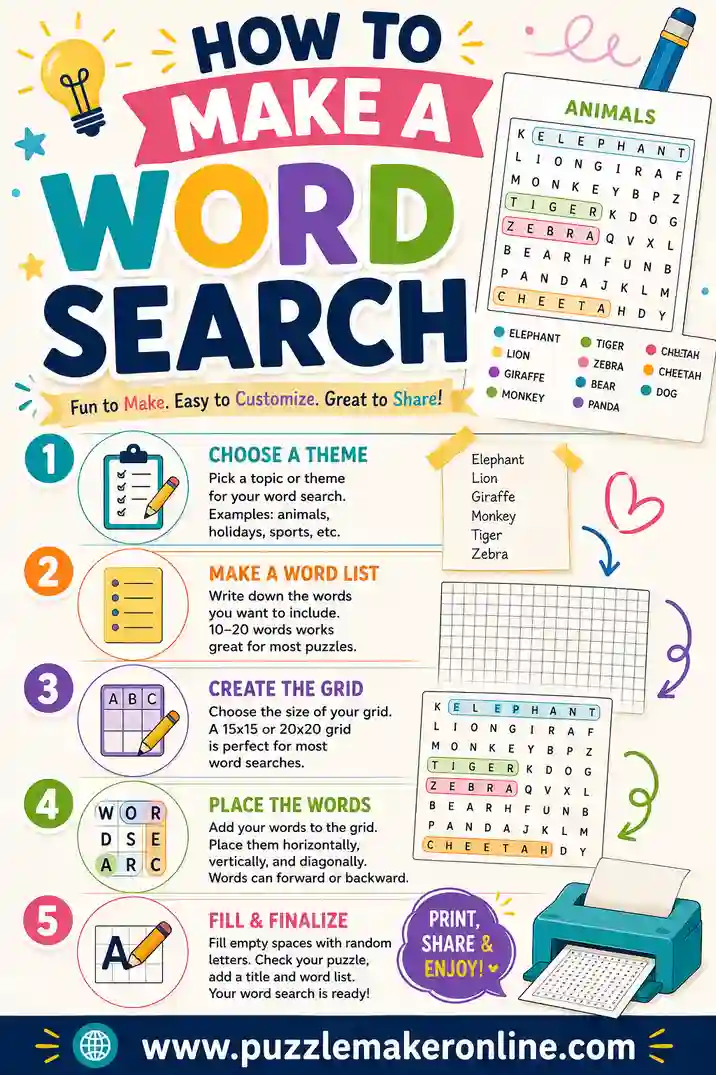
To make a word search, you pick a theme, write a list of 15 to 25 words, then place those words across a letter grid in straight lines (forward, backward, or diagonal) and fill the empty squares with random letters. The fastest way to do it is a free word search maker that takes your word list and builds the whole grid for you in seconds, ready to print.
Want to skip the manual work? Open the free puzzle maker, type or paste your words, and it'll generate a clean, printable word search instantly. No sign-up, no fee, nothing to install. The steps below explain how it all works so you can build a great one every time.
What Makes a Good Word Search
Before you build, it helps to know what separates a fun word search from a frustrating one. A good puzzle has a clear theme, words that fit the solver's age, and a grid that's neither too crowded nor too empty.
The theme is the glue. "Ocean animals," "kitchen tools," or "first grade sight words" all give the solver a reason to care and a hint about what they're hunting for. A random pile of unrelated words feels like a chore.
The grid size matters too. Too small and your words won't fit. Too large and the puzzle drags. The right size depends on how many words you have and who's solving, which we'll cover below.
Step 1: Choose Your Theme
Start with a single, clear theme. It shapes every word you pick and makes the puzzle feel intentional.
Good themes are specific. Instead of "animals," try "rainforest animals" or "farm animals." Instead of "food," try "Italian dishes" or "breakfast foods." The tighter the theme, the easier the words are to choose and the more satisfying the puzzle feels.
A few theme ideas to get you started:
- Holidays and seasons. Christmas, Halloween, summer, back to school.
- School subjects. Science vocabulary, state capitals, math terms.
- Hobbies. Gardening, cooking, sports, video games.
- Events. Birthday party, baby shower, wedding, retirement.
- People's names. A class roster, a family reunion, a sports team.
Step 2: Write Your Word List
Now list the words that fit your theme. Aim for 15 to 25 words for a standard puzzle. Fewer than 10 leaves the grid feeling empty, and more than 30 gets cramped unless you use a big grid.
A few rules keep your list clean:
- Use single words or remove the spaces. "Ice cream" becomes "icecream" in the grid, since word searches don't include spaces.
- Skip punctuation. Apostrophes and hyphens don't fit. "Mother's" becomes "mothers."
- Watch the length. Words longer than your grid is wide won't fit. Keep most words between 4 and 10 letters.
- Mix lengths. A blend of short and long words makes placement easier and the hunt more interesting.
How many words for each grid size
| Grid size | Words to use | Best for |
|---|---|---|
| 10x10 | 8–12 words | Young kids, quick puzzles |
| 13x13 | 12–18 words | Kids and classrooms |
| 15x15 | 15–22 words | The standard all-purpose size |
| 20x20 | 22–30 words | Teens and adults, a real challenge |
Step 3: Place the Words in the Grid
This is the step a maker tool handles for you, but here's what's happening under the hood so you understand the choices.
Words get placed in straight lines running in one of eight directions: across, down, the two diagonals, and each of those backward. The more directions you allow, the harder the puzzle. Where words cross and share a letter, the puzzle gets denser and more elegant.
If you're doing it by hand, place your longest words first. They're the hardest to fit, so locking them in early saves headaches. Then slot the shorter words around them, overlapping where you can.
Controlling the difficulty
- Easy. Words go only across and down, never backward. Great for young kids.
- Medium. Add diagonals. A nice challenge for most ages.
- Hard. Allow all eight directions, including backward, and let words overlap. Best for teens and adults.
A word search maker lets you toggle these options, so you can make an easy version for a five-year-old and a fiendish one for an adult from the very same word list.
Step 4: Fill the Empty Squares
Once your words are placed, every leftover square gets a random letter. This is the "camouflage" that hides your words in plain sight.
For the toughest puzzles, the filler letters aren't fully random. They lean toward the letters already in your words, so a sneaky eye can't spot the odd letter out. Most makers handle this automatically. By hand, just sprinkle in common letters and avoid creating accidental real words you didn't intend.
Step 5: Add the Word List and Print
A word search needs its clue: the list of words to find, printed below or beside the grid. Without it, solvers don't know what they're hunting.
Then print. A few tips for clean output:
- Run a test page first. Check that the grid and word list both fit without being cut off.
- Print in black and white. Word searches read perfectly fine without color and save your ink.
- Make an answer key. Print one copy with the words circled so you can check finishers fast.
- Go bigger for little hands. Larger squares and fewer words help young kids and anyone with low vision.
Making Word Searches by Hand vs. Using a Tool
You can absolutely make a word search with graph paper and a pencil. It's a fun craft project and a good way to understand the puzzle. But for anything beyond a quick one-off, a tool wins.
| By hand | Word search maker | |
|---|---|---|
| Time | 20–40 minutes | Under a minute |
| Mistakes | Easy to misplace letters | None |
| Filler letters | Tedious to write | Automatic |
| Answer key | Draw it yourself | Generated for you |
| Editing words | Start over | Instant |
The honest takeaway: by hand is great for the experience or a single special puzzle. For a class set, a party packet, or anything you'll tweak and reprint, the puzzle maker saves you a huge amount of time.
Common Mistakes to Avoid
A few easy traps catch first-time puzzle makers.
- Words too long for the grid. A 12-letter word won't fit in a 10-wide grid. Check your longest word against your grid size.
- Too few words. A nearly empty grid is boring and the words are too easy to spot. Aim to fill the space.
- Forgetting the word list. Solvers need to know what they're looking for. Always print the list with the grid.
- Accidental hidden words. Random filler can spell unintended words. Skim the finished grid, especially for puzzles aimed at kids.
- One difficulty for everyone. A backward-diagonal puzzle frustrates a six-year-old. Match the difficulty to your audience.
Fun Ways to Use Your Word Searches
Once you can make one, the uses are endless.
- Classroom vocabulary. Turn a spelling or vocab list into a word search for a low-stress review.
- Party activities. Hand them out at birthdays, showers, and holidays to keep guests busy.
- Restaurant or travel boredom-busters. A pocket of word searches saves any long wait.
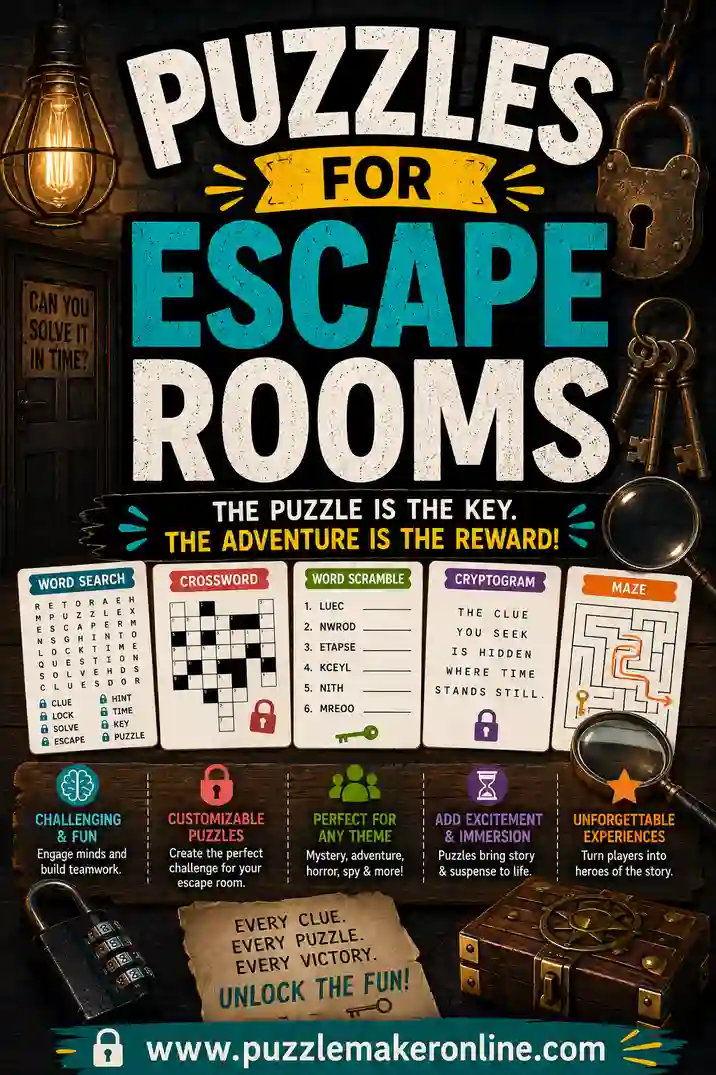
- Escape room clues. Hide a secret code in the leftover letters. (More on that in our escape room guide.)
- Personalized gifts. Build one full of a friend's favorite things as a sweet, cheap surprise.
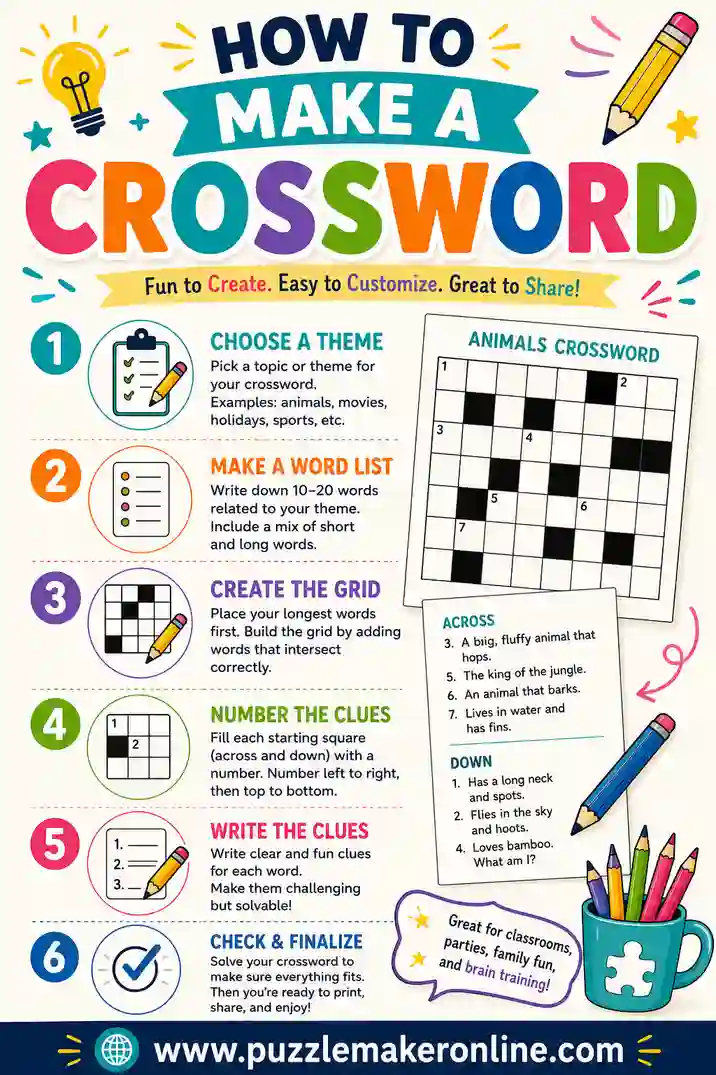
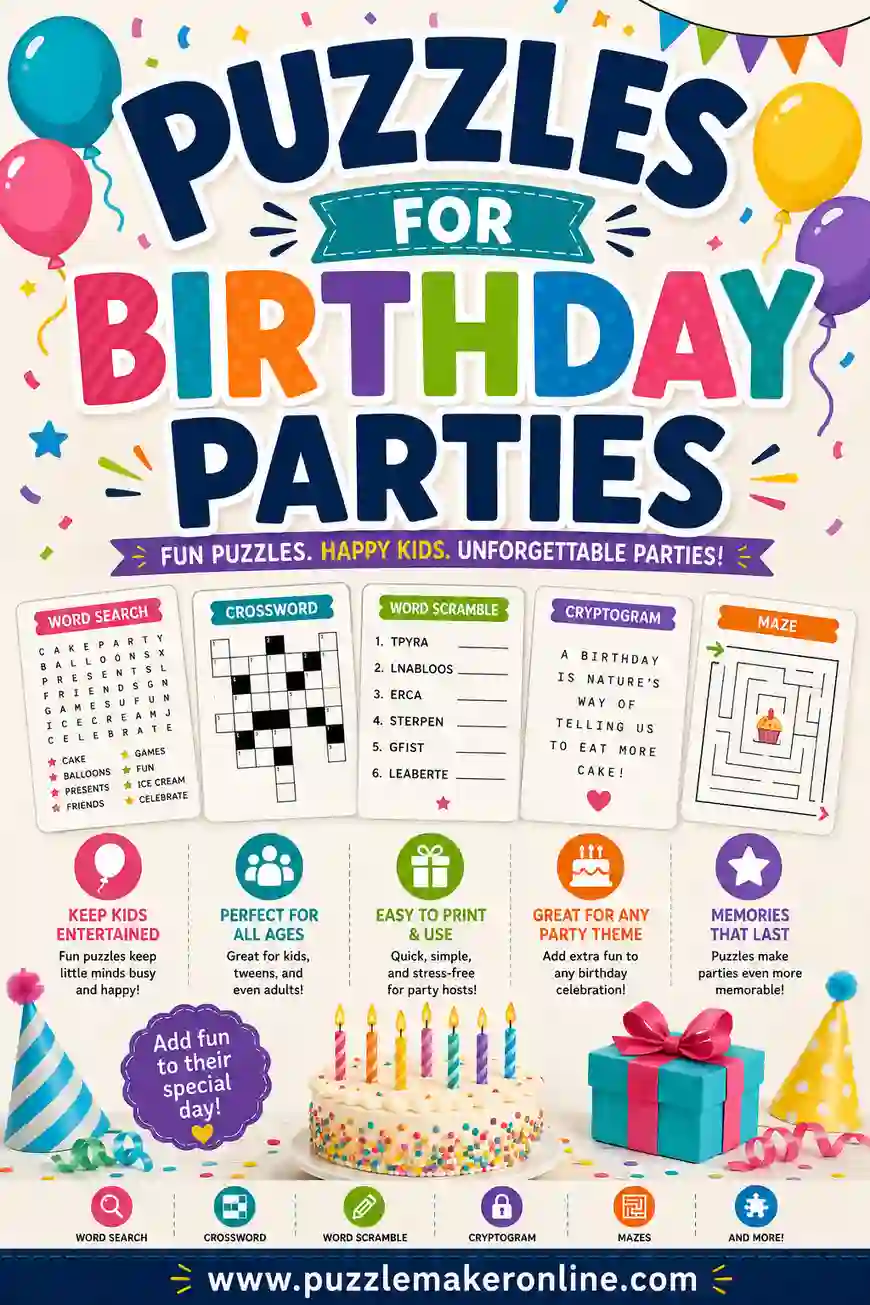
Ready to put it to work? Learn how to make a crossword for a tougher challenge, build a set of puzzles for birthday parties, or hide a code inside one with puzzles for escape rooms.
A Quick Worked Example
Let's make a small "ocean animals" word search together so the steps feel concrete. First, the theme is set: ocean animals. Next, the word list. Here are twelve solid choices, each between 4 and 9 letters so they fit a mid-size grid:
- SHARK, WHALE, OCTOPUS, DOLPHIN, CRAB, SEAL
- STARFISH, JELLYFISH, TURTLE, EEL, CORAL, OYSTER
That mix of short and long words gives the grid plenty of places to overlap. For a group of kids, a 13x13 grid is the right size for twelve words. We'll keep the difficulty at medium: words run across, down, and diagonally, but not backward.
After placing the words, every empty square gets a random letter. A good tip here is to skim the finished grid for any accidental words, especially anything you wouldn't want on a kids' sheet. Then add the word list below the grid so solvers know what to hunt for, and print one answer key with the words circled. Total time with a puzzle maker: under a minute. By hand: closer to half an hour.
Adapt the same idea to any theme
The exact same five steps work for "kitchen tools," "state capitals," or "Grandpa's favorite things." Pick the theme, list 12 to 20 words, choose a grid size that matches the word count, set your difficulty, and print. Once you've done it once, every future puzzle takes minutes.
If you're wondering who came up with this puzzle, read our guide to the history of word searches.
Frequently Asked Questions
How do I make a word search for free?
Pick a theme, write 15 to 25 themed words, then paste them into a free word search maker. It places the words in a grid, adds random filler letters, and gives you a printable puzzle plus an answer key, all with no sign-up or software.
How many words should a word search have?
Most word searches use 15 to 25 words. For young kids, drop to 8 to 12 words in a smaller grid. For teens and adults, push toward 25 or 30 words in a larger grid for a real challenge.
What size grid is best for a word search?
A 15x15 grid is the all-purpose standard and fits most puzzles. Use 10x10 for young children, 13x13 for classrooms, and 20x20 for a tough adult puzzle.
How do I make a word search harder?
Allow words to run in more directions, including diagonals and backward, and let them overlap and share letters. Smart filler letters that match the words in the grid also make hidden words harder to spot.
Can I make a word search with names or custom words?
Yes. Any word list works, including names, vocabulary terms, or inside jokes. Just remove spaces and punctuation, since the grid only holds plain letters. This makes word searches great for personalized gifts and classroom sets.
Do I need software to make a word search?
No. A free online puzzle maker runs right in your browser, builds the grid for you, and prints a clean puzzle. There's nothing to download or install.
Ready to Make Your Word Search?
Now you know the whole process: pick a theme, write your words, set the difficulty, and print. The fastest path is to open the free puzzle maker, paste your list, and let it build the grid for you. It's free, there's no sign-up, and you'll have a printable word search in under a minute. Go make one and watch how quickly people get hooked on the hunt.