The free puzzle maker for teachers, parents & party hosts
Puzzle Maker Online turns any list of words into a printable puzzle in seconds. Pick a tool above — word search, crossword, or word scramble — type or paste your words, and the generator builds the grid, fills in the letters, and lays out a clean page you can print or save as a PDF. Every puzzle comes with a matching answer key, so grading and checking take no time at all.
It runs entirely in your browser. There is no account to create, nothing to install, and nothing is sent to a server — your word lists stay on your screen and vanish when you close the tab. That makes it safe for classroom devices and quick to use on a phone or tablet.
How to make a printable puzzle in three steps
1. Add your words
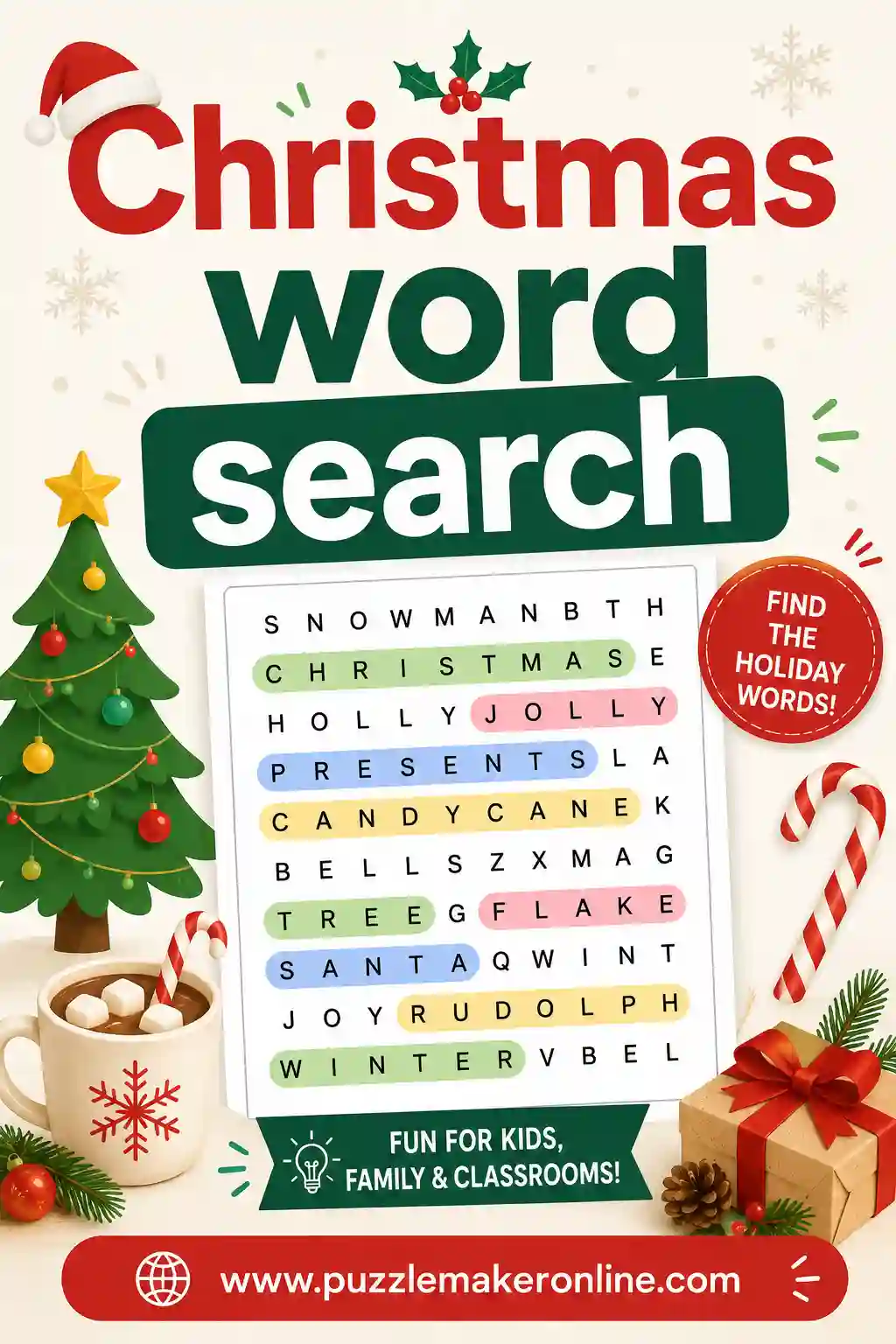
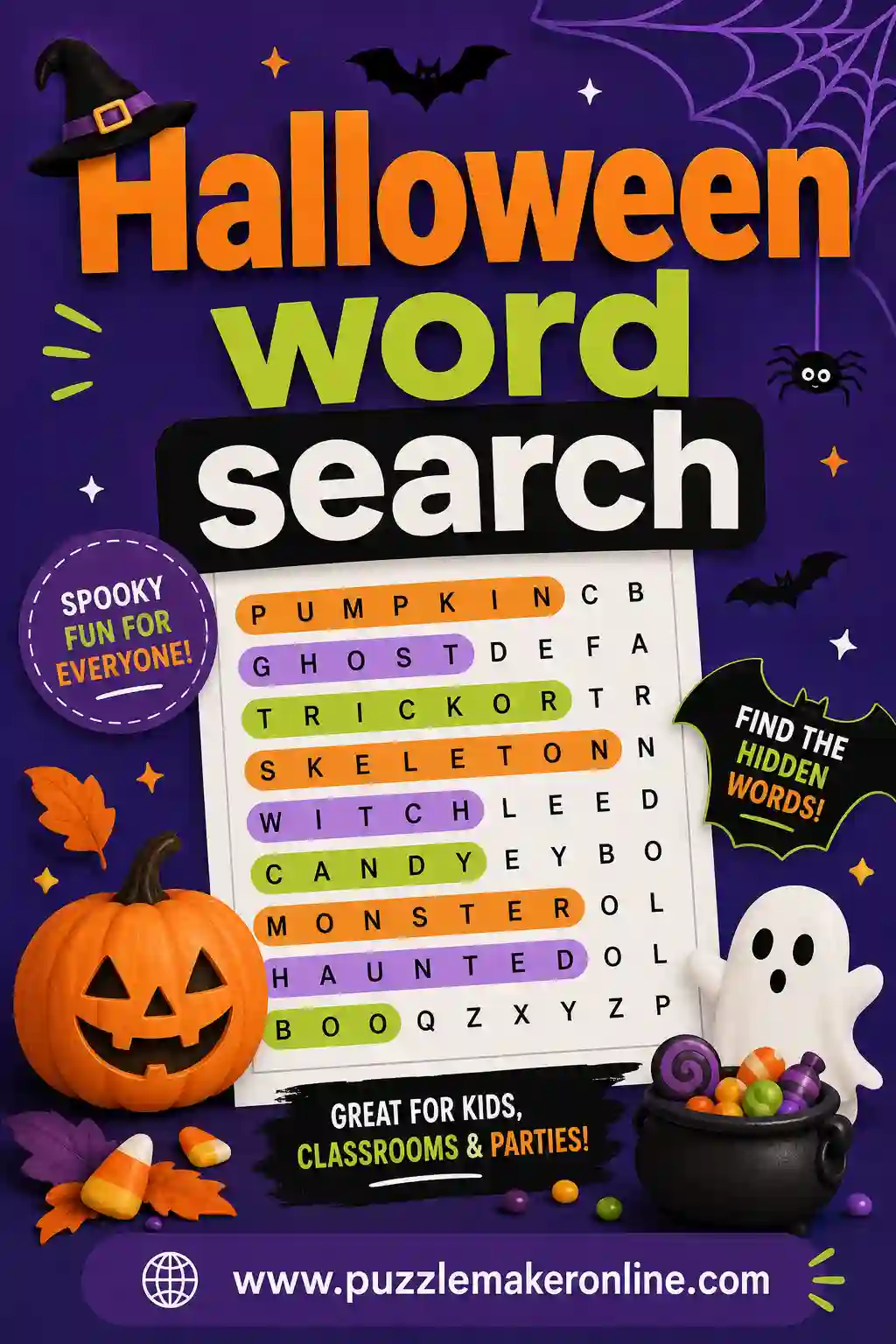
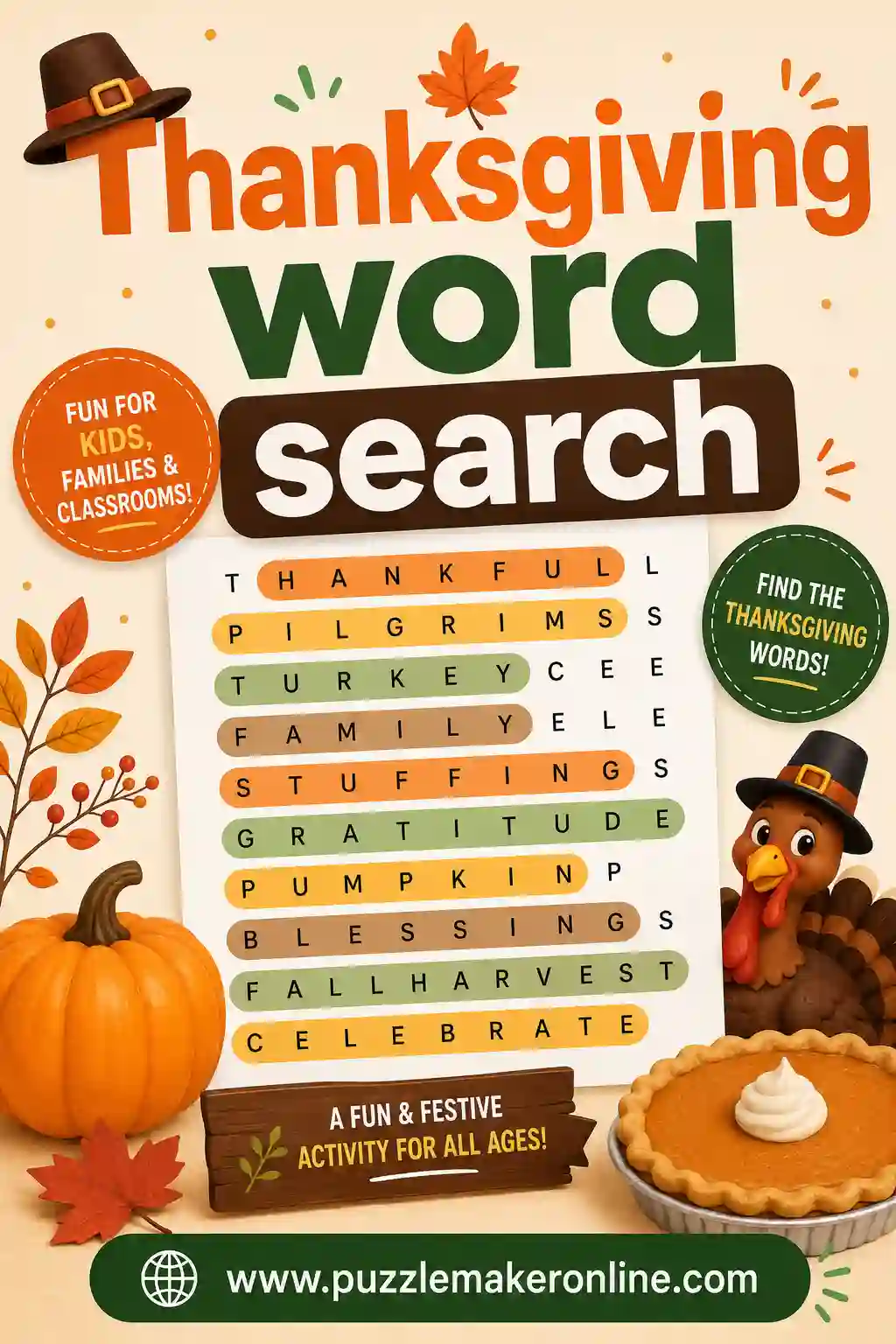
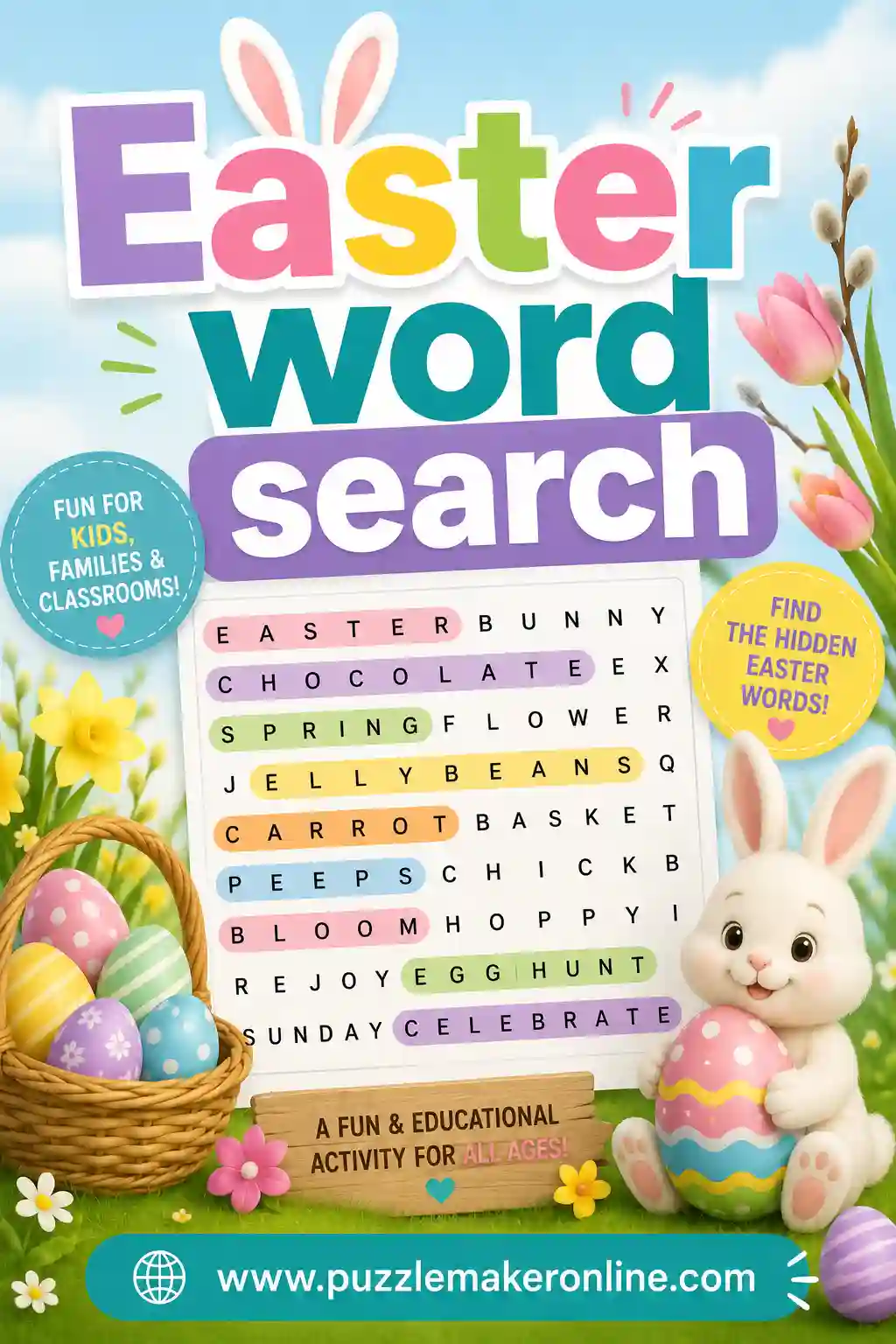
Type one word per line, or click a theme list (Christmas, Animals, Space, Sight Words and more) to drop in a ready-made set you can edit. For crosswords, add a clue after each word with a colon.
2. Choose your options
Word search lets you set the grid size and which directions words can run — horizontal, vertical, diagonal, and backwards for an extra challenge. Crosswords arrange themselves automatically. Word scramble shuffles each word's letters.
3. Print or save the PDF
Hit Generate, then Print / Save PDF. The puzzle prints on one page and the answer key on the next, with no buttons or menus in the way — just a crisp worksheet.
Number and maze puzzles, too
Beyond word puzzles, the Sudoku generator builds classic 9×9 grids in Easy, Medium, and Hard. Each puzzle starts from a complete, valid solution, then clues are removed only while a single unique answer remains — so every printable Sudoku can be solved by logic with no guessing. Print 1, 2, 4, or 6 puzzles per page to fill a worksheet or a puzzle book.
The Maze generator draws a crisp printable maze with one winding path from Start to Finish. Pick a size with the difficulty buttons, print the empty maze for solvers, and flip to the answer key to see the solution path drawn straight through the corridors. Both tools work entirely in your browser with a matching answer key, just like the word puzzles.
Which puzzle should you make?
| Puzzle type | Best for | Skill it builds | Good age range |
|---|---|---|---|
| Word search | Vocabulary review, calm focus time, party favors | Word recognition & spelling | 5 and up |
| Crossword | Subject review, sub-plans, family game night | Recall & definitions | 8 and up |
| Word scramble | Spelling practice, warm-ups, quick fillers | Spelling & letter order | 6 and up |
| Sudoku | Quiet focus, brain training, puzzle books | Logic & number sense | 8 and up |
| Maze | Fine-motor practice, quiet time, party sheets | Planning & problem solving | 4 and up |
| Cryptogram | Famous quotes, brain teasers, morning work | Logic & letter patterns | 10 and up |
| Fill-In | Vocabulary practice without writing clues | Word length & spelling logic | 7 and up |
Tips for great puzzles
- Keep words 3–10 letters for the cleanest grids — very long words crowd a word search and are hard to fit in a crossword.
- Use 8–15 words for a balanced page. Word search handles more; crosswords need words that share letters to connect.
- Turn on diagonal and backwards directions to make a word search harder for older kids and adults.
- Write clear clues for crosswords — a short definition works better than a tricky riddle for classroom use.
- Print the answer key for yourself and the puzzle-only page for everyone else.
Puzzle Maker for Teachers: Ideas by Grade and Subject
A free puzzle maker is one of the quickest ways to turn this week's word list into a worksheet. Because every generator runs in the browser with no account, you can build a puzzle during a planning period, print it with its answer key, and have copies ready before the bell. Here is how to match the tools above to your grade level and subject.
Kindergarten to 2nd grade
- Word search with horizontal and vertical only. Leave diagonal and backwards unchecked so early readers scan in familiar directions, and pick the Easy preset.
- Large print and matching pictures. Turn on Large print for bigger letters and keep Add matching pictures checked to give pre-readers a visual cue.
- Sight words and spelling lists. Load the Sight Words theme list or paste your own short words, then try the kindergarten word search and 1st–2nd grade word search pages for ready-made sets.
- Easy mazes make a calm, no-reading activity for fine-motor practice and quiet time.
3rd to 5th grade
- Crosswords with your own definitions. Type each vocabulary word followed by a colon and a short clue — the grid arranges itself on shared letters.
- Word scrambles for spelling tests. Paste the weekly spelling list and keep Print answer blanks on so students write each corrected word.
- Medium word searches with diagonal turned on add a step up in challenge. See the 3rd–5th grade word search page for examples.
- Fill-In puzzles practice spelling and word length without you having to write any clues.
Middle school
- Unit-review crosswords for science, history, or geography terms, with clues written as short definitions.
- Hard word searches with diagonal and backwards turned on keep early finishers busy. Browse the middle school word search collection.
- Cryptograms turn a quote from a class novel or a famous speaker into a logic warm-up; use Give 2 free letters for a gentler start.
- Sudoku printed 4 or 6 per page makes a ready-to-go logic packet.
High school
- Vocabulary crosswords where the clue is the definition and the answer is the term — a quick self-check before a quiz. Try the SAT vocabulary word search for test-prep words.
- Cryptograms built from a line of a poem or primary source give students a reason to read the text closely.
- Hard Sudoku and mazes work well as bell-ringers or advisory-period brain breaks.
Ideas by subject
- Spelling and phonics: word scrambles and fill-ins built from the week's list, plus the spelling words word search.
- Vocabulary and ELA: crosswords with definition clues and cryptograms from quotes; see the vocabulary crossword page.
- Science: term-and-definition crosswords for a unit, or start from the science crossword and periodic table word search.
- Math: Sudoku for logic and number sense, and a crossword of math vocabulary — see the math crossword.
- Social studies: crosswords on people, places, and events, plus the history crossword, geography crossword, and states and capitals word search.
- World languages and ESL: load the Spanish vocabulary list or type your own words (accented letters are simplified, so é becomes E). The Spanish crossword and puzzles for ESL guides have more ideas.
For classroom routines, see our guides to puzzles for early finishers, puzzles for sub plans, and puzzles for classroom centers.
Which puzzle type should you make?
The table above matches each puzzle to an age and a skill. This one compares what each of the seven generators on this page actually lets you control, so you can pick the tool that fits the worksheet you have in mind.
| Puzzle type | What you enter | Options you can set | Answer key shows |
|---|---|---|---|
| Word search | Your own word list or a theme list | Grid size, letter case, Easy/Medium/Hard, directions, secret message, large print, pictures | Every hidden word (and the decoded secret message) |
| Crossword | WORD : clue pairs, or a theme list with clues added | Large print, pictures; the grid lays itself out | The completed grid |
| Word scramble | Your own words or short phrases, or a theme list | Answer blanks on or off | The unscrambled words |
| Sudoku | Nothing — just pick a level | Easy/Medium/Hard; 1, 2, 4, or 6 per page | The full solution to each grid |
| Maze | Nothing — just pick a level | Easy/Medium/Hard size; seasonal or holiday theme | The solution path drawn through the maze |
| Cryptogram | A short quote or sentence, or a famous quote | Two free letters as a hint | The code alphabet and the decoded quote |
| Fill-In | Your own word list or a theme list | Pictures; the word bank is grouped by length | The filled-in grid |
Quick picks
- You have a word list and no time to write clues: make a word search, word scramble, or Fill-In.
- You want students to recall meanings, not just spot words: make a crossword with definition clues.
- You need a no-reading activity: make a maze or a Sudoku.
- You want a puzzle built around one sentence or quote: make a cryptogram, or hide the sentence as a word search secret message.
Crossword and word search guides
Want step-by-step help or ready-made puzzles? These guides go deeper on the two most popular puzzle types.
Frequently asked questions
Is the Puzzle Maker free to use?
Yes. Every generator is completely free with no signup, no watermark, and no limit on how many puzzles you make. Create and print as many word search, crossword, and word scramble puzzles as you like.
How do I print my puzzle?
Click the Print / Save PDF button under any generated puzzle. The print layout removes all on-screen buttons and menus, putting the puzzle on one page and the answer key on the next — ready for the classroom or a party.
Can I make an answer key?
Yes. Every puzzle includes a matching answer key. Use the Show Answer Key toggle on screen, and the answer key automatically prints on its own page when you save or print the PDF.
Does the crossword build itself automatically?
Yes. You enter word and clue pairs and the crossword generator arranges them into a connected grid, intersecting on shared letters and numbering the across and down clues for you. If a word can't connect to the others, it is skipped and you'll see a note.
Do you save my words or require an account?
No account is needed and nothing is stored on a server. Everything runs in your browser, so your word lists stay private and disappear when you close the tab.
What themes are included?
Ready-made lists for Christmas, Halloween, Thanksgiving, Easter, Valentine's Day, St. Patrick's Day, the four seasons, New Year, Animals, Space & Planets, US Presidents, Spanish vocabulary, Sight Words, Back to School, Food, Science, and many more. Load one with a click, then edit it however you like.
Do you have Sudoku and mazes?
Yes. The Sudoku tab makes classic 9×9 puzzles with a guaranteed unique solution in Easy, Medium, or Hard, and prints 1, 2, 4, or 6 per page. The Maze tab makes printable mazes with a Start and Finish and an answer key showing the solution path. There is also a Large print option on the word puzzles for easier reading.
Can a word search hide a secret message?
Yes. Type anything into the Secret message box in the Word Search builder and the leftover letters — the cells not used by your words — spell out your message in reading order. After finding every word, solvers copy the unused letters to decode it. The answer key prints the decoded message for you.
How does the cryptogram maker work?
Type a short quote or pick a famous one, and every letter is swapped for a different letter using a random substitution cipher — no letter ever stands for itself. Solvers write the real letter above each code letter to reveal the sentence. Turn on Give 2 free letters for a starting hint, and the answer key shows the full code alphabet plus the decoded quote.
What is a Fill-In puzzle?
A Fill-In (also called a criss-cross) gives you an empty interlocking grid and a word bank grouped by length instead of clues. Solvers figure out where each word fits by matching lengths and crossing letters. Enter your own words or load a theme list, and print the puzzle with its filled-in answer key.
Can I make a crossword with my own clues?
Yes. In the Crossword tab, type one entry per line as WORD : clue — for example, PLANET : A world that orbits a star. The generator places the words on shared letters, numbers the across and down clues, and prints your clues as you wrote them. Theme lists add clues automatically if you'd rather start from a ready-made set.
Do students need an account to solve the puzzles?
No. Nobody needs an account — not you and not your students. You print the puzzle or save it as a PDF or image and hand it out. Students can also solve a word search on screen by dragging across the letters.
Can I print the puzzle without the answer key?
Yes. When you print or save the PDF, the puzzle goes on the first page and the answer key on its own page after it, so you can print only the first page for students and keep the key for yourself.
Can I save or share a puzzle I made?
Click Save image to download a PNG of the puzzle sheet, or use Print / Save PDF to keep a PDF copy you can share or reprint. Puzzles are not stored on a server, so keep your word list in a document if you want to rebuild the same puzzle later.
Is this the same as Discovery Education Puzzlemaker?
No. Puzzle Maker Online is an independent site and is not affiliated with Discovery Education. It is a free alternative to classic puzzle makers, with word search, crossword, word scramble, Sudoku, maze, cryptogram, and Fill-In generators that all include answer keys.
Can I use the puzzles in my classroom?
Yes. The puzzle maker is free to use for classroom worksheets, homeschool lessons, and parties. Make as many puzzles as you like and print copies for your students.